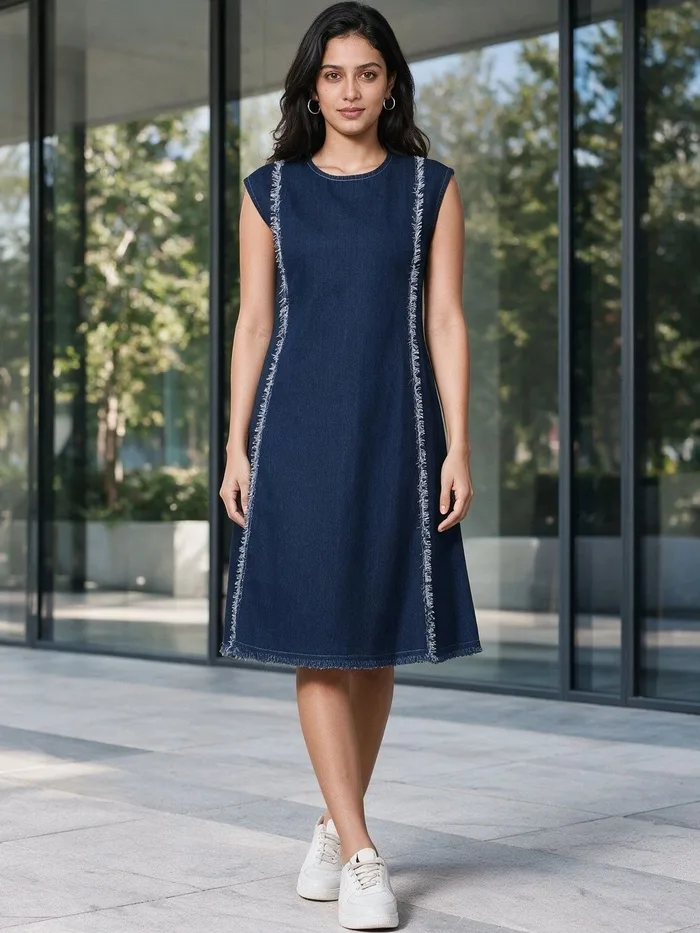
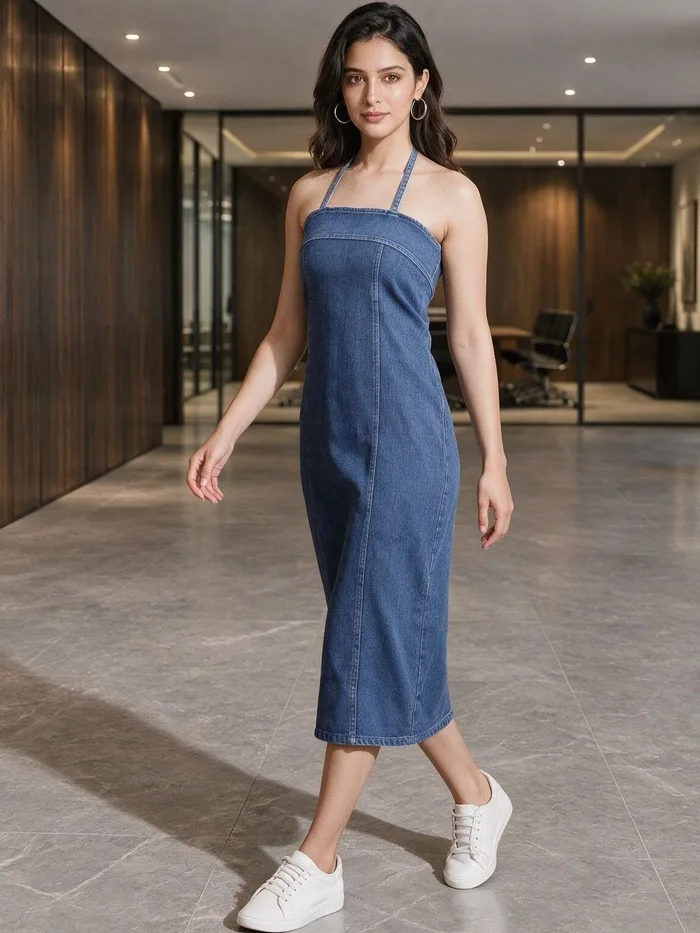
Every image matches
The same garment, fabric, design and model across front, back, side and close-up, and across the whole collection.

Fivo for marketplace sellers
Upload your SKUs to Fivo Studio, pick one model and one setting for the catalogue, and get front, back, side and close-up views in the aspect each seller panel takes. The cost of the whole catalogue is on screen before a single image is made.
From about ₹20 an image · price shown before you generate · see pricing
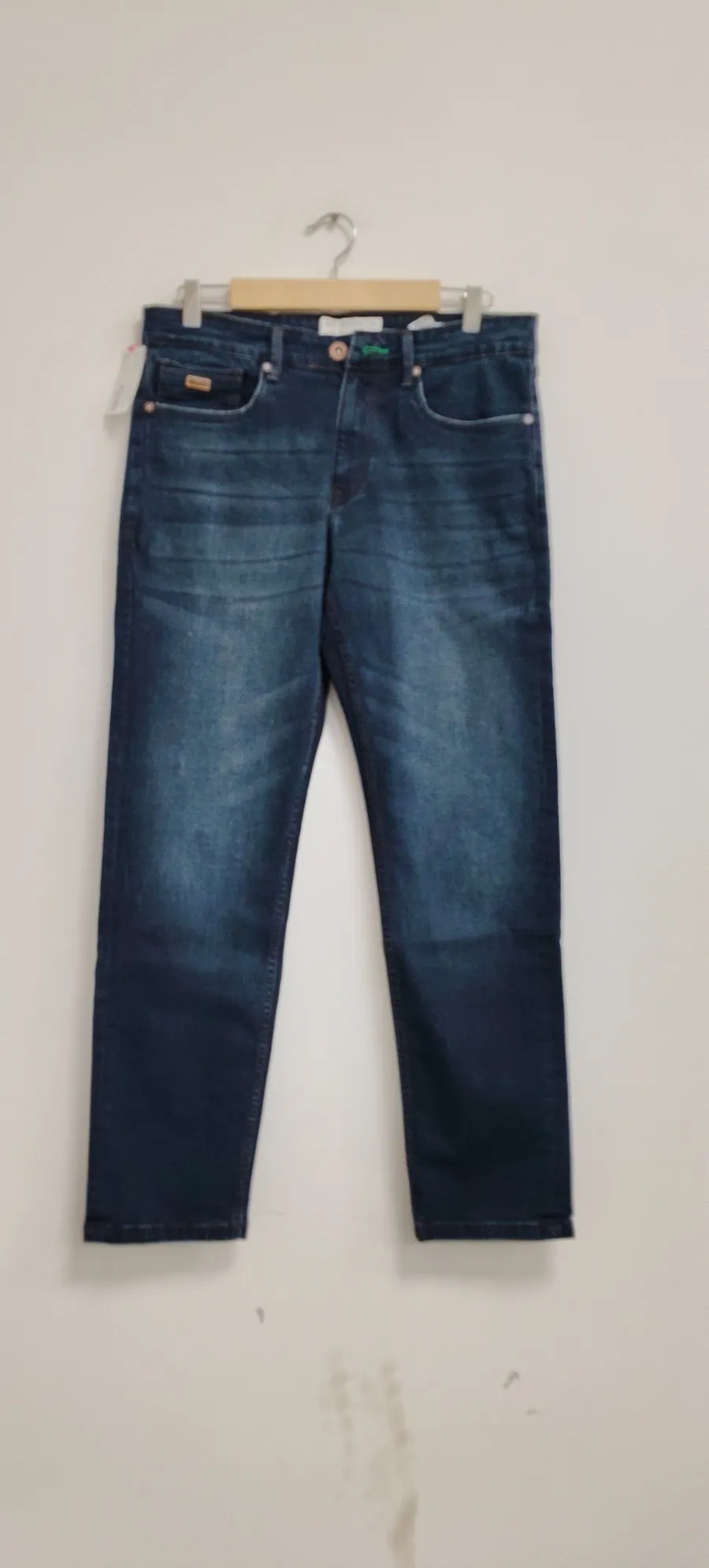 Brand's hanger
 Fivo
It turns one photo of each SKU into matching on-model views for every marketplace you list on, the colour taken from that photo. In Fivo Studio a seller sets one model, pose and backdrop for the catalogue, generates front, back, side and close-up views, and exports them in 2:3, 3:4 or 1:1.
Why brands choose Fivo
Customise every shoot to your brand. Fivo keeps your garment, your models, your styling and your look the same in every image you put out.
The same garment, fabric, design and model across front, back, side and close-up, and across the whole collection.
Your photo is the reference: colour, print, embroidery and cut are carried into every image, not reinvented.
Choose the pose for each shot, from straight catalogue fronts to walking, seated and detail shots.
Pick models by the look and age group your customers relate to: women, men, kids, Indian or international.
Choose each styling article per garment: footwear, jewellery, bags, watches, belts, and the top or bottom it's paired with. Or upload your own.
Why multi-panel catalogues fall behind
A seasonal studio shoot, then an editor per platform.
One shoot, exported per panel.
The catalogue is shot once; each panel only changes the export.
What each marketplace asks for
Myntra, Flipkart and AJIO keep their image guidelines behind the seller login, so these summaries come from Fynd's integration-partner documentation. Amazon's comes from its own global style guide.
| Marketplace | What its guide asks for | Source |
|---|---|---|
| Myntra | Up to 7 images in 3:4, at least 1080×1440 px, white or light grey background, no text, watermarks or tags | Fynd's Myntra FAQ |
| Flipkart | At least 2 images, front and back mandatory, light grey background with a soft shadow (white not accepted for apparel), the same model across shots, no mannequins | Fynd's Flipkart image guide |
| Amazon | Main image on pure white, on model allowed with the model standing; front and back mandatory; 5 to 7 images recommended | Amazon's Clothing & Accessories style guide (global) |
| AJIO | Front, side, back and detail views mandatory, a light background, and the first image can't be a mannequin shot | Fynd's AJIO image guide |
| Meesho | No public image guide outside the supplier panel; the only public summaries are third-party blogs | Check the supplier panel |
Sources: Fynd's Myntra FAQ, Fynd's Flipkart guide, Fynd's AJIO guide, Amazon's style guide, all checked November 2026. Each marketplace reviews listings against its own current rules, so check your seller panel before you upload.
Which way in
Upload a season's SKUs on the web and shoot them all with one model, pose and background, so every listing matches. Usually ready within 24 hours.
Open Fivo StudioA new SKU that lands mid-week, or a listing you want to re-shoot because it isn't converting, done from your phone in minutes.
About the appFor a catalogue you'd rather hand over, Fivo's team produces it end to end, quoted on the SKU count, the views and videos, and the review you need.
From SKU sheet to seller panel
On a hanger, a mannequin or laid flat. Take the back as well as the front, since several marketplaces make the back view mandatory.
Pick the model, pose and background with the strictest panel in mind, so one set can serve as many marketplaces as possible.
Front, back, side and close-up, all read from one photo of the garment so they match, in 3:4, 2:3 or 1:1.
Check every image against the SKU, then upload it to each seller panel.
Live on a marketplace
Soften lists these dresses on Myntra with images made by Fivo. Open a listing to see the full set as shoppers see it.
SKUs from sellers' own photos
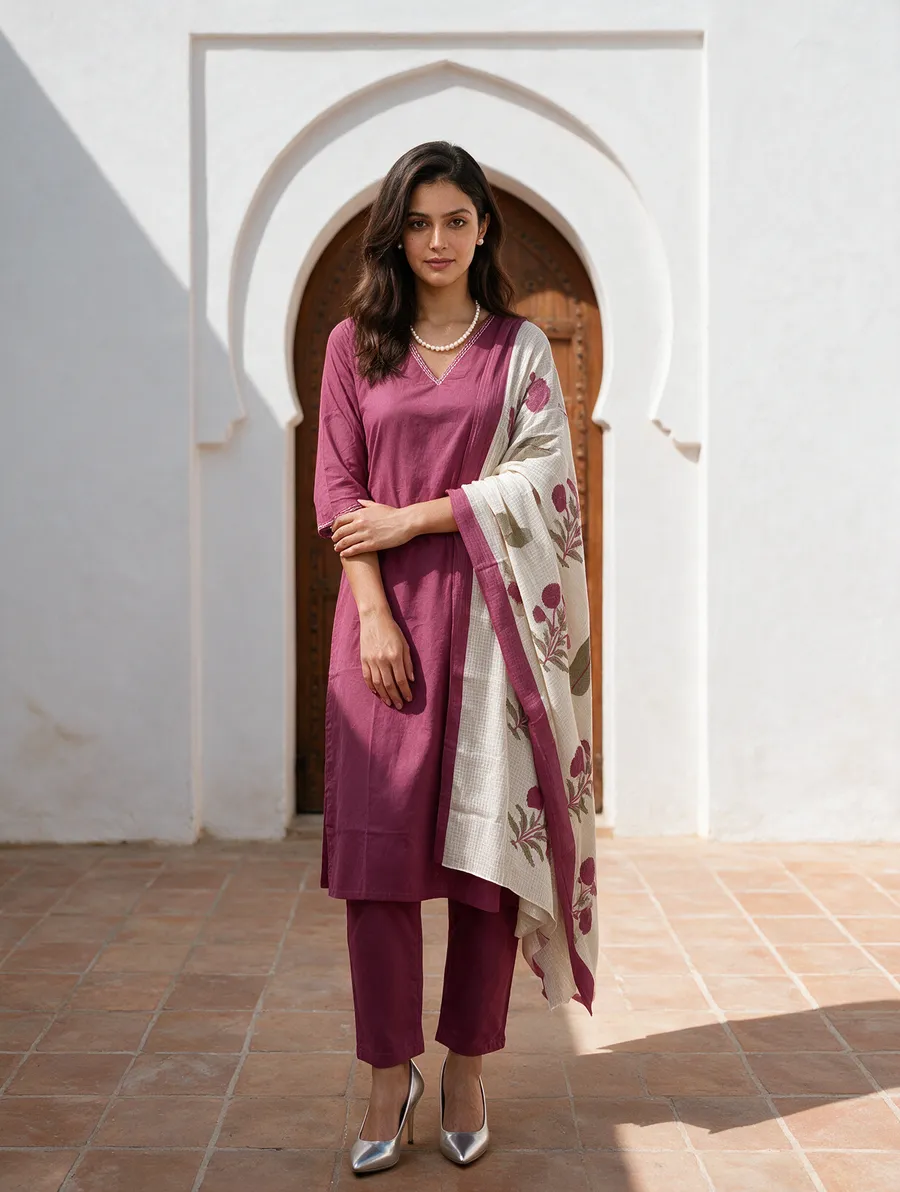
Two denim kurtis from one seller's drop, re-shot from its catalogue photos in a single courtyard look; a kurta set from a mannequin photo, in front, back, side and close-up; and a striped dress from a mannequin, shown front and close. The hero pair began on a hanger.
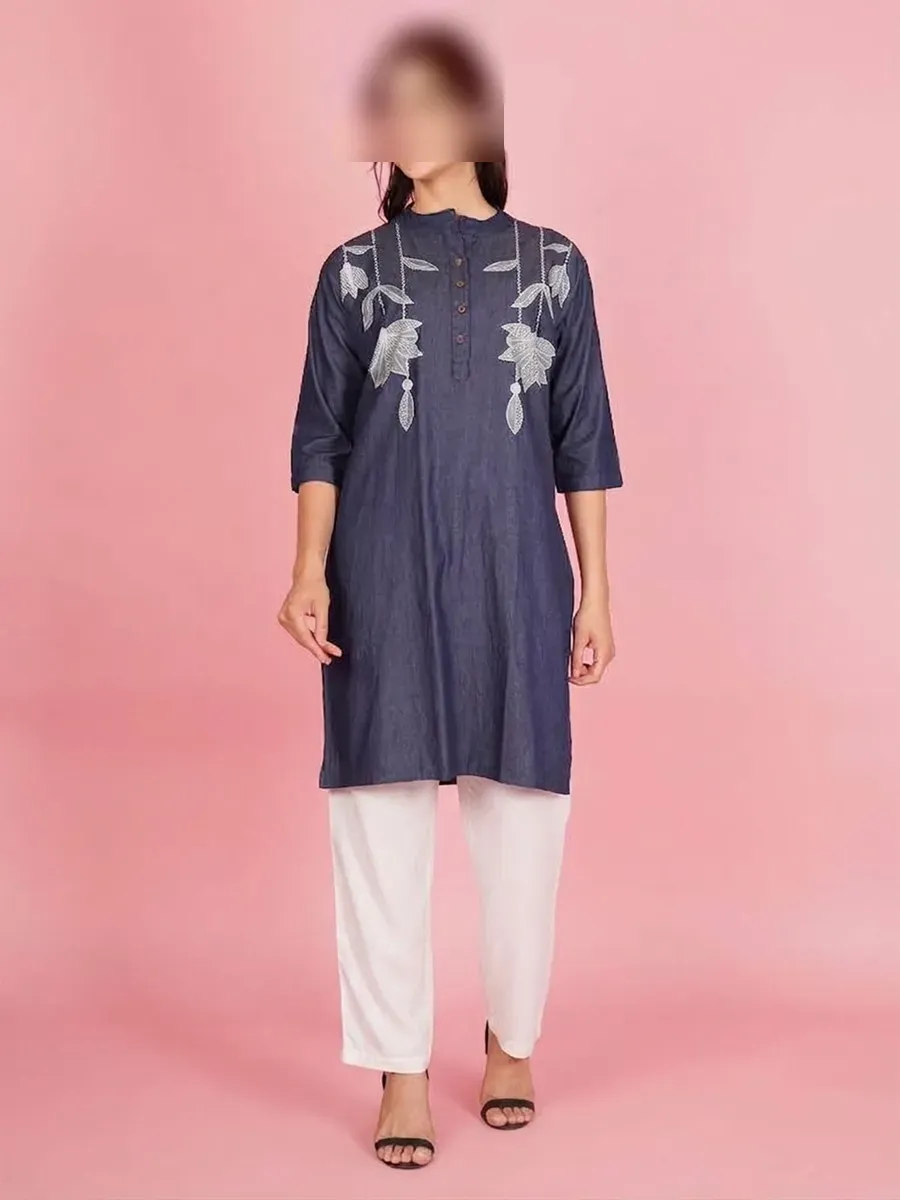 Brand's on-model photo
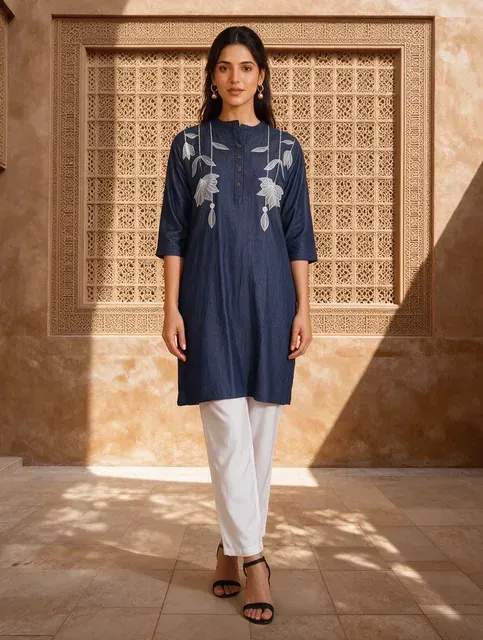 Fivo
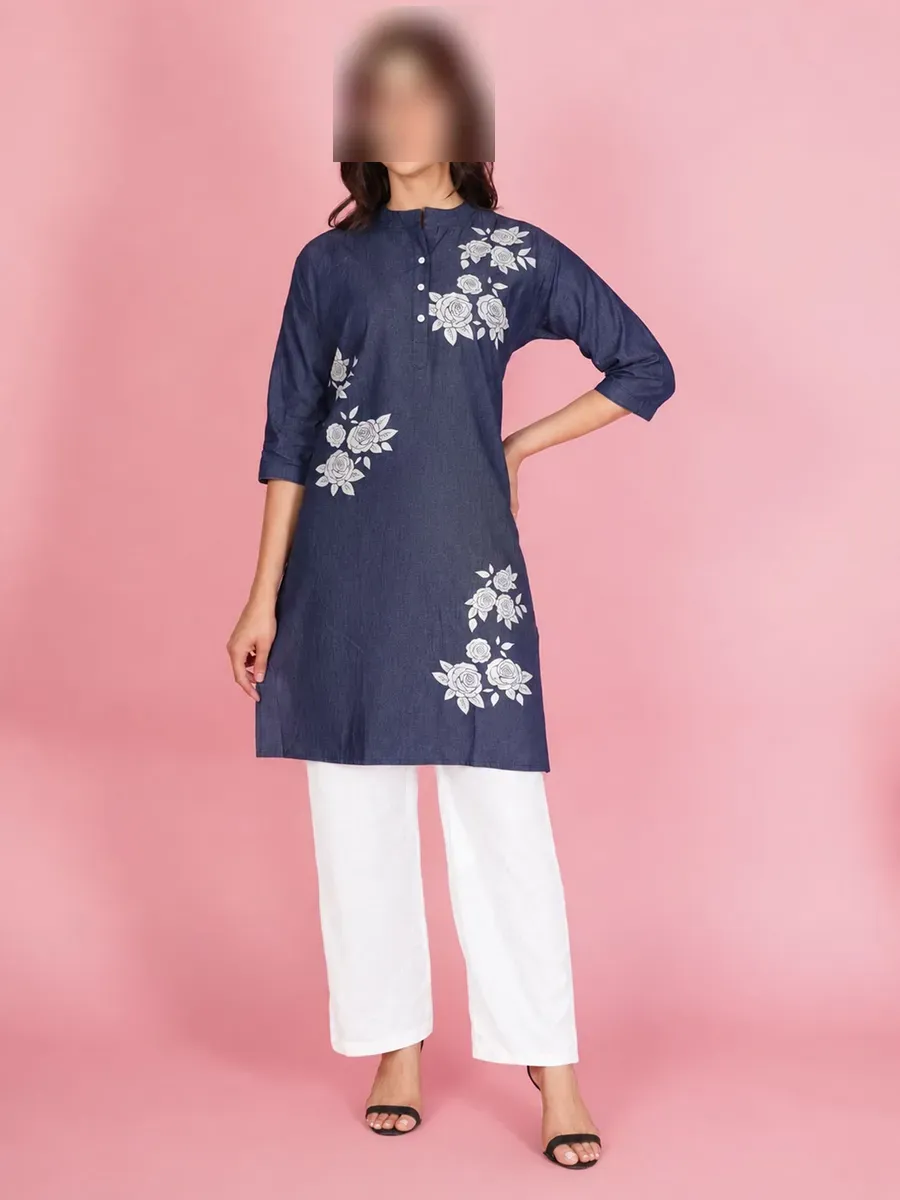 Brand's on-model photo
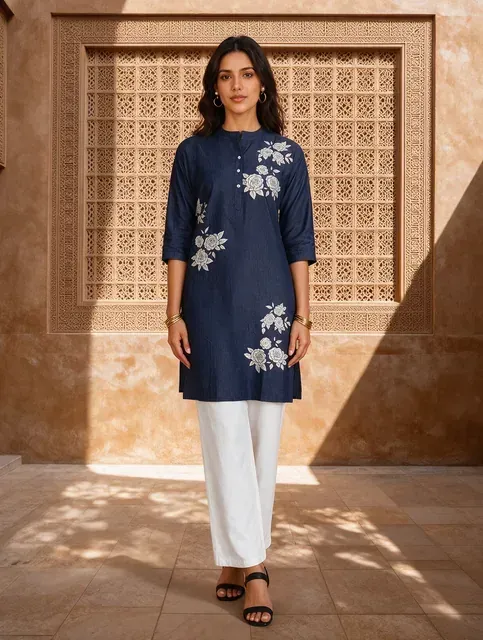 Fivo
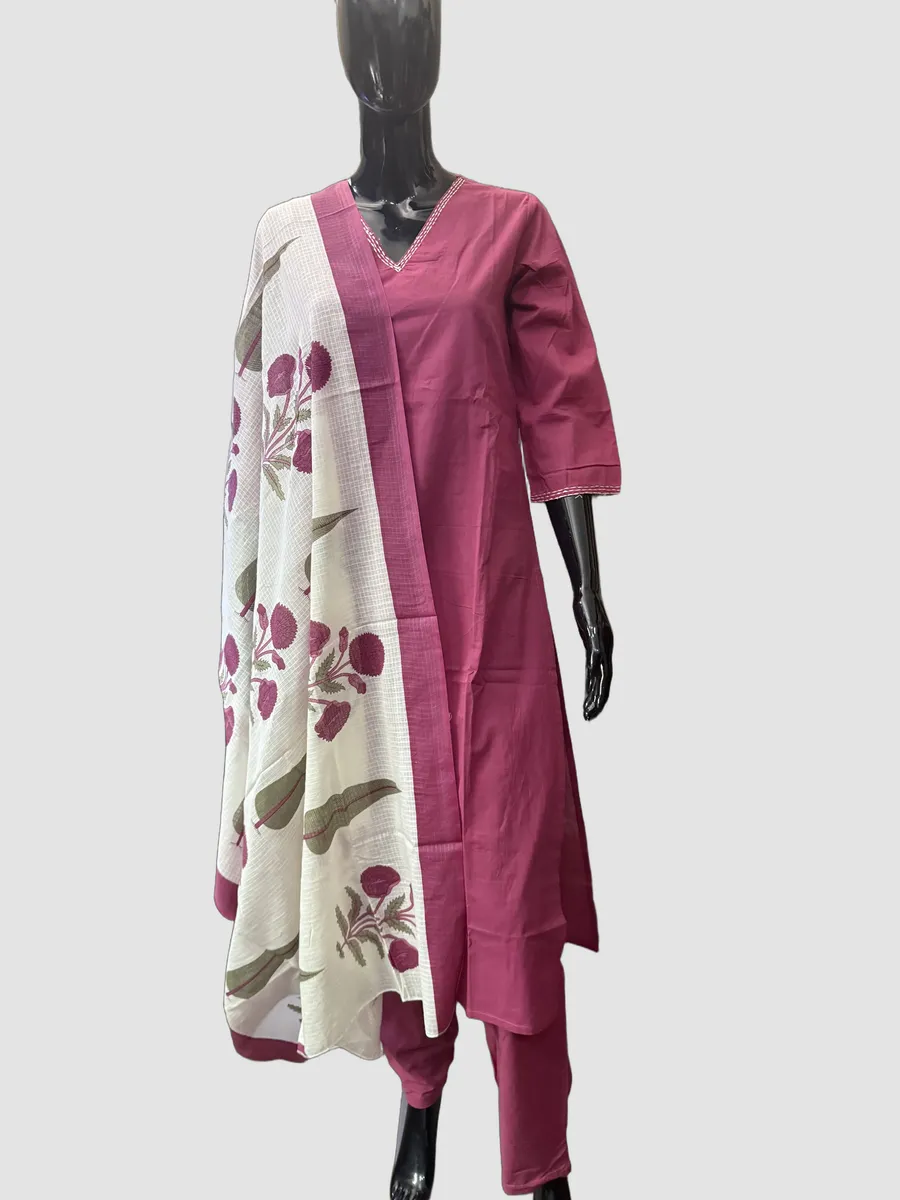 Brand's mannequin
 Fivo
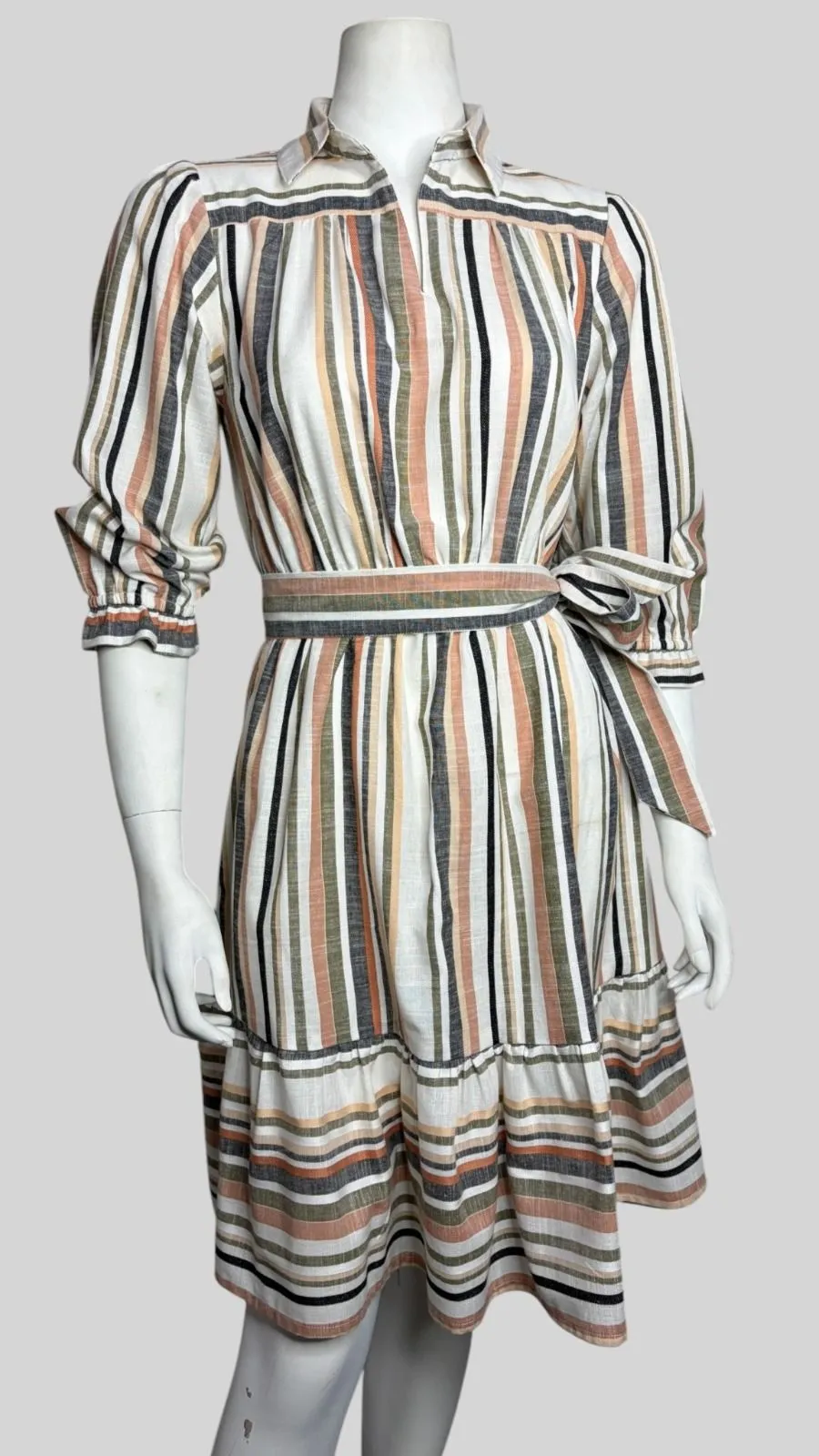 Brand's mannequin
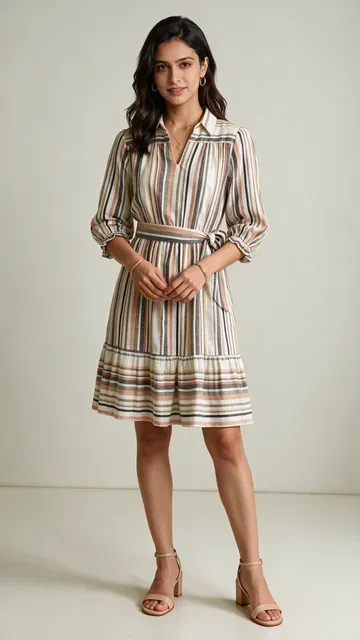 Fivo
Cost per SKU
Worked out at about ₹20 an image. Studio shows the exact total, GST included, before the shoot starts.
| Images | At about ₹20 an image | |
|---|---|---|
| One SKU | Front, back, side and close-up = 4 | About ₹80 |
| The season's catalogue | 200 SKUs × 4 views = 800 | About ₹16,000 |
| Mid-season additions | 50 SKUs × 4 views = 200 | About ₹4,000 |
| New SKUs each week in the app | 10 SKUs × 4 views = 40 | About ₹800 |
Uploading is free and there is no subscription: you pay only for the images you generate.
Workflows for sellers
A season's catalogue uploaded together, on models picked for the customers your storefront sells to, in the poses you choose. How it runs: bulk catalogue photoshoots.
Each SKU's photo is the reference and a colour-match step runs on every image, so the listing shows the shade you ship, the gap behind many 'colour not as shown' returns.
The same SKU exported for each marketplace's aspect and image count. See marketplace variations.
Flipkart's partner guide rules out mannequins and AJIO's bars one from the first slot. See mannequin to model.
Re-shoot last season's live SKUs from their existing photos, with styling picked per garment, from footwear and belts to the paired bottom, so the storefront matches. See catalogue refresh.
Rules and slots per platform: Myntra, Flipkart, Amazon, AJIO and Meesho.
Questions
What sellers on several Indian marketplaces ask before shooting a catalogue with Fivo.
One Fivo Studio shoot gives each SKU front, back, side and close-up views in one consistent look, in 2:3, 3:4, 9:16 and 1:1. Marketplaces differ on background and image count, so pick the background with your strictest panel in mind and check each panel's rules before you upload.
Yes, as long as you keep the choices: one model, one pose set and one backdrop for the catalogue, with every view of a garment made from one reading of its photo. A shopper scrolling your brand's listings sees one label, not a patchwork of shoots.
About ₹80 per SKU for four views, at about ₹20 an image, so 200 SKUs come to about ₹16,000. It is pay as you go, uploading is free, and Studio shows the full price, GST included, before anything is generated. See Fivo pricing.
Front and back at least: Flipkart's partner guide and Amazon's style guide both make them mandatory, and AJIO's partner guide adds side and detail. Fivo makes front, back, side and close-up from one reading of the garment, so the set matches. Photograph the back too if it has its own design.
A single SKU takes minutes in the Fivo Android app, and a batch in Fivo Studio is usually ready within 24 hours. After that, timing depends on each marketplace's own listing review.
Studio, for anything beyond a handful of SKUs, because it applies one model, pose and background to the whole upload. The app suits a single new SKU or a quick re-shoot of one listing that isn't selling.
No. Fivo makes the images in the views, aspect and background you choose, and you review every one before you use it. The marketplace makes the call on each listing, and its rules change, so read your panel's current image guide first.
Yes. The images may be used for any lawful purpose, so the set you list on a marketplace can also go on your own site, in ads and on social media.
YOUR NEXT CATALOGUE
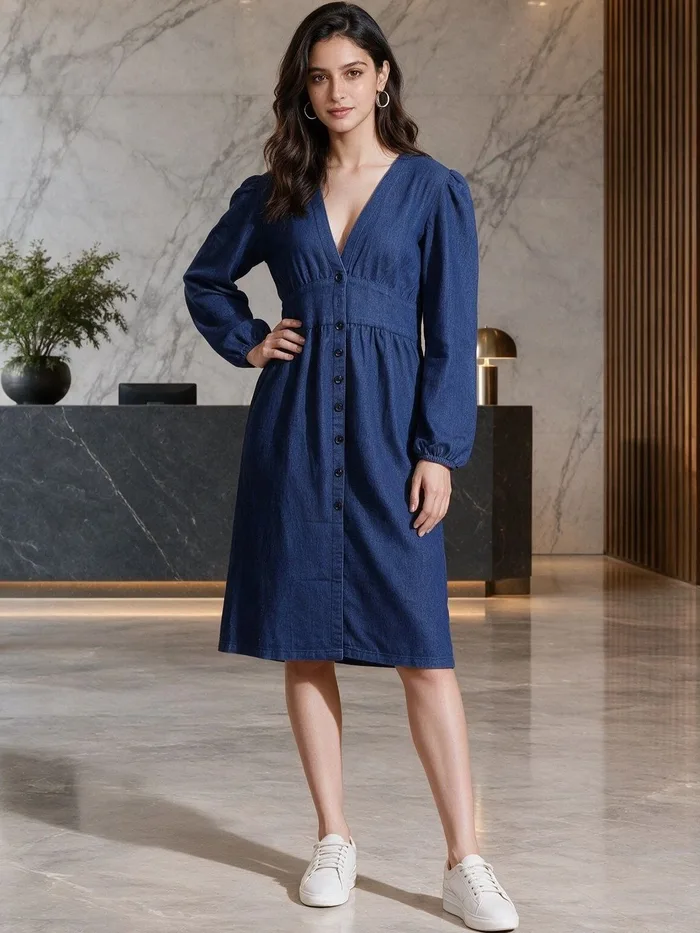
 Soften V-neck button-through denim midi dress