Every image matches
The same garment, fabric, design and model across front, back, side and close-up, and across the whole collection.

Amazon fashion product photography
An Amazon clothing listing has a MAIN image and room for up to eight more. Fivo fills the on-model slots from one photo of the garment, with front, back, side, close-up and lifestyle frames on one model that match each other and keep your brand's look across every listing.
From about ₹20 an image · price shown before you generate · see pricing
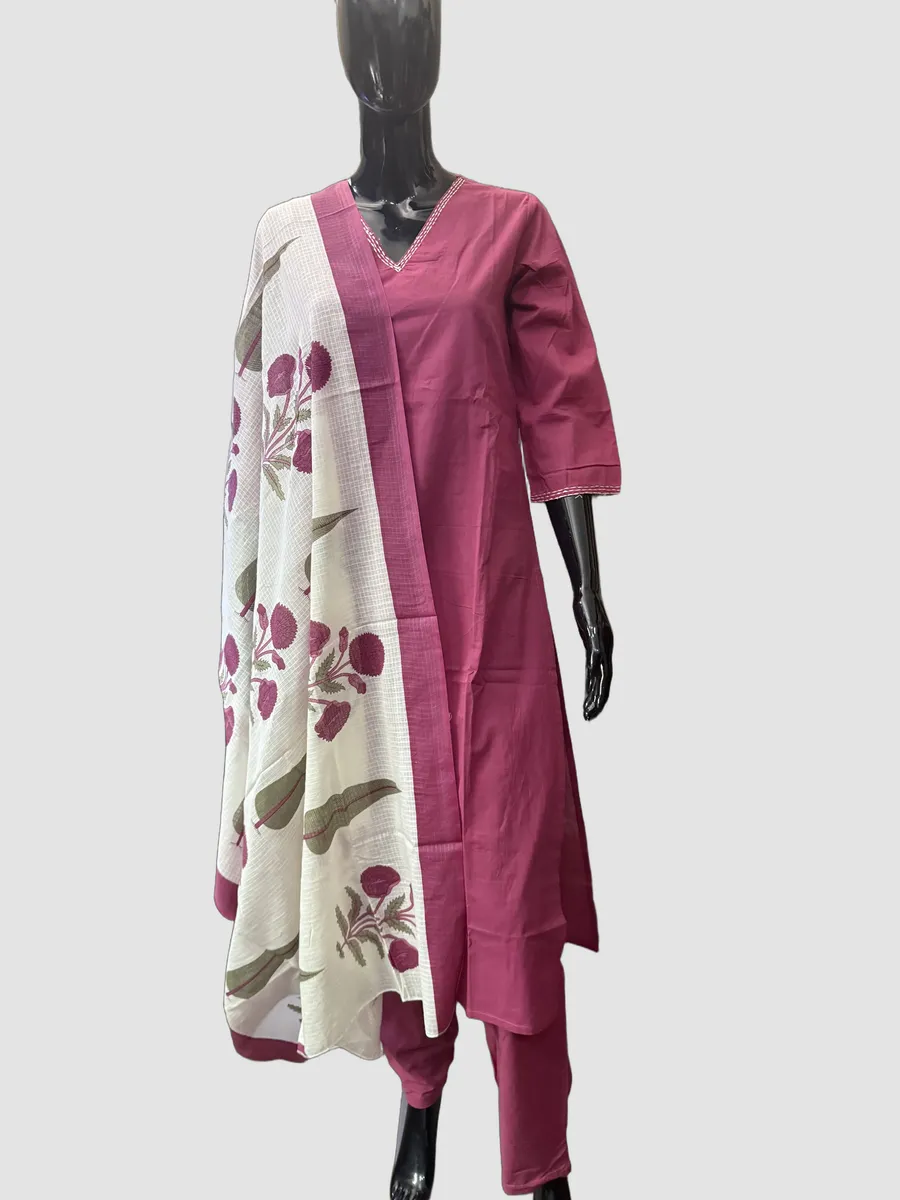 Brand's mannequin
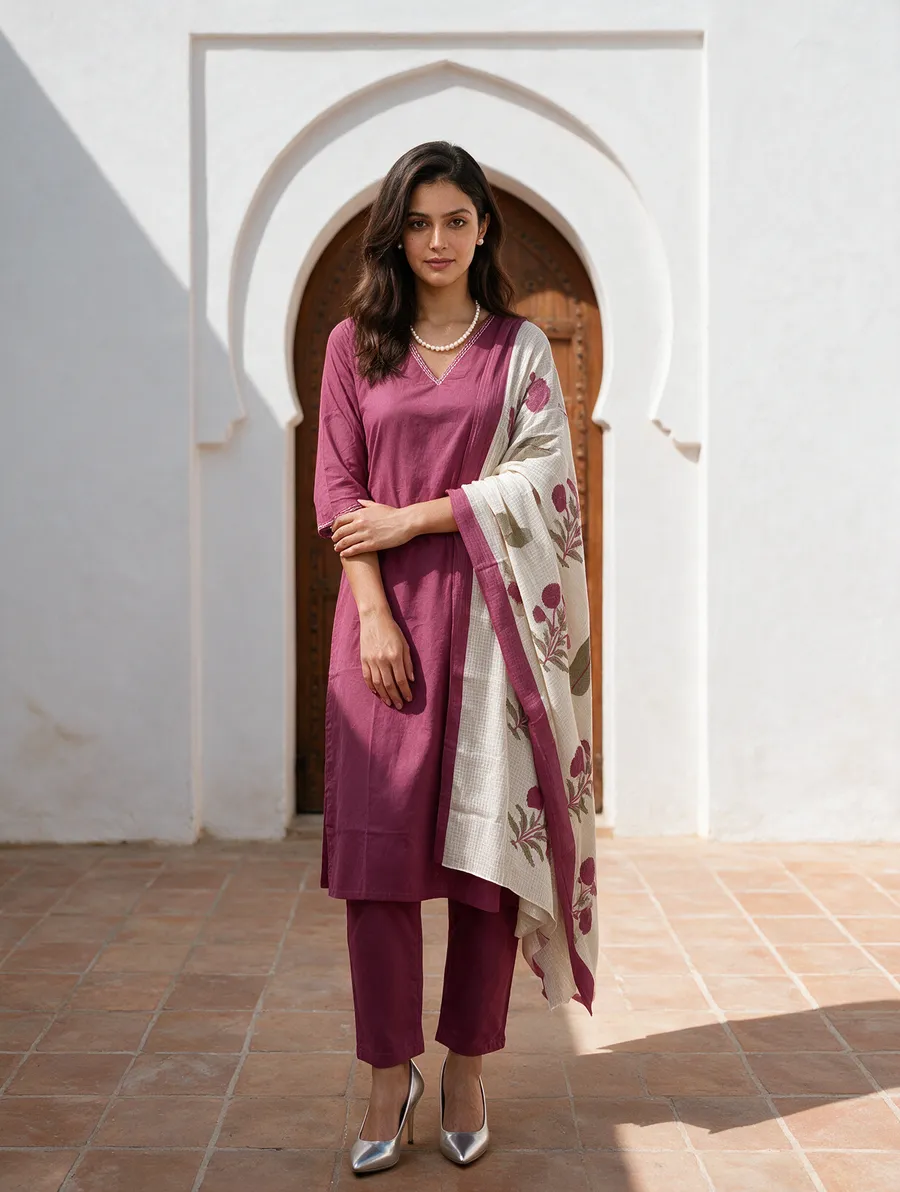 Fivo
It makes the on-model images an Amazon clothing gallery needs from one photo of the garment. Fivo puts the piece on a model from its catalogue and returns matching front, back, side, close-up and lifestyle frames for the alternate slots. The MAIN image carries Amazon's strictest background rule, so it gets the hardest check.
Why brands choose Fivo
Customise every shoot to your brand. Fivo keeps your garment, your models, your styling and your look the same in every image you put out.
The same garment, fabric, design and model across front, back, side and close-up, and across the whole collection.
Your photo is the reference: colour, print, embroidery and cut are carried into every image, not reinvented.
Choose the pose for each shot, from straight catalogue fronts to walking, seated and detail shots.
Pick models by the look and age group your customers relate to: women, men, kids, Indian or international.
Choose each styling article per garment: footwear, jewellery, bags, watches, belts, and the top or bottom it's paired with. Or upload your own.
Who it's for
A MAIN and one flat photo per listing. Fill the five to seven images Amazon's style guide recommends without booking another studio day.
The same kurta or tee in eight colours. Shoot each on the same catalogue model, so alternates match when a shopper switches colour on the listing.
The guide keeps kids' MAIN images off-figure. Keep your flat or hanger photo there and put kids models from Fivo's catalogue in the alternates.
Lifestyle frames from the same shoot can go into A+ modules and sponsored creative where your account has them, on the model the gallery uses.
What Amazon asks for
Amazon's Seller Central help needs a login. Its public Clothing & Accessories style guide is the clearest published version, and it applies across Amazon rather than to India alone.
| Amazon's style guide says | |
|---|---|
| How many images | A MAIN image plus up to 8 alternates; 5 to 7 in all are recommended |
| Views that must be there | Front and back |
| Pixel size | 1,000 to 3,900 pixels on the longest side, so shoppers can zoom |
| Crop | The same crop across all of a listing's images |
| MAIN background | Pure white (#FFFFFF), with one product |
| MAIN on a model | Allowed, with the model standing and wearing shoes; kids' clothing, multipacks and accessories are shot off-figure |
| Kept off the MAIN | Text, logos, watermarks, insets and props |
| Alternate images | May show the garment in real settings |
Source: Amazon's Selling Partner Style Guide: Clothing & Accessories (March 2022), checked November 2026. An older Amazon.in seller blog (2017) also asks for a white background, the front view as MAIN and only what ships. Amazon reviews every listing against the rules in Seller Central at the time you list.
Slot by slot
| Slot | Fivo image | What to check |
|---|---|---|
| MAIN | A front view on a standing model | Amazon wants pure white and shoes on the model. Fivo doesn't promise an exact #FFFFFF, so if the result falls short, use a product photo that meets the rule here and keep Fivo's images for the alternates. |
| Back view | The back, from the same reading of the garment as the front | Mandatory in the guide. Upload a back photo when the back has its own print or detail. |
| Side and close-up | A side view and a close-up of fabric, print or trim | Keep the crop the same as the rest of the set. |
| Lifestyle | The garment on model in a setting you choose | Allowed as an alternate; props and scenery stay out of the MAIN. |
| Kidswear | Alternates on kids models from Fivo's catalogue | Kids' MAIN images are off-figure, so a flat or hanger photo stays in that slot. |
| Video | An on-model video from the same garment photo | Check Amazon's current video requirements in Seller Central first. |
Why sellers use Fivo on Amazon
Fivo reads the garment once and makes the back on the same model, in the same setting as the front, so the mandatory pair looks like one shoot.
A hanger shot or a mannequin photo becomes front, back, side, close-up and lifestyle frames: enough to fill the alternates after the MAIN.
Ranges land late before the big sale. A Studio collection is usually ready within 24 hours, so late stock still gets full galleries.
Shoppers zoom on weave, print and trim. Give them a close-up frame, then check the file against the guide's 1,000 to 3,900 pixel range.
Each image takes its shade from your photo, and a colour-match step runs in the pipeline, so the swatch a shopper picks looks like the piece that arrives. Check every view against the garment.
The guide wants an on-model MAIN standing in shoes, so keep its styling to footwear. Walking or seated poses, with a bag or jewellery from Fivo's styling catalogue, suit the alternates.
Building the set
Decide what goes in MAIN and which five or six alternates you want: back, side, close-up, lifestyle, maybe a video.
A hanger, a flat lay, a dress form or worn. Add a back photo and a close-up of any print or embroidery.
Choose a model and a backdrop, see the price with GST, then generate the views together so they match.
Test the MAIN against the white-background and shoes rules, keep one crop, then upload in Seller Central.
One garment, every alternate
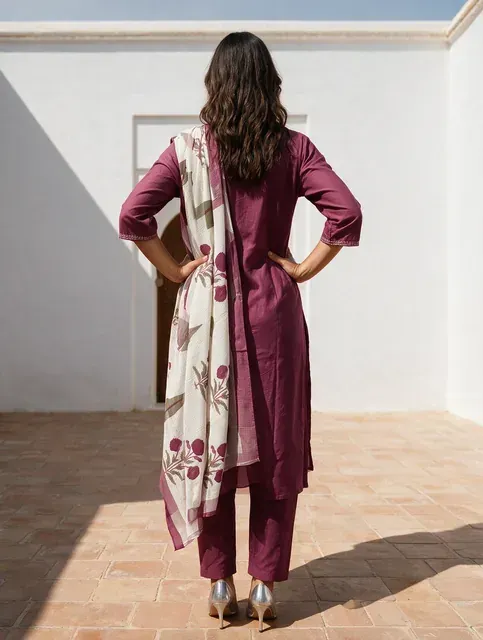
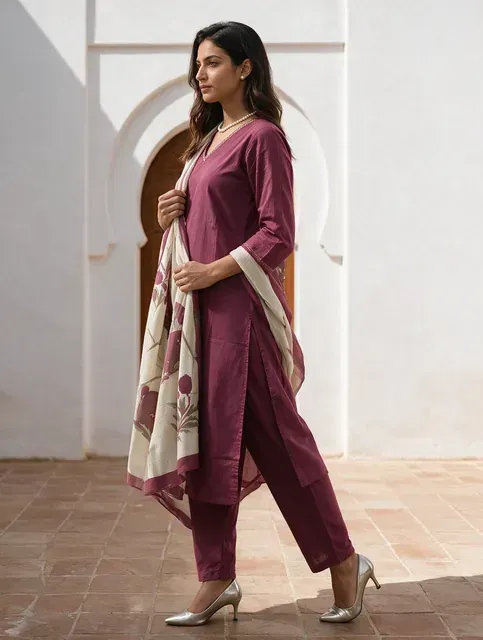
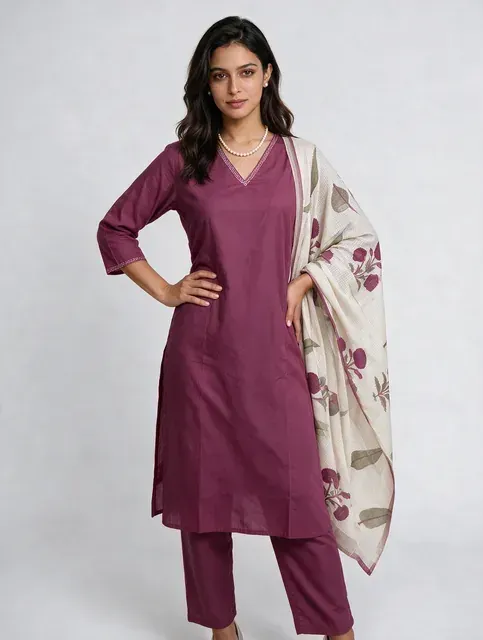
The brand's mannequin photo of a plum kurta, pant and dupatta, then front, back and side in a courtyard and a close-up on plain grey. These are alternate-slot images: none is on the pure white Amazon asks of a MAIN.
More garments
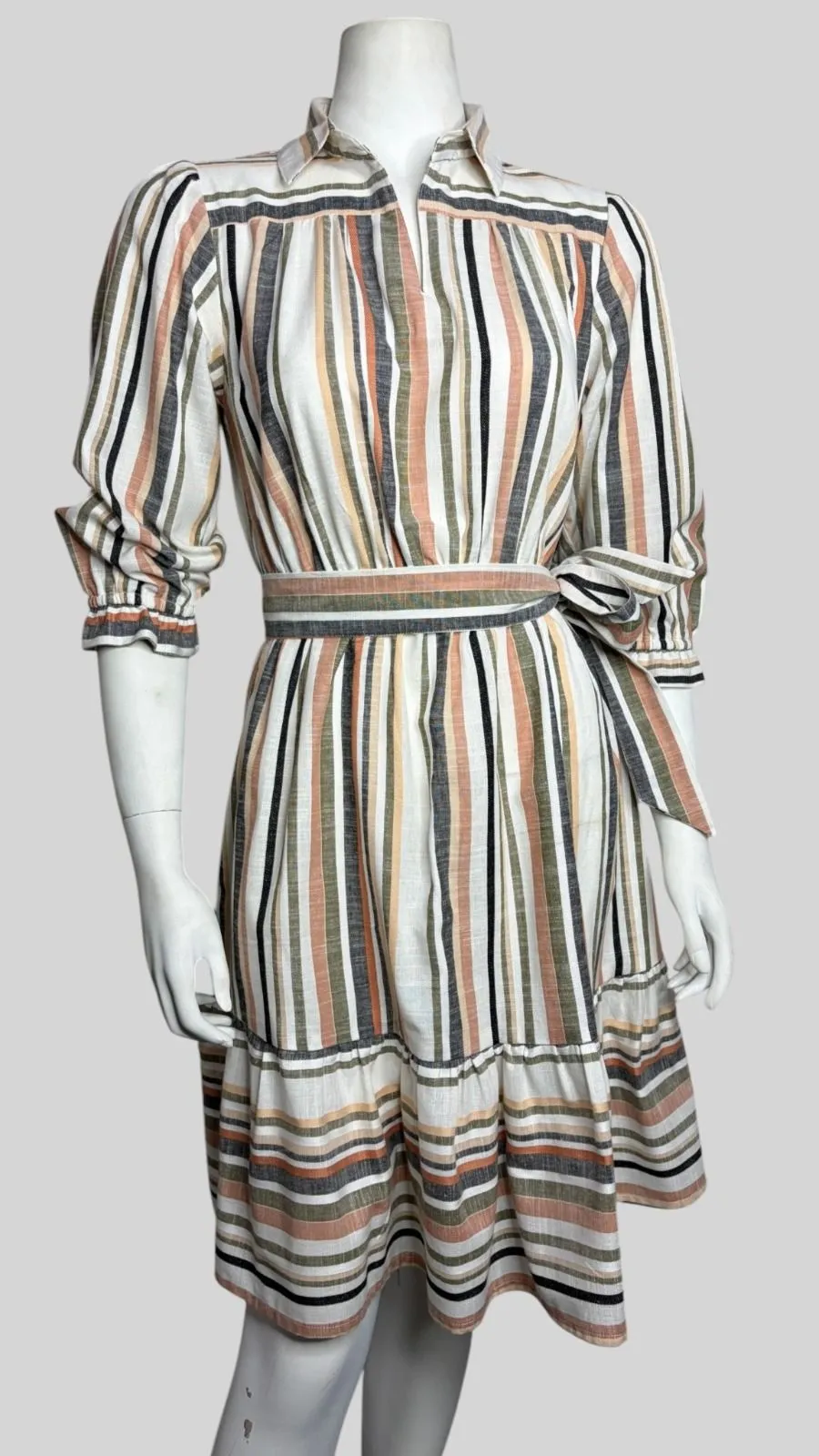
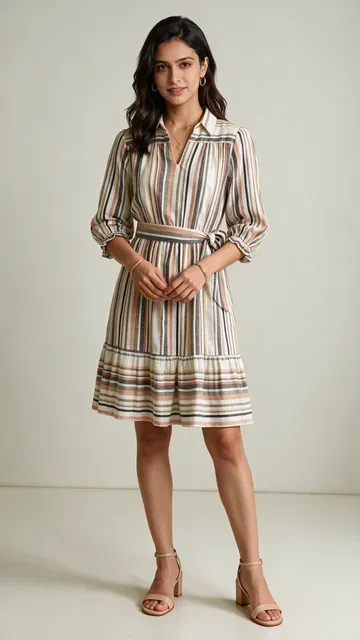
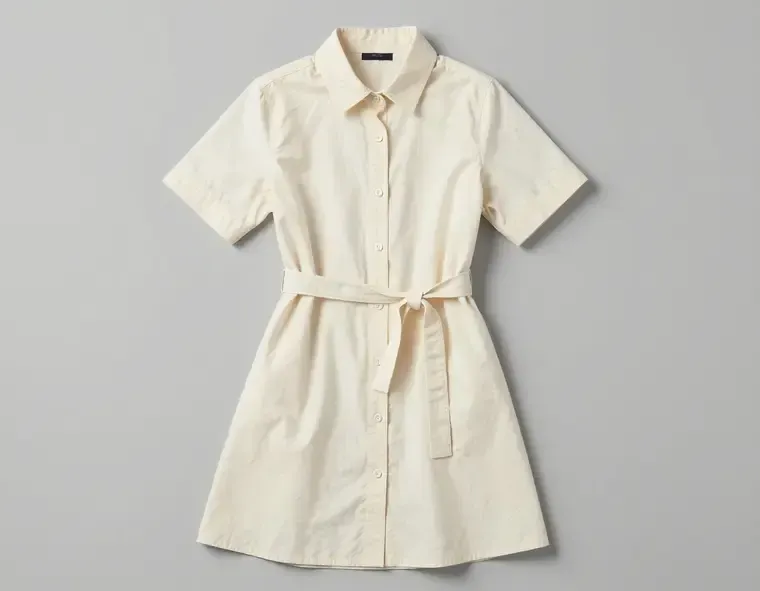
Plain warm-grey, grey and pale-sage studio frames, a denim close-up and an indoor polo. They suit the alternates; the MAIN still needs Amazon's white.
 Brand's mannequin
 Fivo
 Brand's flat-lay
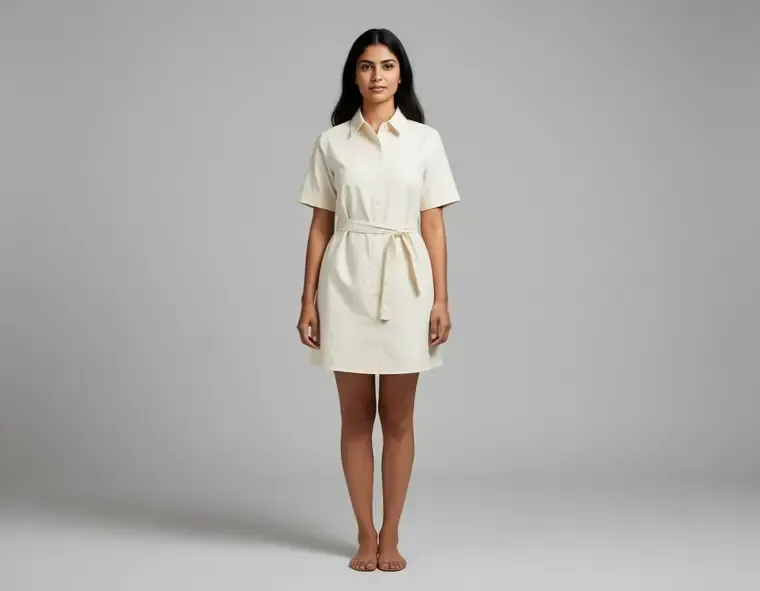 Fivo
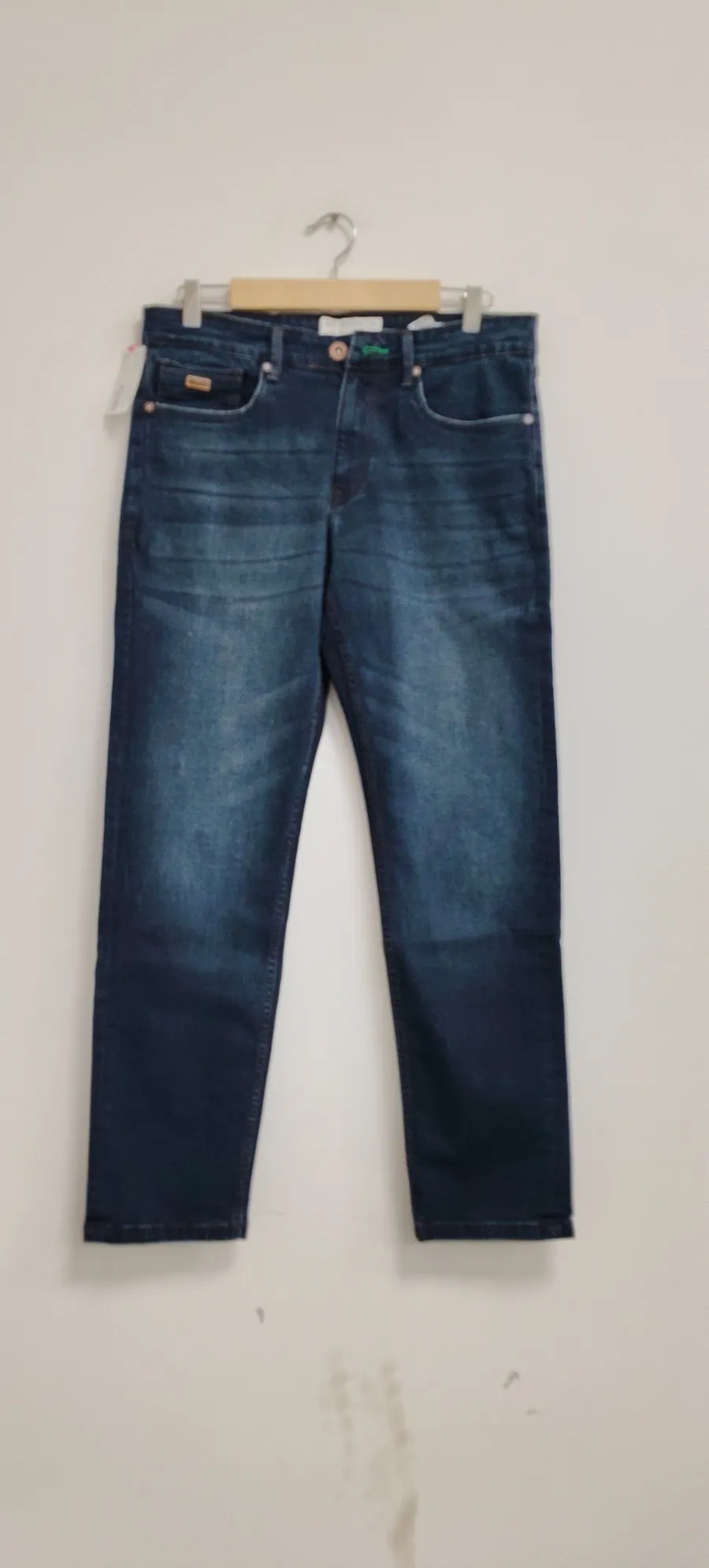 Brand's hanger
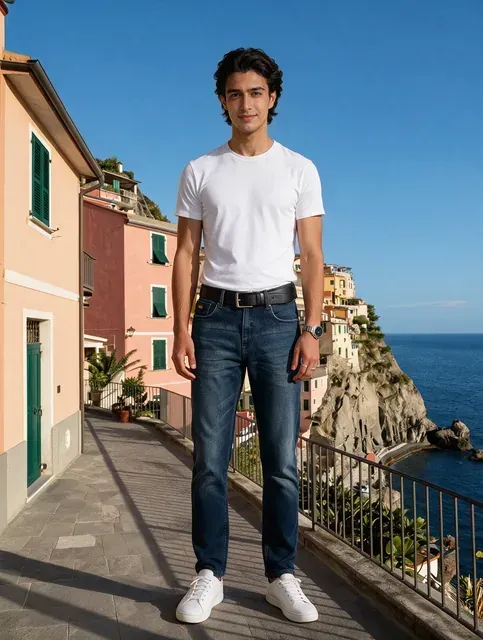 Fivo
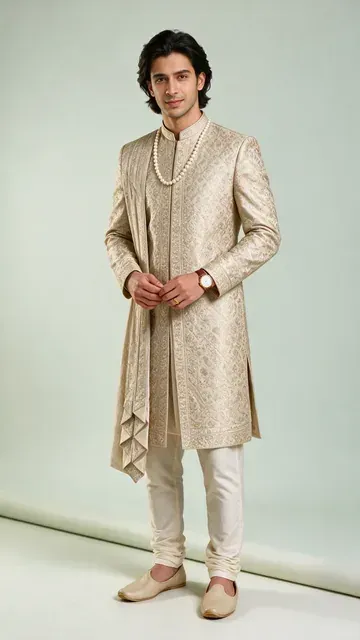 Fivo
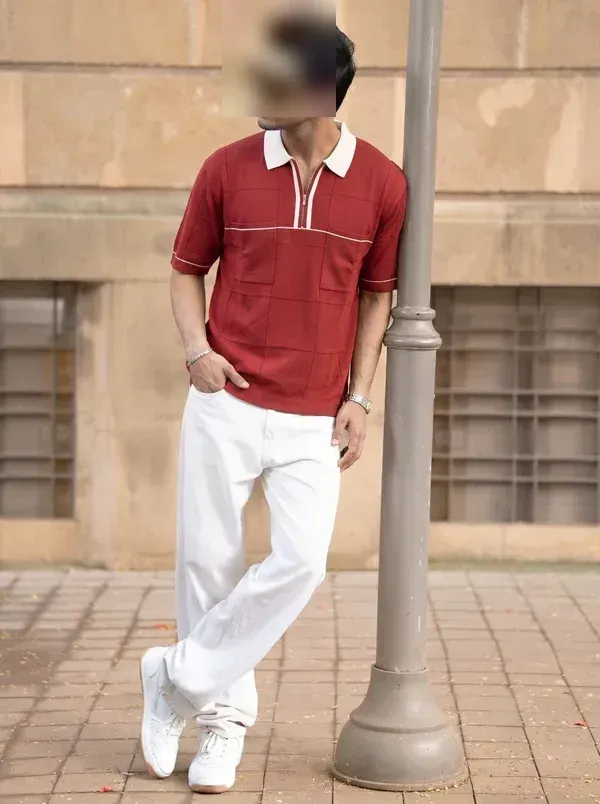 Brand's on-model photo
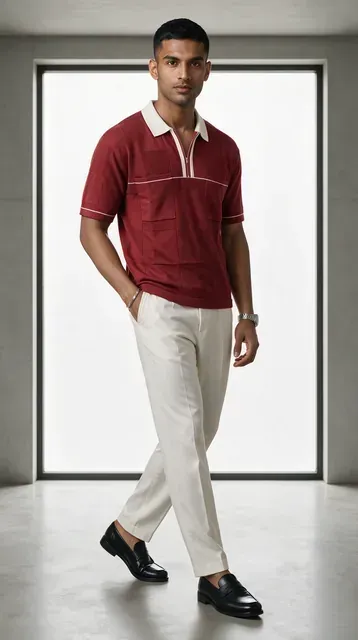 Fivo
Questions
What apparel sellers ask before they build their Amazon galleries with Fivo.
Amazon's Clothing & Accessories style guide (checked November 2026) asks for a pure white (#FFFFFF) background with one product and no text, logos, watermarks, insets or props. An on-model MAIN is allowed if the model stands and wears shoes; kids' clothing, multipacks and accessories are shot off-figure. Confirm the current rules in Seller Central.
Fivo doesn't promise an exact pure white. You choose the backdrop, so test the MAIN against Amazon's rule before uploading. If it doesn't meet it, use a product photo that does for the MAIN and put Fivo's on-model images in the alternate slots.
The style guide allows a MAIN plus up to eight alternates and recommends five to seven in all, with front and back mandatory. Fivo's front, back, side and close-up views plus a lifestyle frame or two cover that range from one garment photo.
The back view, a side view, a close-up of the fabric or print, and lifestyle frames, which the guide allows in alternates. An on-model video from the same photo can go in the video slot, subject to Amazon's video rules. Keep one crop across the set.
You may use the images Fivo generates for any lawful purpose, including listings, advertising and social media, so the rights allow it. Whether your brand can publish A+ content, and the image specifications it takes, are set by Amazon in Seller Central.
Yes. You pick from Fivo's catalogue of women, men, girls, boys and an older age group, with Indian and international looks, so the model fits the customer the listing is for. Kidswear alternates can use girls and boys in the age group you sell to.
The style guide asks for 1,000 to 3,900 pixels on the longest side, so shoppers can zoom. Check the files you download from Fivo against that range before uploading.
Amazon decides, listing by listing, against the rules in Seller Central at the time. Fivo gives you on-model views for every alternate slot; the MAIN in particular needs checking against the background and footwear rules before you list.
YOUR AMAZON GALLERY
 Fivo for AndroidShoot one garment at a time on your phone. Images and videos in your brand's look.