Every image matches
The same garment, fabric, design and model across front, back, side and close-up, and across the whole collection.

AI fashion content for social
Followers expect something new every day, and buyers expect new arrivals on WhatsApp first. Fivo turns photos of the garments you already stock into on-model posts, Stories, Reels and WhatsApp squares, in a look that holds from one week to the next, with each garment's colour true to the photo you took.
From about ₹20 an image · price shown before you generate · see pricing
 Fivo
Why brands choose Fivo
Customise every shoot to your brand. Fivo keeps your garment, your models, your styling and your look the same in every image you put out.
The same garment, fabric, design and model across front, back, side and close-up, and across the whole collection.
Your photo is the reference: colour, print, embroidery and cut are carried into every image, not reinvented.
Choose the pose for each shot, from straight catalogue fronts to walking, seated and detail shots.
Pick models by the look and age group your customers relate to: women, men, kids, Indian or international.
Choose each styling article per garment: footwear, jewellery, bags, watches, belts, and the top or bottom it's paired with. Or upload your own.
From a phone photo
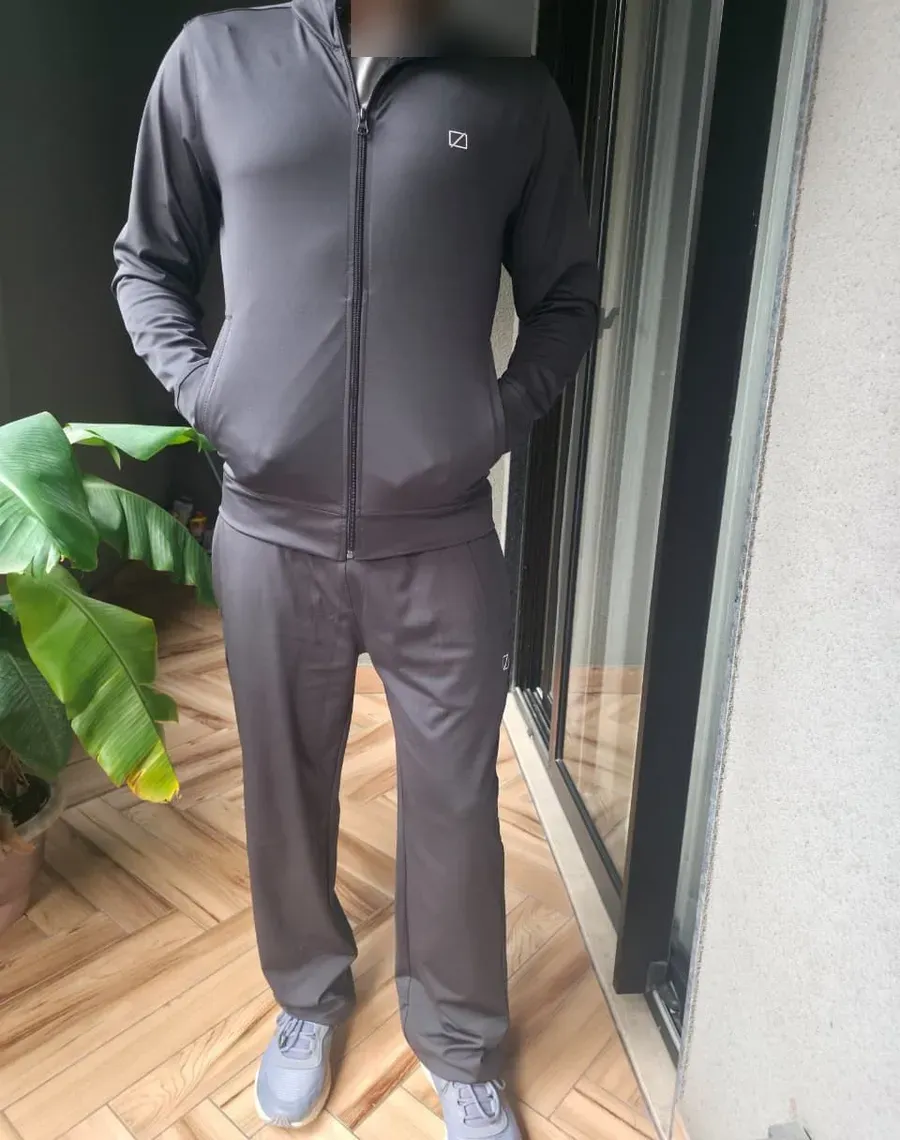
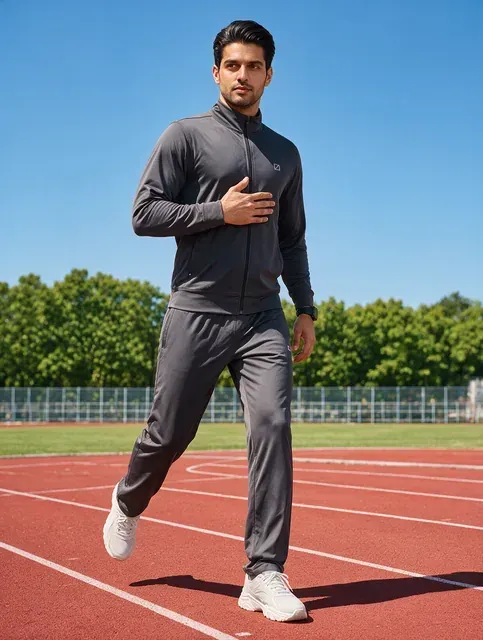
The brand's input was a quick phone photo of the tracksuit being worn. Fivo put it on a catalogue model at a running track: the kind of frame that works as a post, a Story or an ad.
 Brand's phone photo
 Fivo
Real Fivo frames
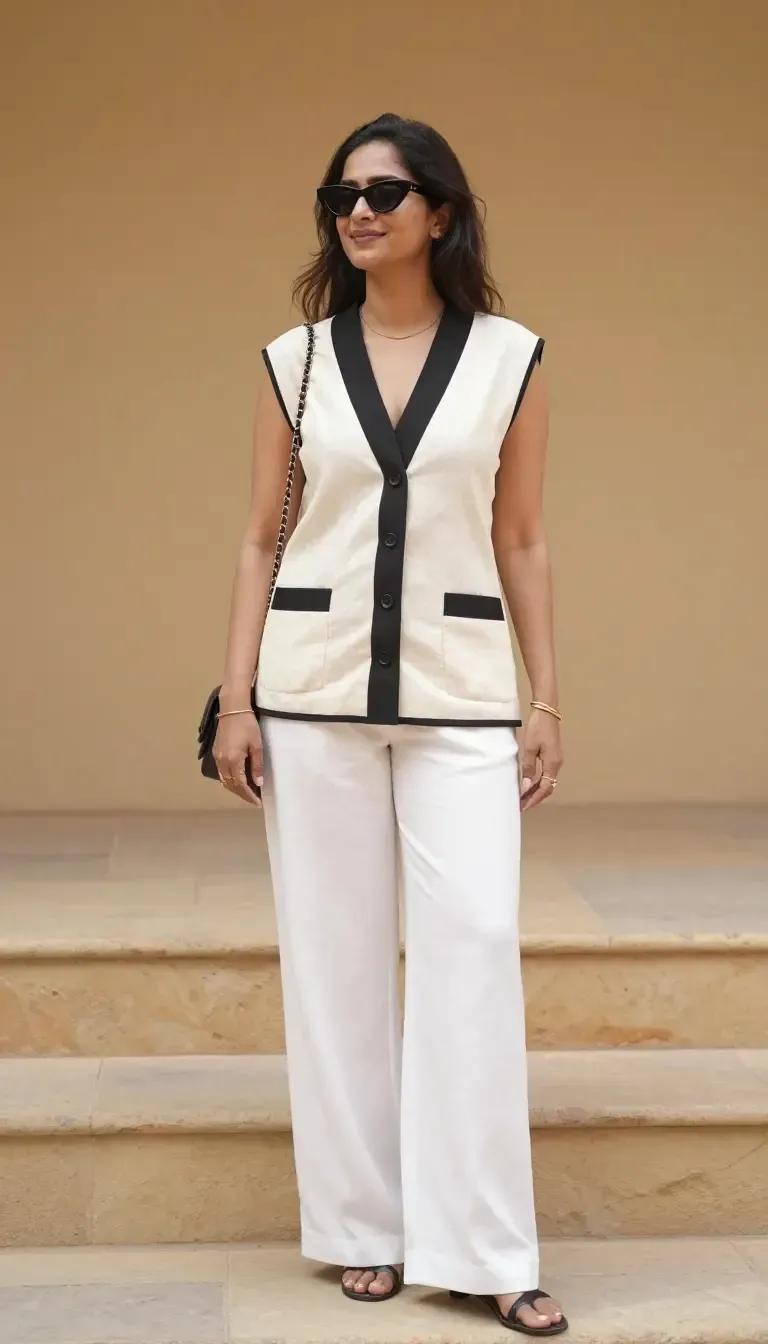
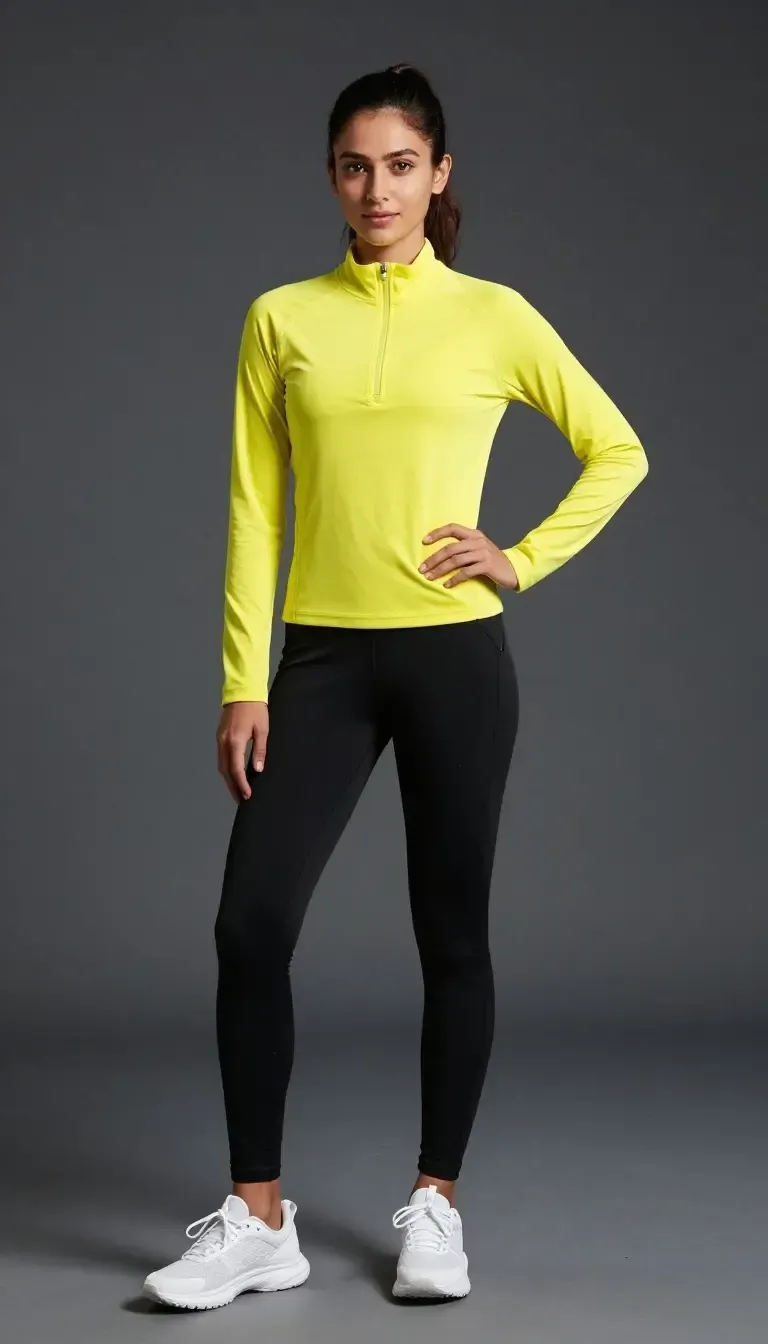
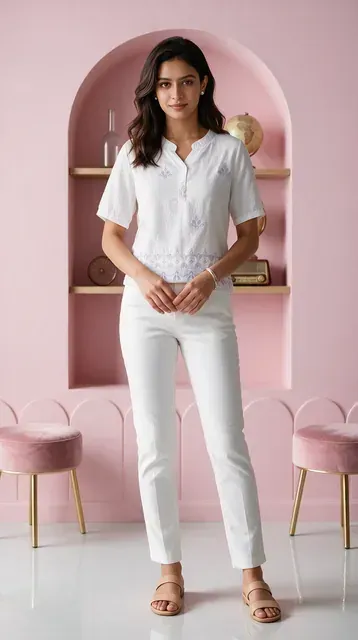
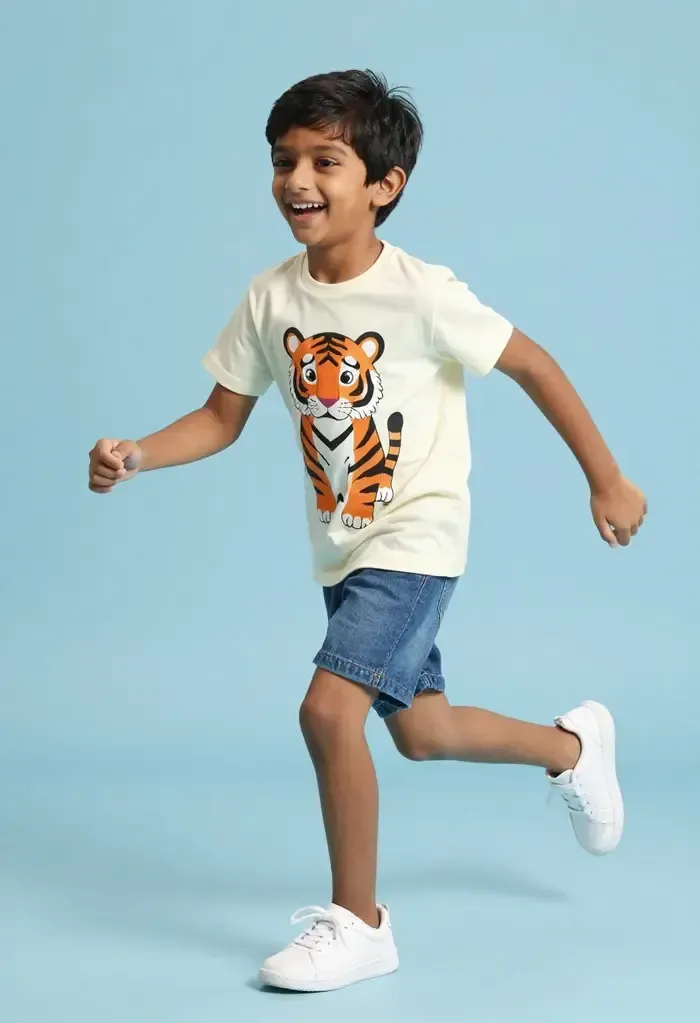
Four garments from different ranges, each made by Fivo and captioned with its setting. A label's own feed would keep one setting and model across posts.

Where the content lands
Full-screen upright frames and Reels covers, plus on-model video made in the same look from the same photo.
Creatives that show the garment worn rather than a packshot, so a paid post looks like the rest of the feed.
Square product images that open cleanly at the size a chat shows them, with each piece on a person.
This week's arrivals sent to your buyer and reseller lists on model, instead of a hanger photo forwarded from the warehouse.
A week of content
Upload the week's garments to Fivo Studio in your feed look and pick 9:16 for Instagram.
Make 1:1 images of the same garments for the catalogue and the buyer broadcast.
Turn the strongest pieces into on-model video for Reels and ads.
When a single piece arrives mid-week, shoot it in the Android app and post it that evening.
Three ways to keep posting
A kurta back from the tailor at four? Photograph it, pick your feed look, and it is on model in minutes, ready for tonight's Story.
Get the Android appUpload a whole drop, set the look once, and have a month of posts to schedule, usually within 24 hours.
Open Fivo StudioFivo's team produces the season's social content end to end, from creative direction to delivery, quoted for your range.
Questions
What labels ask when they start making Instagram and WhatsApp content with Fivo.
Use 9:16, the full-screen upright shape that Stories and Reels fill. Fivo makes images in 9:16 for Instagram and Facebook, and on-model video in the same look for Reels.
Yes. Fivo makes square 1:1 images, its WhatsApp format, which suits the product catalogue in WhatsApp Business and the images you send in broadcasts and chats.
Yes. Photograph the piece on your phone and shoot it in the Fivo Android app; the on-model images are ready in minutes, so the Story and the WhatsApp square can go out that day.
Yes. You may use the images Fivo generates for any lawful purpose, including product listings, advertising and social media. Paid Instagram and Facebook campaigns are covered, and each platform still reviews ads against its own policies.
Decide on one model, one background, one style of pose and one set of accessories, and shoot every garment in that look. In Fivo Studio the look is set once and applied to every garment you upload, so next month's pieces match this month's posts.
Yes. Broadcasts, status updates and catalogue entries on your own WhatsApp Business account are ordinary marketing use. Square images open cleanly in a chat, so buyers see the garment worn without cropping.
No. A phone photo is enough, like the tracksuit on this page. The garment can be worn, on a hanger, on a mannequin or laid flat; add a close-up if a print or embroidery matters. See phone photo to model.
About ₹20 an image, pay as you go, with no subscription and nothing to pay for uploading. The full price, GST included, appears before anything is generated, so a month of posts can be planned to a budget. See Fivo pricing.
TODAY'S POST
 Fivo for AndroidShoot one garment at a time on your phone. Images and videos in your brand's look.