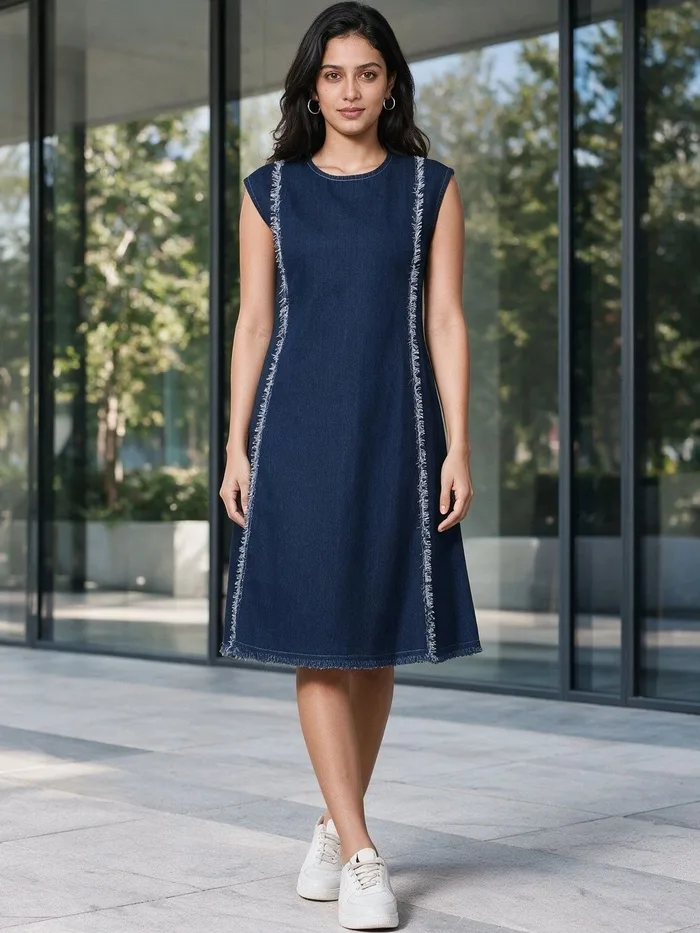
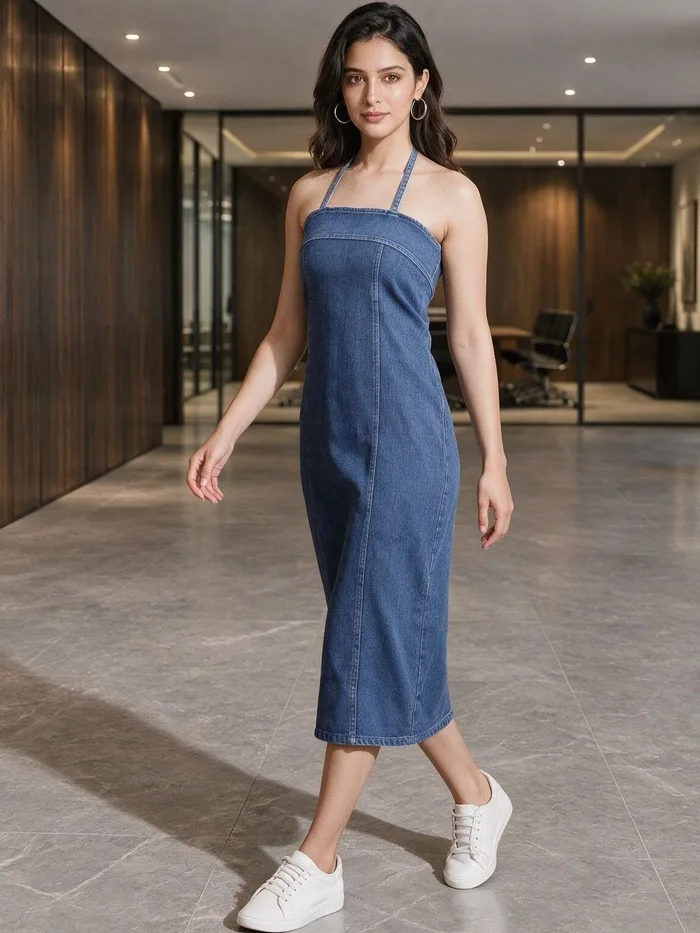
Every image matches
The same garment, fabric, design and model across front, back, side and close-up, and across the whole collection.

Marketplace image formats
A marketplace listing, your own product page, an Instagram story and a WhatsApp catalogue each want a different shape of image. Fivo makes four, so one garment keeps the same model, background and true colour in every channel.
From about ₹20 an image · price shown before you generate · see pricing
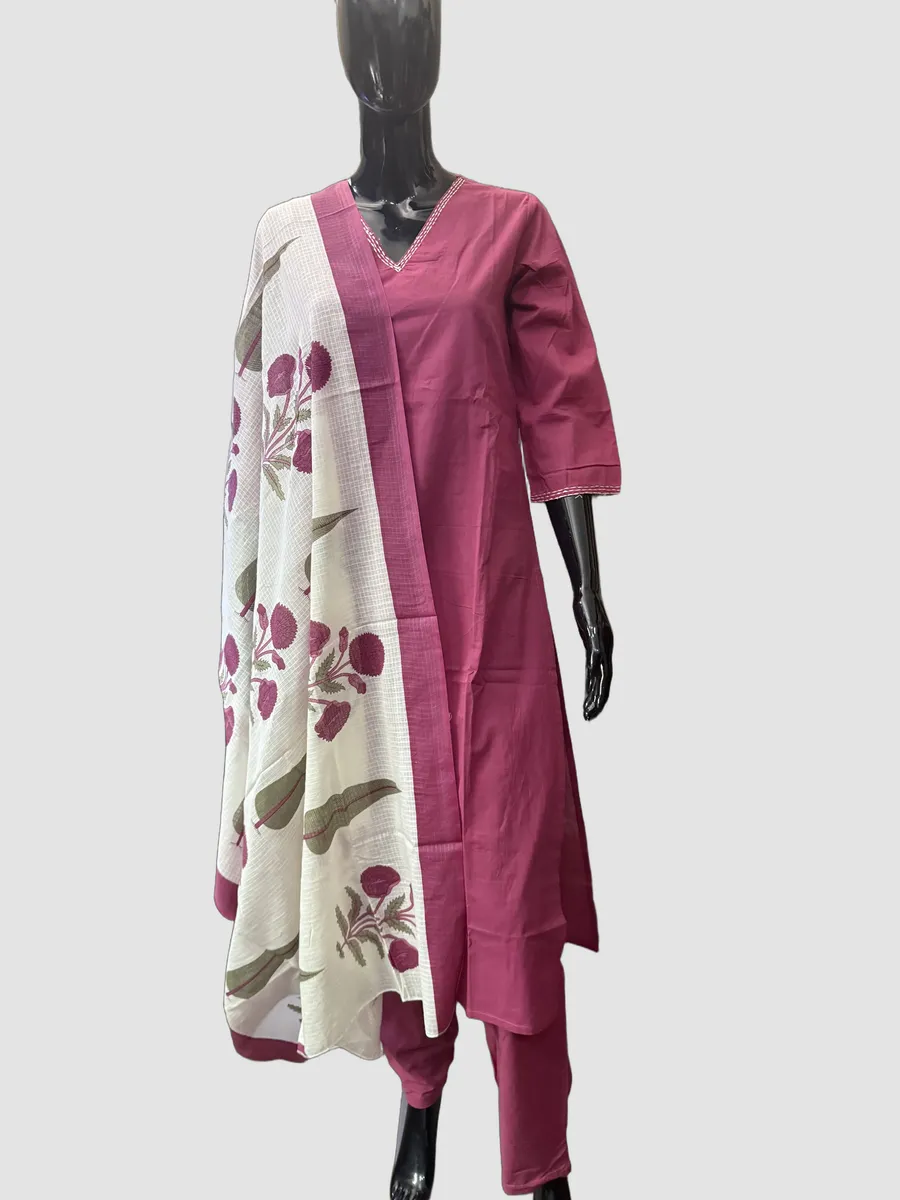 Brand's mannequin
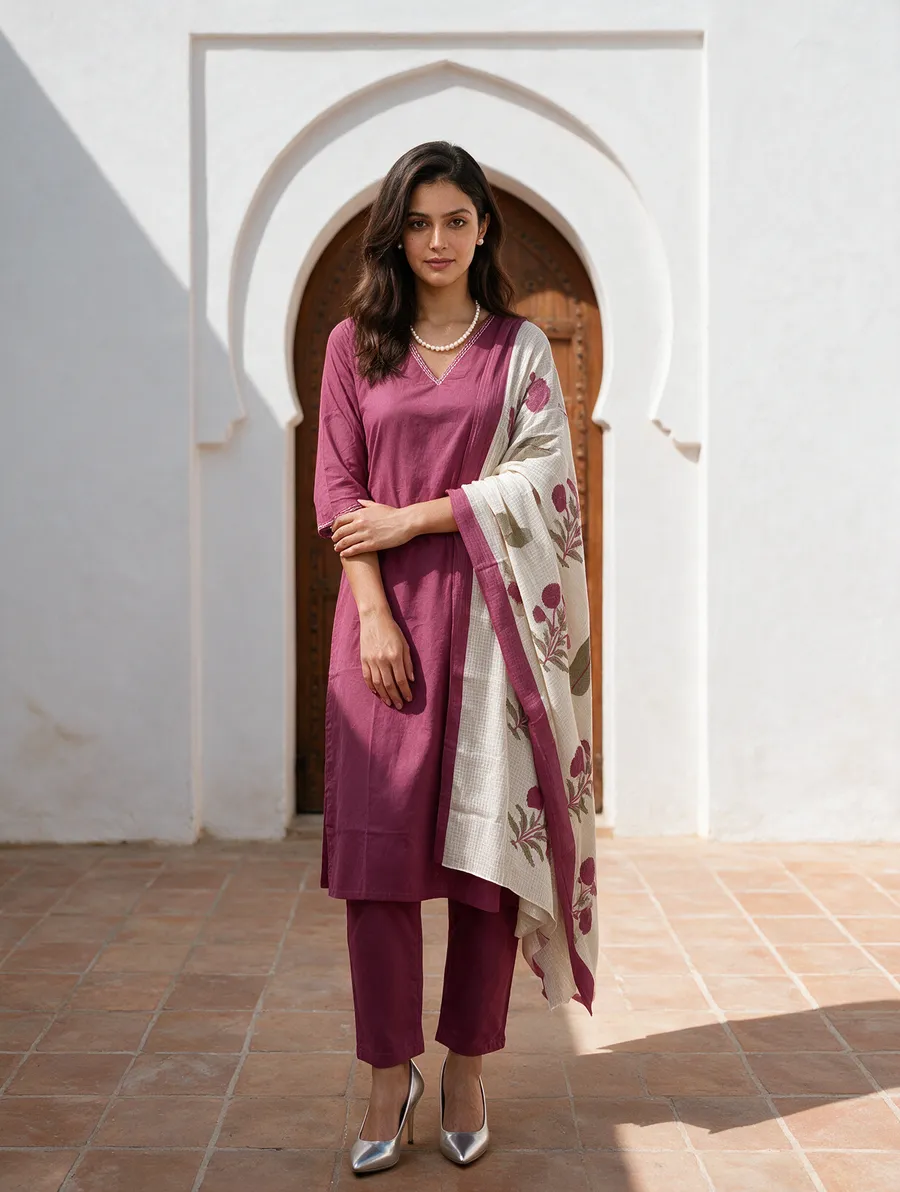 Fivo
Marketplace variations are one garment's images in each channel's shape. Fivo makes four aspect ratios: 2:3 for marketplace catalogues, 3:4 for website product pages, 9:16 for Instagram and Facebook stories and reels, and 1:1 for WhatsApp. Pick them in Fivo Studio with the model and background, and the garment looks the same everywhere.
Why brands choose Fivo
Customise every shoot to your brand. Fivo keeps your garment, your models, your styling and your look the same in every image you put out.
The same garment, fabric, design and model across front, back, side and close-up, and across the whole collection.
Your photo is the reference: colour, print, embroidery and cut are carried into every image, not reinvented.
Choose the pose for each shot, from straight catalogue fronts to walking, seated and detail shots.
Pick models by the look and age group your customers relate to: women, men, kids, Indian or international.
Choose each styling article per garment: footwear, jewellery, bags, watches, belts, and the top or bottom it's paired with. Or upload your own.
Which format goes where
| Aspect ratio | Shape | Typical use | Suits |
|---|---|---|---|
| 2:3 | Tall portrait | Marketplace catalogue images | Full-length kurtas, maxis, sarees shown head to hem |
| 3:4 | A slightly shorter portrait | Website product pages, and marketplaces that ask for 3:4, such as Myntra | Most garments on a product page |
| 9:16 | Full-screen vertical | Instagram and Facebook stories, reels and ads | A full look with room above and below for text |
| 1:1 | Square | WhatsApp catalogues and broadcasts | Tops, kidswear and close-ups of detail |
These four are the aspect ratios Fivo makes. Check each channel's current image rules before you upload.
Keeping the look across channels
Choose the model, pose and background once and keep them for every format, so a shopper moving from a marketplace to your site to a reel sees one product in your brand's look.
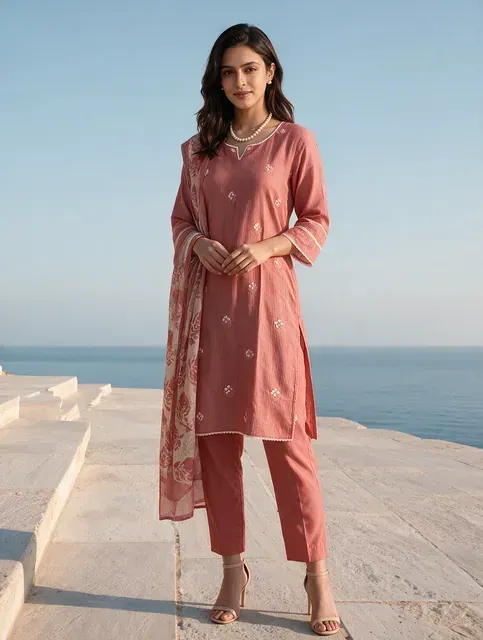
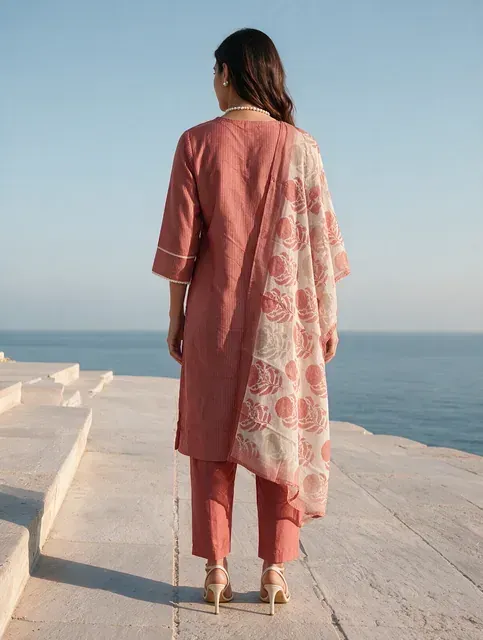
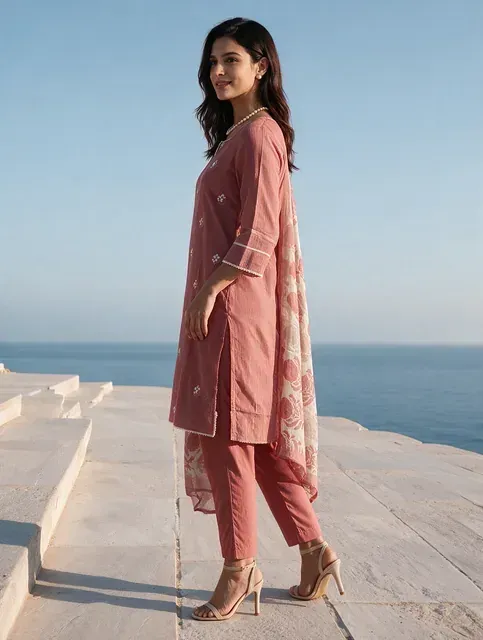
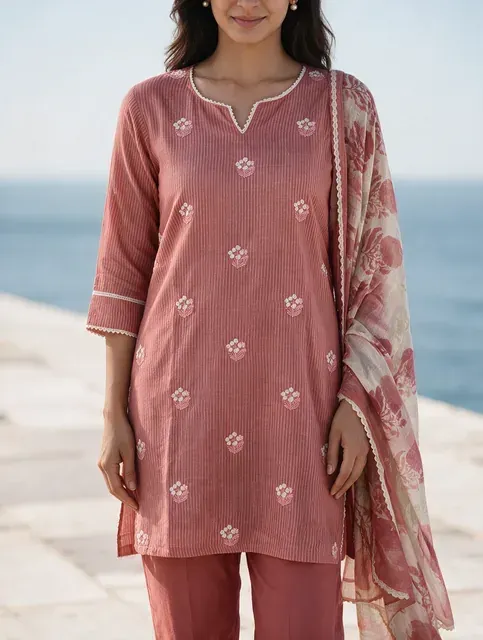
Marketplaces want more than a front. The rules below ask for front and back on Flipkart, and front, side, back and detail on AJIO. Fivo makes front, back, side and close-up.
In Fivo Studio the format is part of the look you set for a batch, next to the models, poses, styling and background.
Your garment photo is the reference for each format, so the shade, print and embroidery in the WhatsApp square come from the same photo as the marketplace image. A colour-match step runs too.
Pick the pose per shot from Fivo's pose library: a straight front for the main listing image, a side turn for the fit slot, a walking frame for the 9:16 reel.
Choose the model by your customer's age group and look: women, men, girls, boys or older shoppers, Indian or international. That face then carries from listing to reel.
What the marketplaces ask for
Most Indian marketplaces keep their image guidelines behind the seller login, so several of these come from a partner's documentation rather than the marketplace's own pages. Each marketplace reviews listings against its own current rules. More in our guides to [Myntra](/marketplaces/myntra-product-photography), [Amazon](/marketplaces/amazon-product-photography), [Flipkart](/marketplaces/flipkart-product-photography), [AJIO](/marketplaces/ajio-product-photography) and [Meesho](/marketplaces/meesho-product-photography).
| Channel | What its image rules say | Source |
|---|---|---|
| Myntra | 3:4, at least 1080 × 1440 px, JPEG, white or light grey background, 1 to 7 images | Fynd's partner documentation, not Myntra's own page |
| Amazon fashion | 1,000 to 3,900 px on the longest side, the same crop across a listing's images, a pure white main image | Amazon's clothing image style guide (March 2022), not specific to India |
| Flipkart | At least 1000 × 1000 px, JPEG, front and back views required, light grey background for apparel | Fynd's partner documentation, not Flipkart's own page |
| AJIO | A ratio of 1:1.25, over 1000 px on both sides, front, side, back and detail views | Fynd's partner documentation, not AJIO's own page |
| Meesho | Square, at least 500 px, a white or light background | A third-party blog with no cited source; unverified |
Sources: Fynd for Myntra, Amazon's clothing style guide, Fynd for Flipkart, Fynd for AJIO and, for Meesho, an unverified third-party blog. In Fivo you choose the background yourself, so compare it with each marketplace's background rule. AJIO's 1:1.25 is not one of Fivo's four ratios.
Every view a listing asks for
A coral kurta, pants and printed dupatta on seaside stone steps: the four views that fill a marketplace listing's slots, all in one look.
More multi-view sets
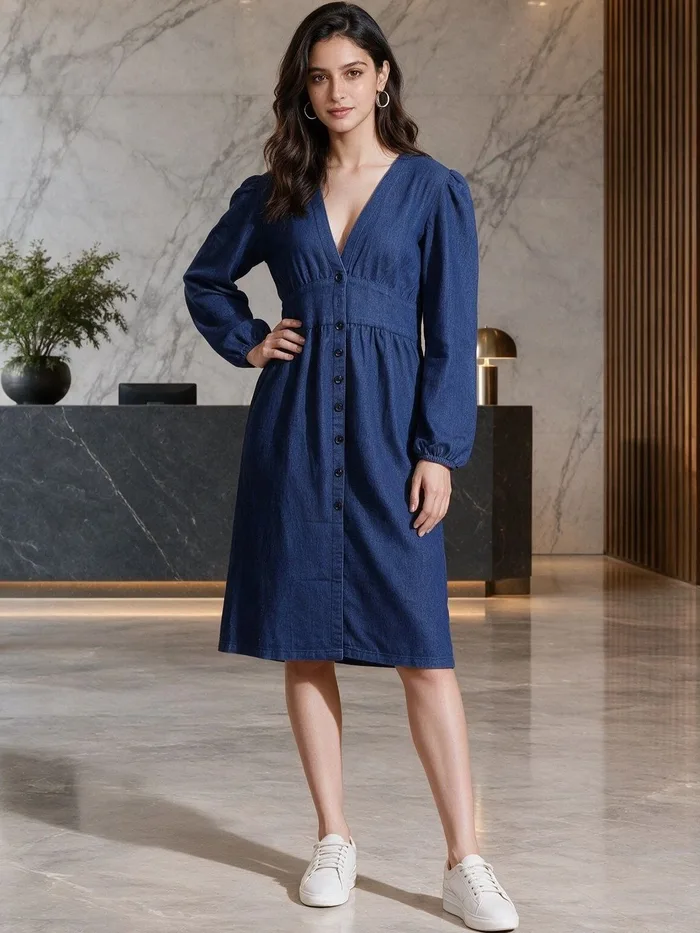
A denim kurti from the brand's on-model photo, and men's jeans from a hanger photo, Both were made with side and close-up views in the same setting as the front.
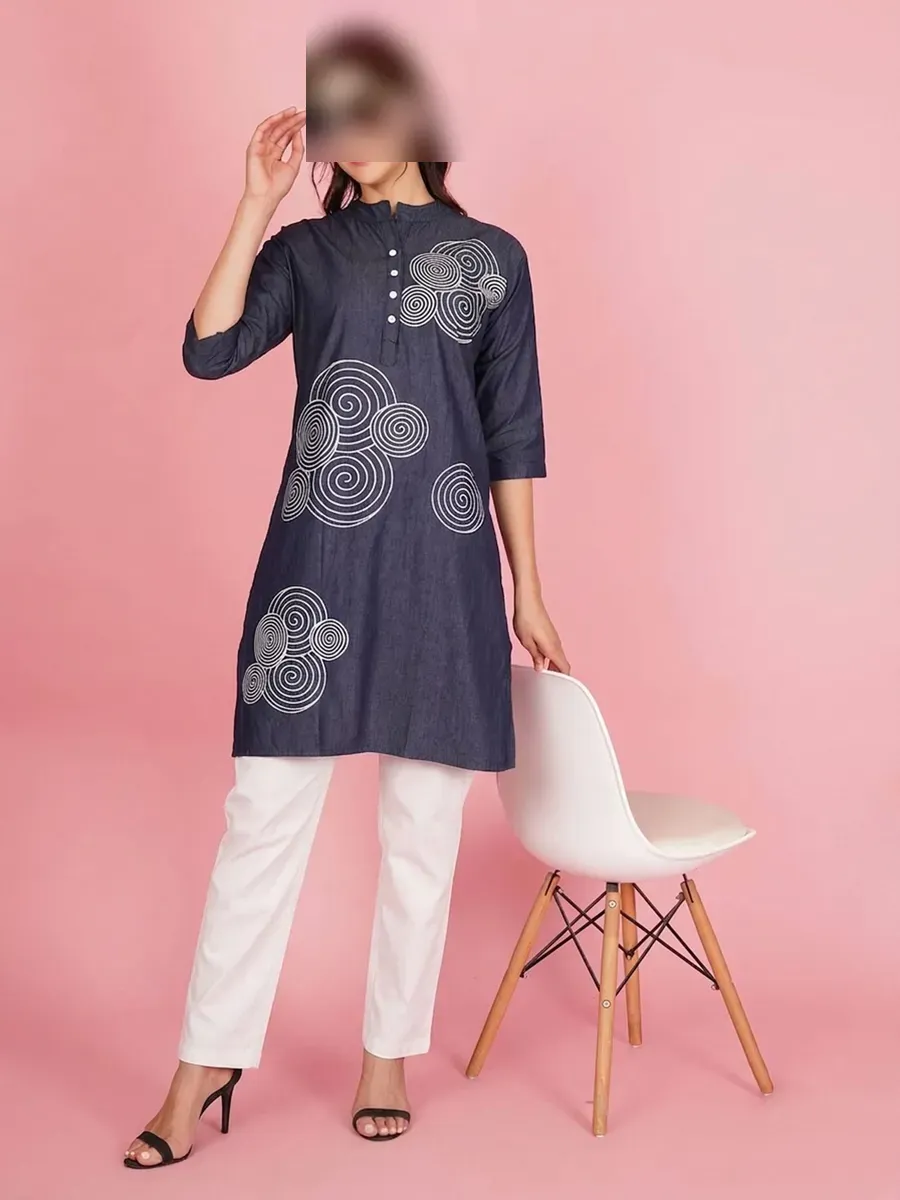 Brand's on-model photo
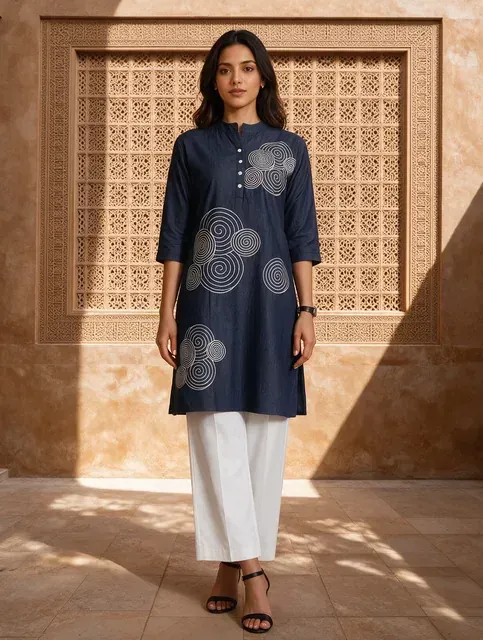 Fivo
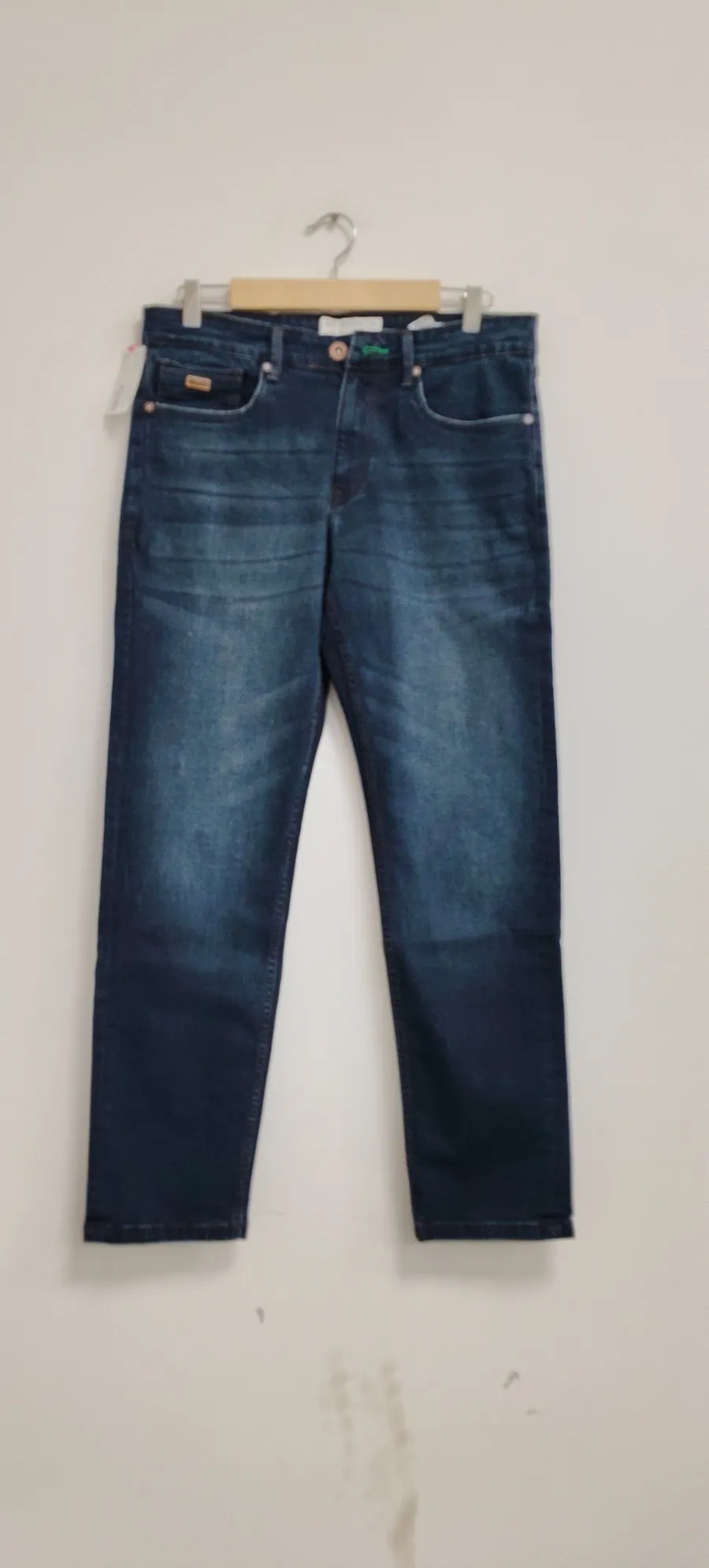 Brand's hanger
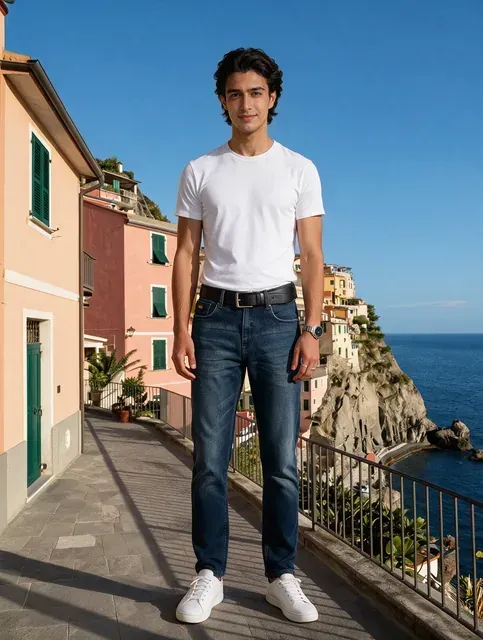 Fivo
Live on Myntra
Soften's product pages on Myntra, with images shot with Fivo.
Shooting for several channels
Note the marketplaces, your website and the social formats this garment needs, and the ratio each asks for.
In Studio, choose the model, pose and background, and the aspect ratios you need from 2:3, 3:4, 9:16 and 1:1.
Everything you've selected is priced, GST included, before a single image is generated.
Check each image against the garment, then save every format for the channel it was made for.
Three ways in
Choose formats as part of one look for a whole batch, ready for every channel you sell on.
Open Fivo StudioOne garment from a phone photo, for a quick listing or a WhatsApp share.
About the appTell Fivo's team your channels and it delivers the images and videos for each, end to end. An API into your own systems can be set up on request.
Questions
What sellers on several channels ask about image shapes before a shoot.
In Fivo, 2:3 is for marketplace catalogues, 3:4 for website product pages, 9:16 for Instagram and Facebook stories and reels, and 1:1 for WhatsApp. Marketplaces set their own rules: Myntra's, as reproduced in Fynd's partner documentation, ask for 3:4 (checked November 2026).
Yes. Fivo's four aspect ratios are 2:3, 3:4, 9:16 and 1:1, and in Fivo Studio you choose formats as part of the look, with the models, poses and background. Keep that look the same for every format and the garment appears consistently across channels.
Fivo is pay as you go, at about ₹20 for a Standard image, with credits at ₹1. Whatever you select, the full price with GST is shown before anything is generated, so you see the cost of your chosen formats before you commit.
Start with the format your biggest channel asks for. If most sales come through a marketplace, lead with its ratio; if your own website matters most, use 3:4. Add 9:16 for reels and stories and 1:1 for WhatsApp when you promote the piece there.
Yes. You choose the model from Fivo's catalogue to suit your target customer, and you can keep the same model, pose style, background and styling, from footwear to jewellery, across every format, so the garment reads as one product on a listing, your website and a reel.
It varies. Flipkart's rules, as reproduced by Fynd, require front and back; AJIO's ask for front, side, back and detail; Amazon's style guide makes front and back mandatory. Fivo makes front, back, side and close-up views of each garment for those slots.
Fivo makes 2:3, 3:4, 9:16 and 1:1. Fynd's partner documentation for AJIO lists 1:1.25 (checked November 2026), which is not one of them. Check that marketplace's current rules, and how it handles other sizes, before choosing a format.
You may use the images Fivo generates for any lawful purpose, including listings, advertising and social media. Each marketplace reviews listings against its own current rules for size, background and views, so check them before you upload.
EVERY CHANNEL YOU SELL ON
 Soften V-neck button-through denim midi dress