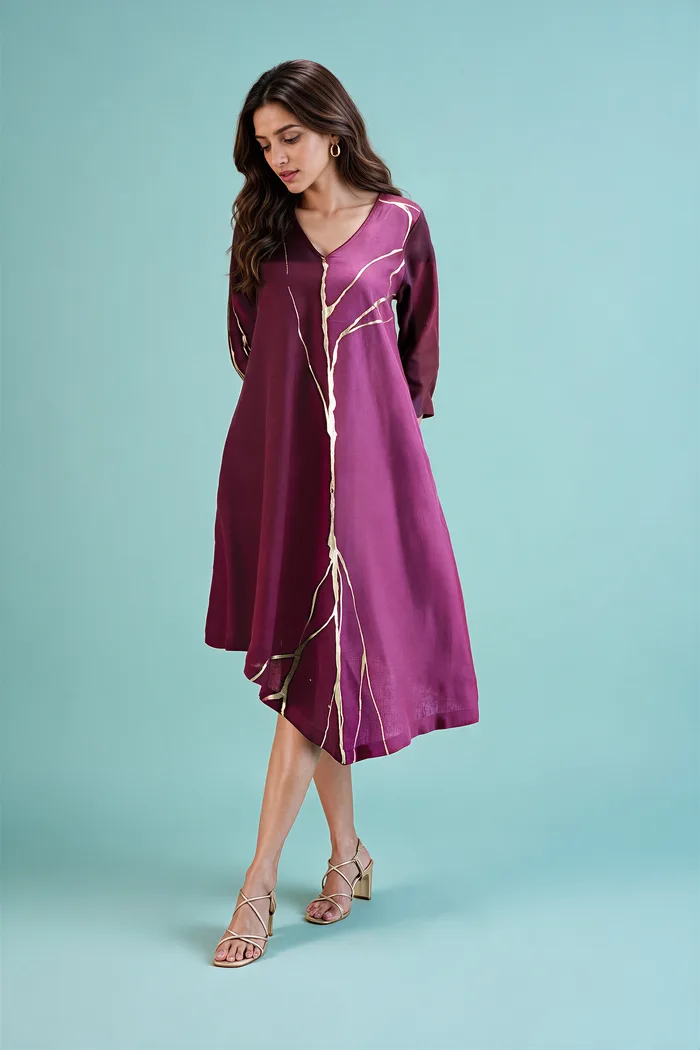
Every image matches
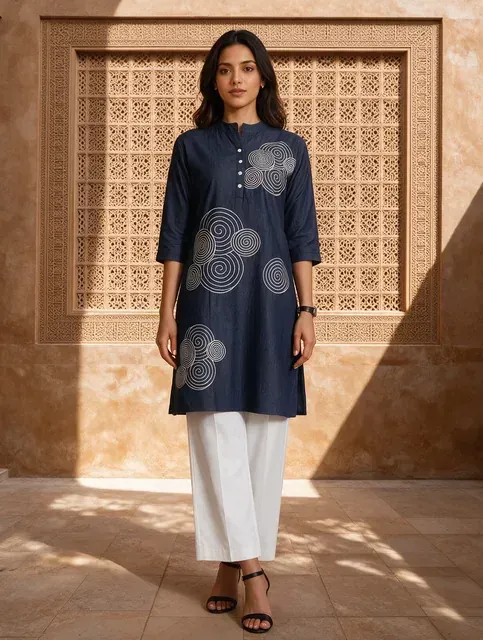
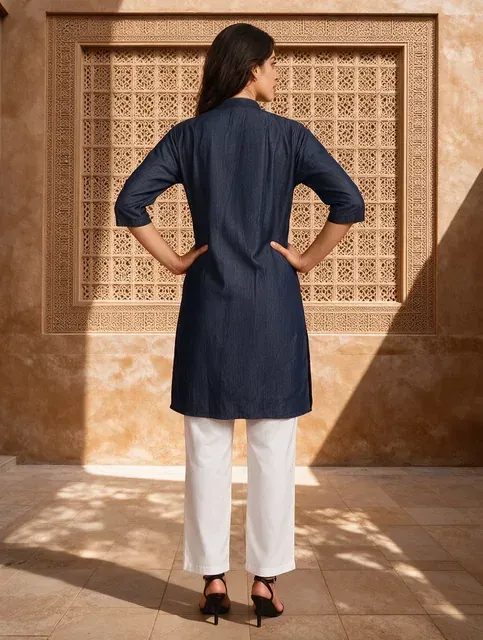
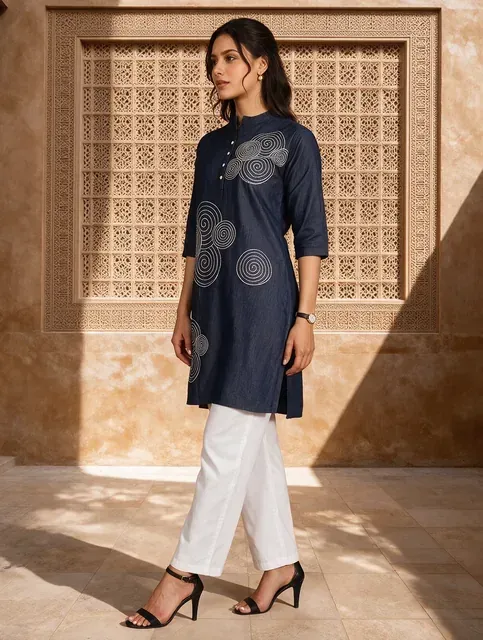
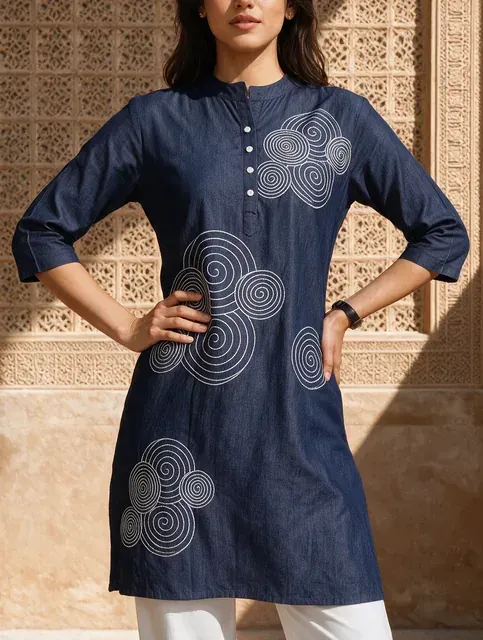
The same garment, fabric, design and model across front, back, side and close-up, and across the whole collection.

Shopify product photography
A Shopify collection page lays every product side by side, so every mismatch in light or crop shows. Fivo shoots each garment on a model chosen for your customer, in one setting and one 3:4 frame, so the grid reads as a single campaign and each product page carries every view.
From about ₹20 an image · price shown before you generate · see pricing
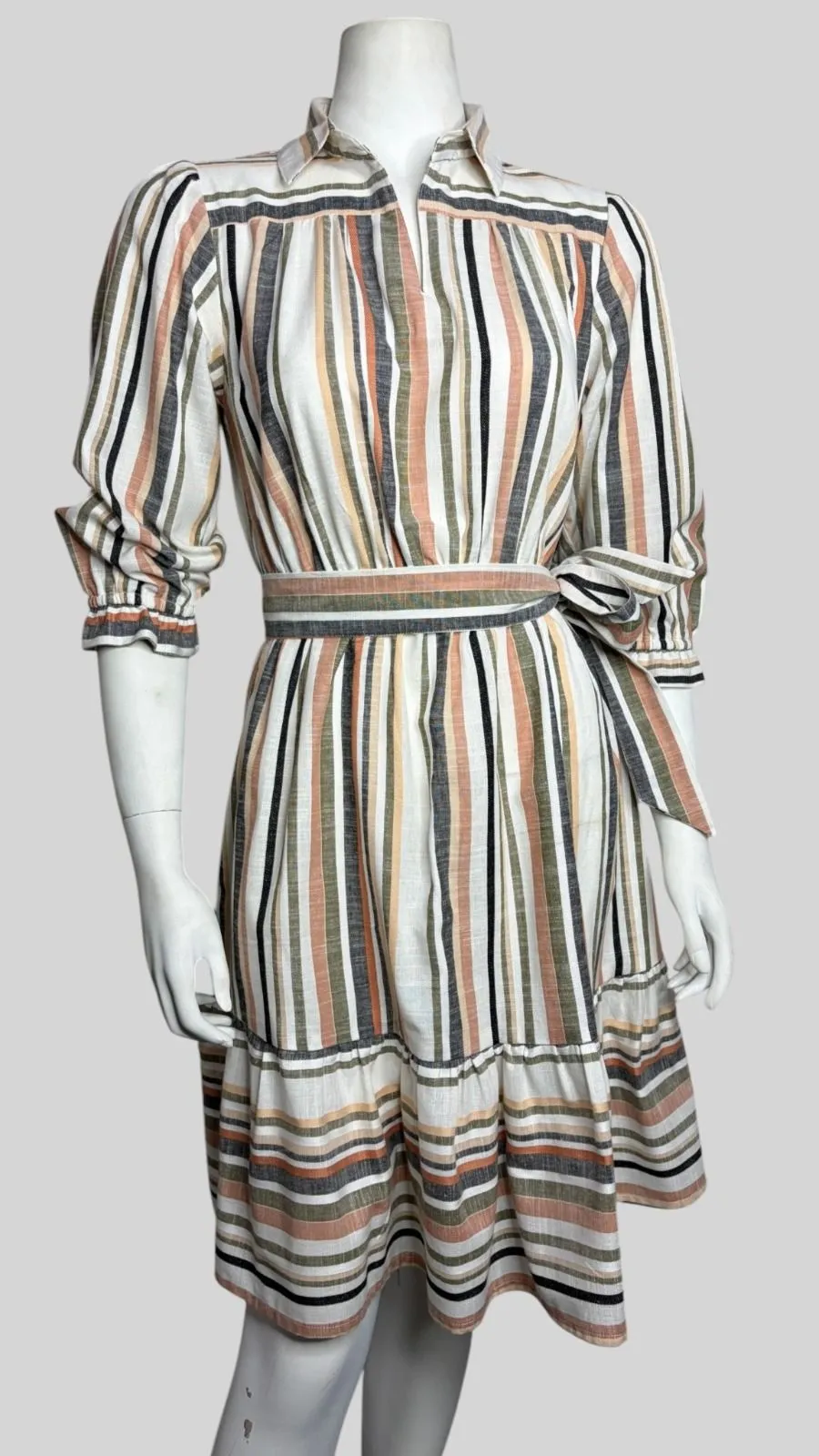 Brand's mannequin
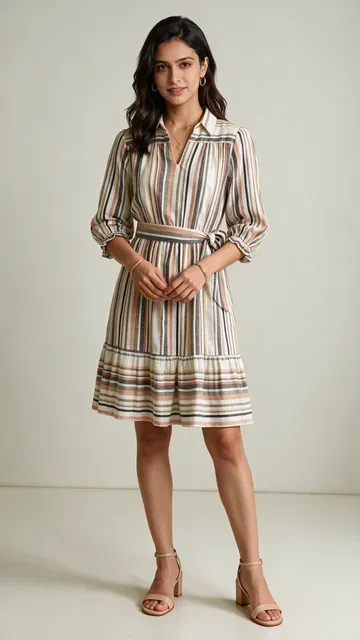 Fivo
It turns a photo of each product, on a hanger, a mannequin or laid flat, into on-model images for your Shopify product and collection pages. Fivo Studio shoots the whole collection in one look, in 3:4, with front, back, side and close-up views. Today you upload them in the Shopify admin; Fivo for Shopify is coming soon.
Why brands choose Fivo
Customise every shoot to your brand. Fivo keeps your garment, your models, your styling and your look the same in every image you put out.
The same garment, fabric, design and model across front, back, side and close-up, and across the whole collection.
Your photo is the reference: colour, print, embroidery and cut are carried into every image, not reinvented.
Choose the pose for each shot, from straight catalogue fronts to walking, seated and detail shots.
Pick models by the look and age group your customers relate to: women, men, kids, Indian or international.
Choose each styling article per garment: footwear, jewellery, bags, watches, belts, and the top or bottom it's paired with. Or upload your own.
Who it's for
Your store is the brand. Collection pages, the home-page strip and the 'you may also like' row put products side by side, where a generic AI look would dilute it fast.
Reels and stories send traffic to the store. Make 9:16 for Instagram and 3:4 for product pages from the same garment photo.
Make 2:3 for the marketplaces and 3:4 for your own store from the same garment photos, in the same look.
Past seasons shot by different photographers? Re-shoot from the photos you have, so the archive matches the new drop.
What Shopify supports
Shopify sets no style rules for fashion photos. These are the technical limits and advice it publishes for product media, from [Shopify's product media types](https://help.shopify.com/en/manual/products/product-media/product-media-types) and [adding product media](https://help.shopify.com/en/manual/products/product-media/add-media).
| Topic | What Shopify's help centre says |
|---|---|
| Featured image | The first media item; it shows on collection pages, the cart, checkout and the home page |
| Aspect ratio | Use a consistent aspect ratio for all your featured images |
| Image size | Up to 5000 × 5000 pixels or 25 megapixels, and under 20 MB |
| Square images | 2048 × 2048 pixels usually displays best |
| File type | PNG is best for most product images, then JPEG; TIFF, BMP, GIF, SVG, HEIC and WebP are accepted |
| Media per product | Up to 250 images, videos or 3D models |
| Video | Up to 10 minutes and 1 GB, as .mp4, .mov or .webm |
Checked November 2026. Your theme decides how images are cropped on collection and product pages, so preview one product before you upload a whole range.
How a Fivo shoot fills the store
| Shopify slot | From a Fivo shoot |
|---|---|
| Featured image | The on-model front in 3:4. Drag it to first place so collection pages, cart and checkout show it. |
| Product gallery | Back, side and close-up from the same reading of the garment, so the gallery shows one product from every side |
| One aspect ratio | 3:4 for every product in the collection, as Shopify's help centre advises |
| Product video | An on-model video of the same garment in the look of its stills. Check it against Shopify's video limits. |
| Instagram and WhatsApp | 9:16 for reels and stories, 1:1 for broadcasts to repeat buyers |
| File type and size | Check each download against Shopify's 20 MB and 5000 × 5000 limits |
Live on Shopify
bykaveri.com runs on Shopify, and these product pages lead with images shot with Fivo.
Why Shopify labels shoot with Fivo
One model, one light and one 3:4 shape across the collection, so the grid looks planned rather than assembled from three shoots.
The striped dress at the top keeps its collar, puff sleeves, tie belt and the switch from vertical to horizontal stripes at the tier. Add a close-up wherever a print or trim matters.
On your own store, a 'colour not as shown' return is yours to absorb. Fivo takes colour from your photo and runs a colour-match step; check each image before it goes live.
A Studio collection is usually ready within 24 hours, so product pages can go live with the launch email instead of a week after it.
Listed as "FIVO: Fashion Photoshoot", it is coming soon to the Shopify App Store, to bring products in and publish on-model photos back to them.
Refreshing a Shopify collection
Any clear photo of each product: hanger, mannequin, flat-lay or an older on-model shot. Add a close-up for prints.
In Studio, pick the model, poses and background once, style each piece with footwear, a bag or your own accessories, and choose 3:4.
Studio shows the price with GST before the shoot starts, and releases credits for any image that fails.
Download, add the images to each product's Media in the Shopify admin, and drag the on-model front to first place.
One product page, every view
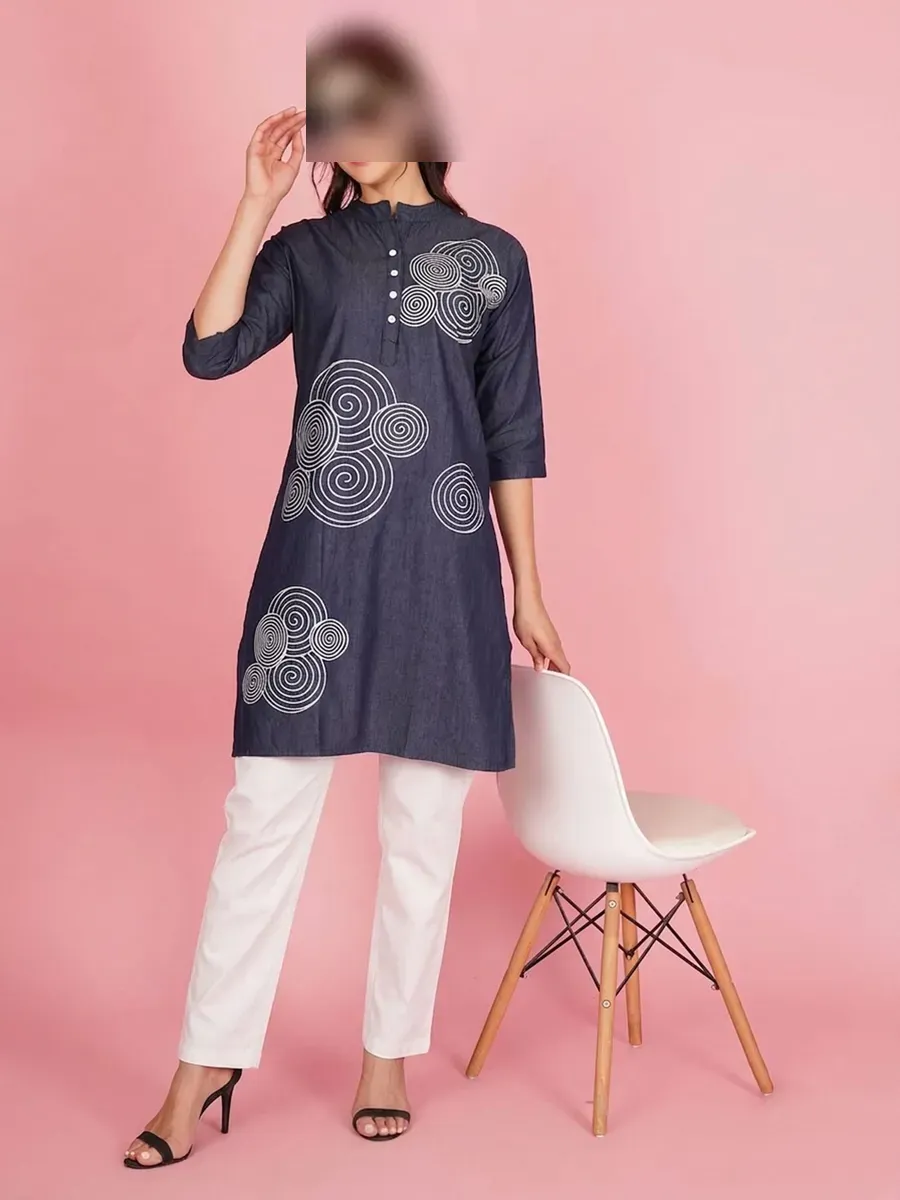
A denim kurti with white spiral thread-work, shot from the brand's on-model photo: front, back, side and close-up, in one setting.
More from Fivo
A teal triangle-print co-ord and a coral embroidered suit with its dupatta, both Fivo results, and a washed black denim sundress shot from an on-model photo.
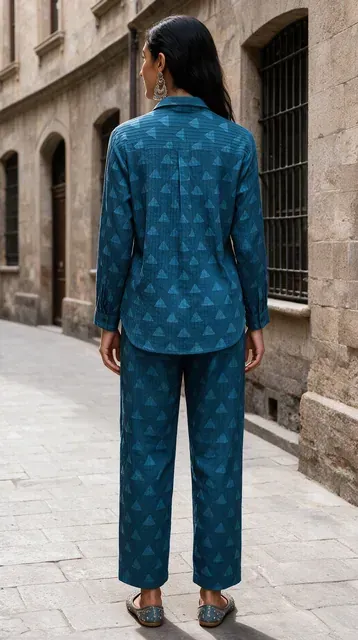 Fivo · Back
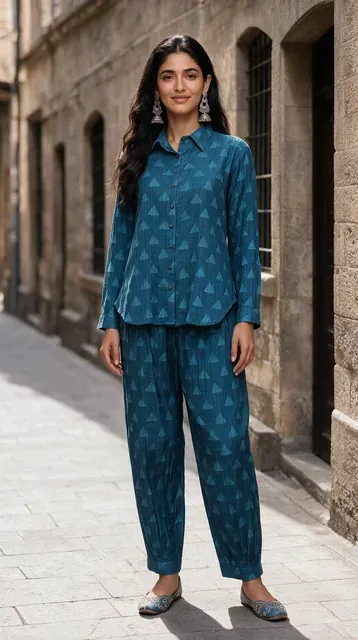 Fivo
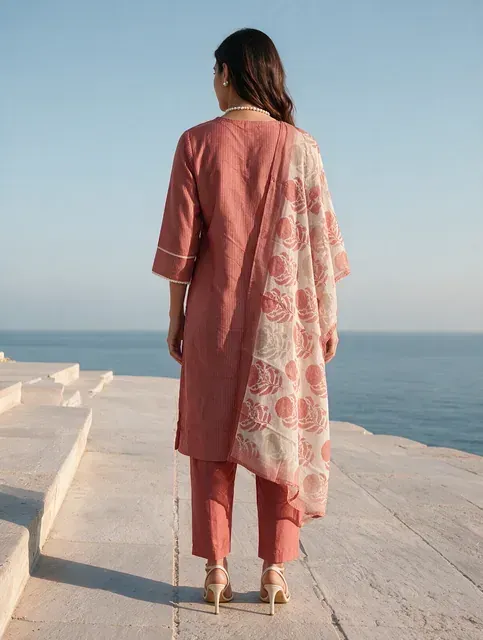 Fivo · Back
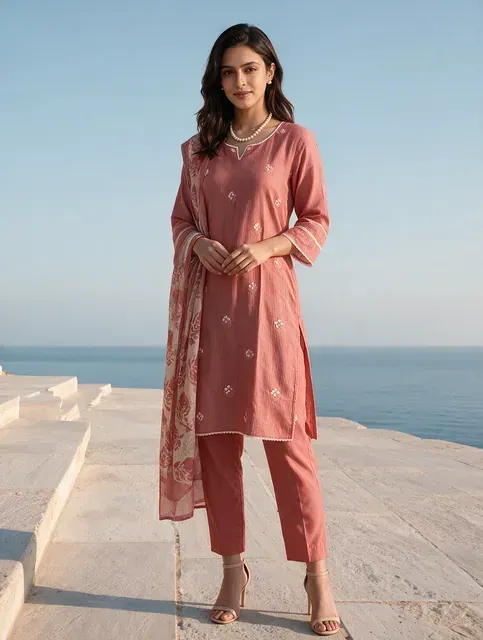 Fivo
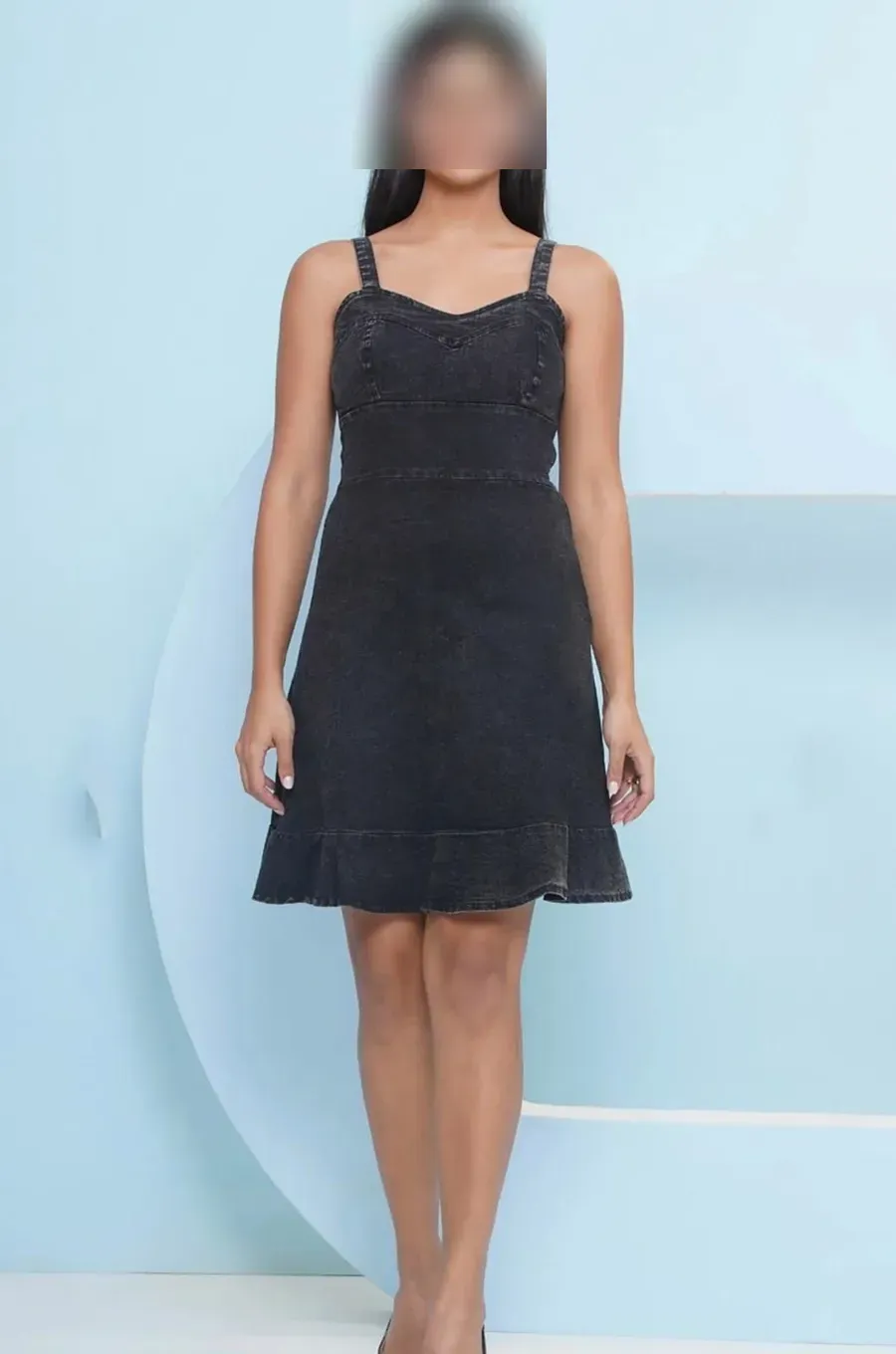 Brand's on-model photo
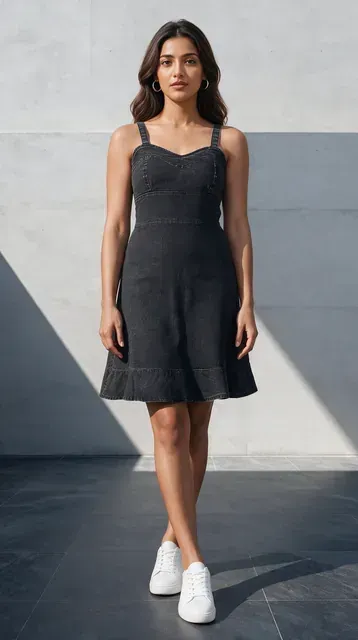 Fivo
Questions
What D2C labels ask before shooting their Shopify store with Fivo.
Shopify doesn't set one, but its help centre says to use a consistent aspect ratio for all featured images. For clothing, a portrait frame shows a model head to hem, and Fivo's website format is 3:4. Use it for every product, and preview how your theme crops it before uploading the range.
Shoot the whole collection in Fivo Studio with one model, one set of poses and one background, in 3:4, and make the on-model front the first image of every product. The grid then shows one model, one light and one shape across the page.
Yes. Fivo's catalogue spans women, men, girls, boys and an older age group, with Indian and international looks, so the face on your collection page can match the people who buy from you. A label with a kids line can give it its own model in the same setting.
Fivo for Shopify, listed as "FIVO: Fashion Photoshoot", is coming soon to the Shopify App Store. It will connect your store to Fivo Studio, bring your products in, and publish on-model photos back to product pages or as new draft products. Until it is live, images go onto Shopify by hand.
Shoot in Fivo Studio and download the images. In the Shopify admin, open each product and upload them to its Media section, then drag the on-model front into first place, since Shopify uses the first media item as the featured image on collection pages. For a larger catalogue system, Fivo's team can set up an API integration on request.
Yes. Fivo makes on-model videos of the same garment, and Shopify's help centre says a product's media can include videos up to its published limits, as .mp4, .mov or .webm. Check each download against those limits, then add it beside the product's images.
Shopify's help centre allows images up to 5000 × 5000 pixels or 25 megapixels, under 20 MB, and names PNG the best file type for most product images, followed by JPEG. Check your downloads against these limits before you upload.
About ₹20 an image, pay as you go, with no subscription. A 30-product collection with four views each is 120 images, and Studio shows the exact total with GST before you start. See Fivo pricing.
YOUR SHOPIFY STORE
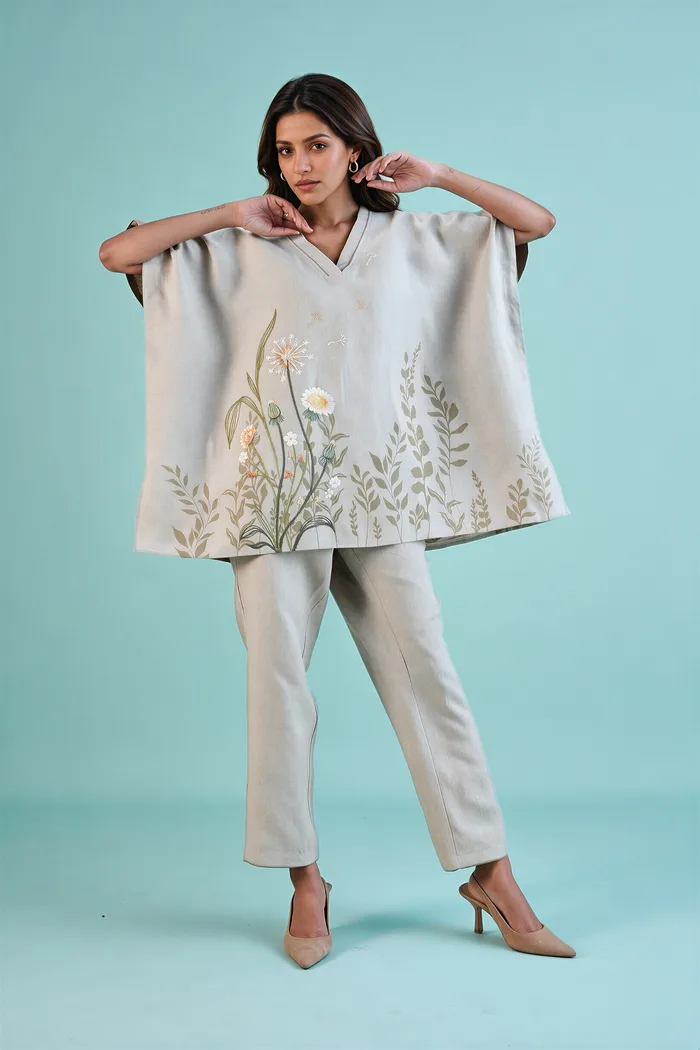
 Kaveri Wishes in the Wind square co-ord