Every image matches
The same garment, fabric, design and model across front, back, side and close-up, and across the whole collection.

Use cases
A mannequin shot, a flat-lay, a whole collection waiting to be listed. Each use case shows the starting photo, what Fivo makes from it and how the shoot runs.
From about ₹20 an image · price shown before you generate · see pricing
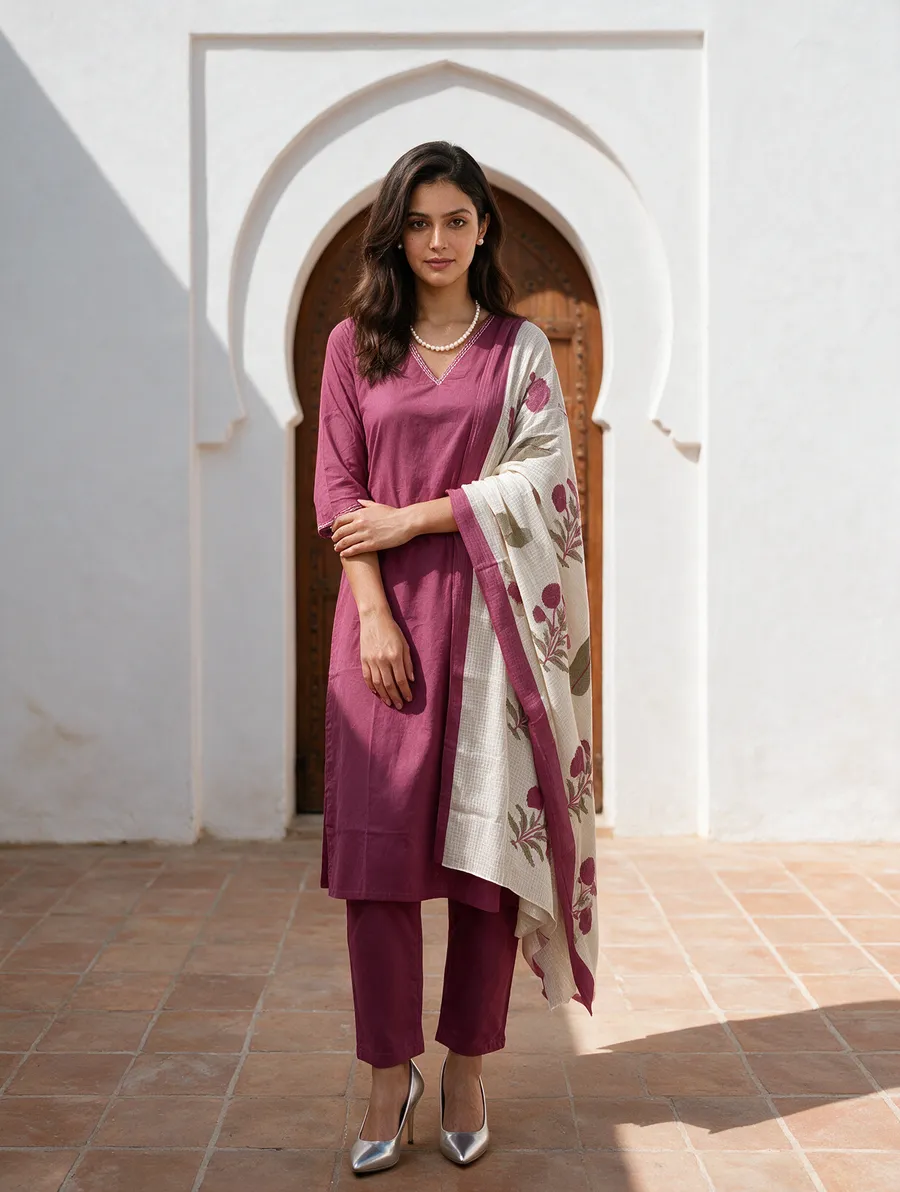
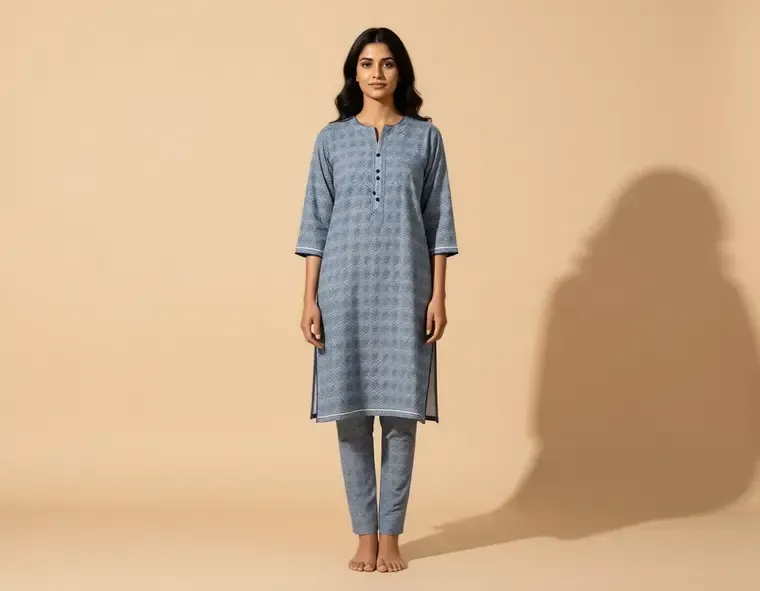
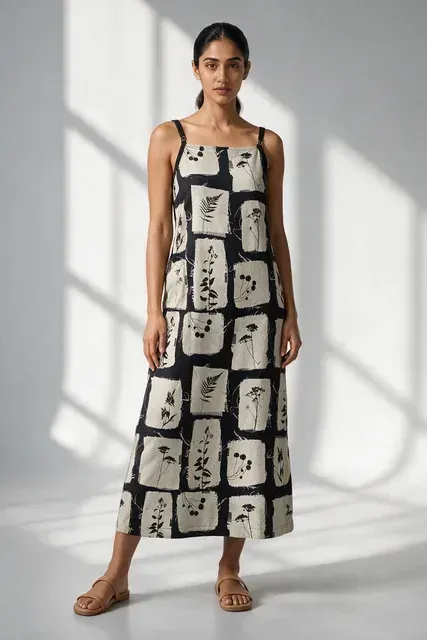
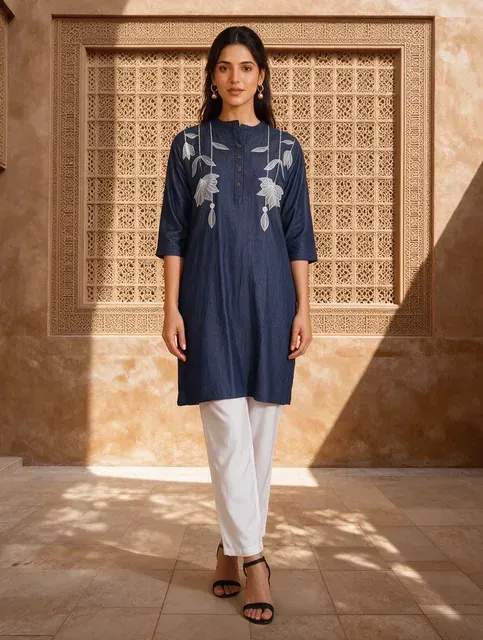
Why brands choose Fivo
Customise every shoot to your brand. Fivo keeps your garment, your models, your styling and your look the same in every image you put out.
The same garment, fabric, design and model across front, back, side and close-up, and across the whole collection.
Your photo is the reference: colour, print, embroidery and cut are carried into every image, not reinvented.
Choose the pose for each shot, from straight catalogue fronts to walking, seated and detail shots.
Pick models by the look and age group your customers relate to: women, men, kids, Indian or international.
Choose each styling article per garment: footwear, jewellery, bags, watches, belts, and the top or bottom it's paired with. Or upload your own.
Use cases
Put garments you already shoot on a dress form onto a model, and get the mannequin photo right: light, pins, neckline and framing.
Read the guideThe cheapest input there is: how to lay a garment out, deal with creases and shoot both sides on a phone, then see it worn.
Read the guideFor sellers with only a mobile: how to take a garment photo that works, what to avoid, and the Android app's four steps to on-model.
Read the guideA season's range in Fivo Studio: every SKU in one look, front, back, side and close-up, with the batch total shown before the shoot.
Read the guideNew models, backgrounds and formats for stock that's already listed, from the photos you already have, so older pieces sit with the new range.
Read the guideWhich aspect ratio each channel uses, what the marketplaces ask for, and how to keep one garment's look the same in 2:3, 3:4, 9:16 and 1:1.
Read the guidePut one garment through Create a sample and judge it on model in Fivo Studio before you shoot the whole collection.
Read the guideA season's lookbook from garment photos: one model and one setting carrying the story, for your site, buyers and launch.
Read the guideOn-model videos made from the same garment photo as the stills, for product pages, Reels and ads.
Read the guideUpright 9:16 images and Reels for Instagram and Facebook, and 1:1 squares for WhatsApp, made from garments you already sell.
Read the guidePlan the Diwali and Navratri collection backwards from the festival and shoot it in Studio batches as the pieces arrive.
Read the guideBridal, groom and guest wear shot on model in one shared look, timed to the wedding calendar.
Read the guideHow Fivo works
Brands use Fivo at every point in a collection's life: the first images for a launch, a full catalogue in bulk, and fresh images for stock that is already listed.
Each guide starts from what you have today and shows how to get to finished on-model images and videos.
YOUR NEXT COLLECTION