Every image matches
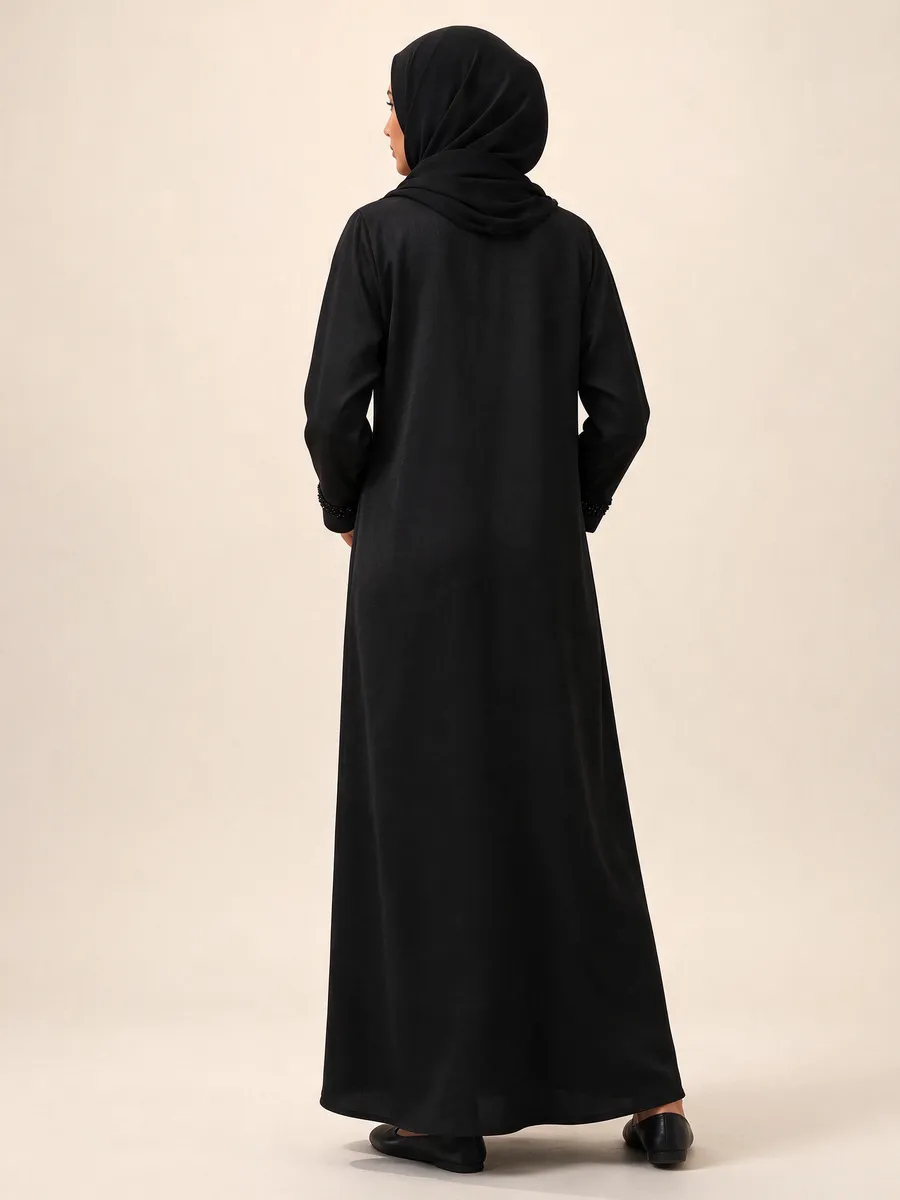
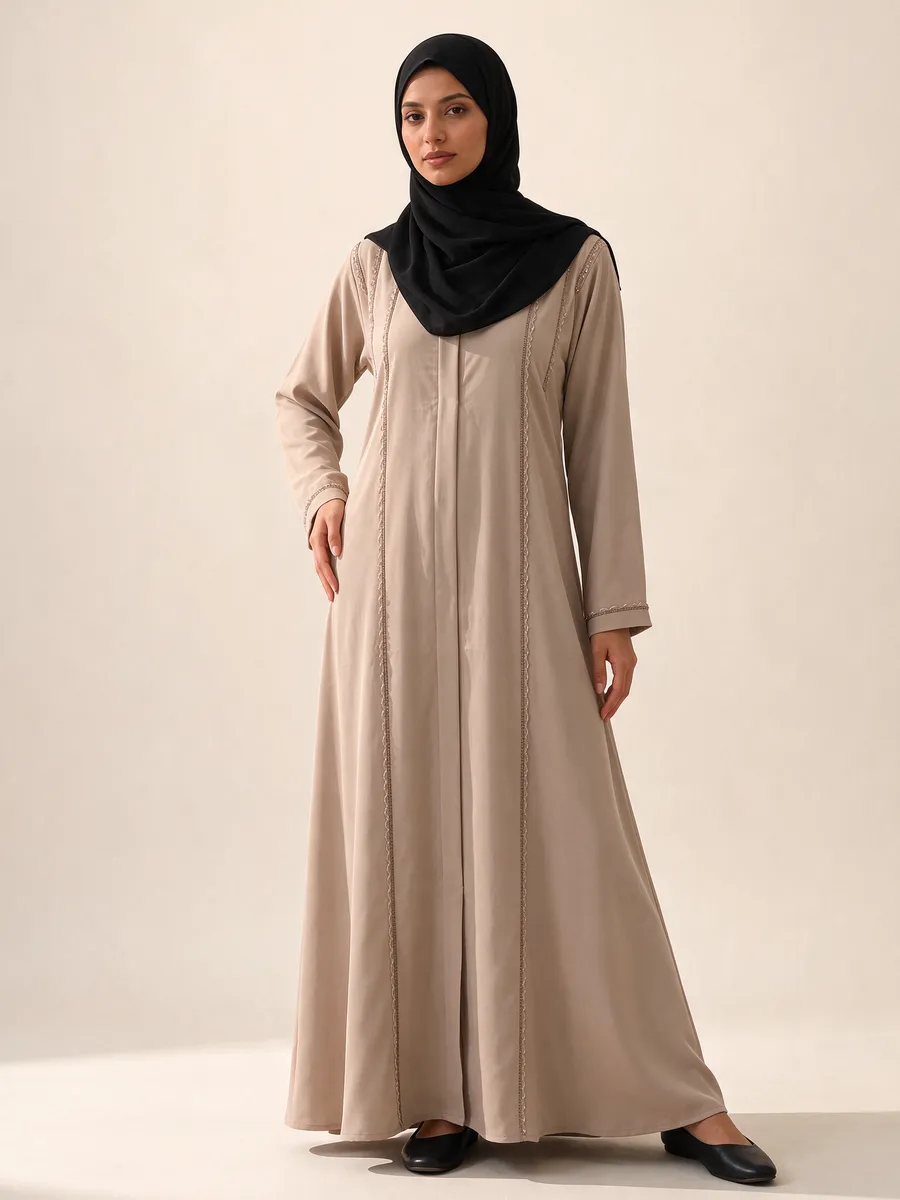
The same garment, fabric, design and model across front, back, side and close-up, and across the whole collection.

AI abaya photoshoot
An abaya sells on its detail: the rhinestones down a placket, the embroidery on a cuff, the drape of satin to the floor. Fivo takes your photo of the abaya, even on a mannequin in the shop, and puts it on a model styled with a hijab, in matching front, back, side and close-up images.
From about ₹20 an image · price shown before you generate · see pricing
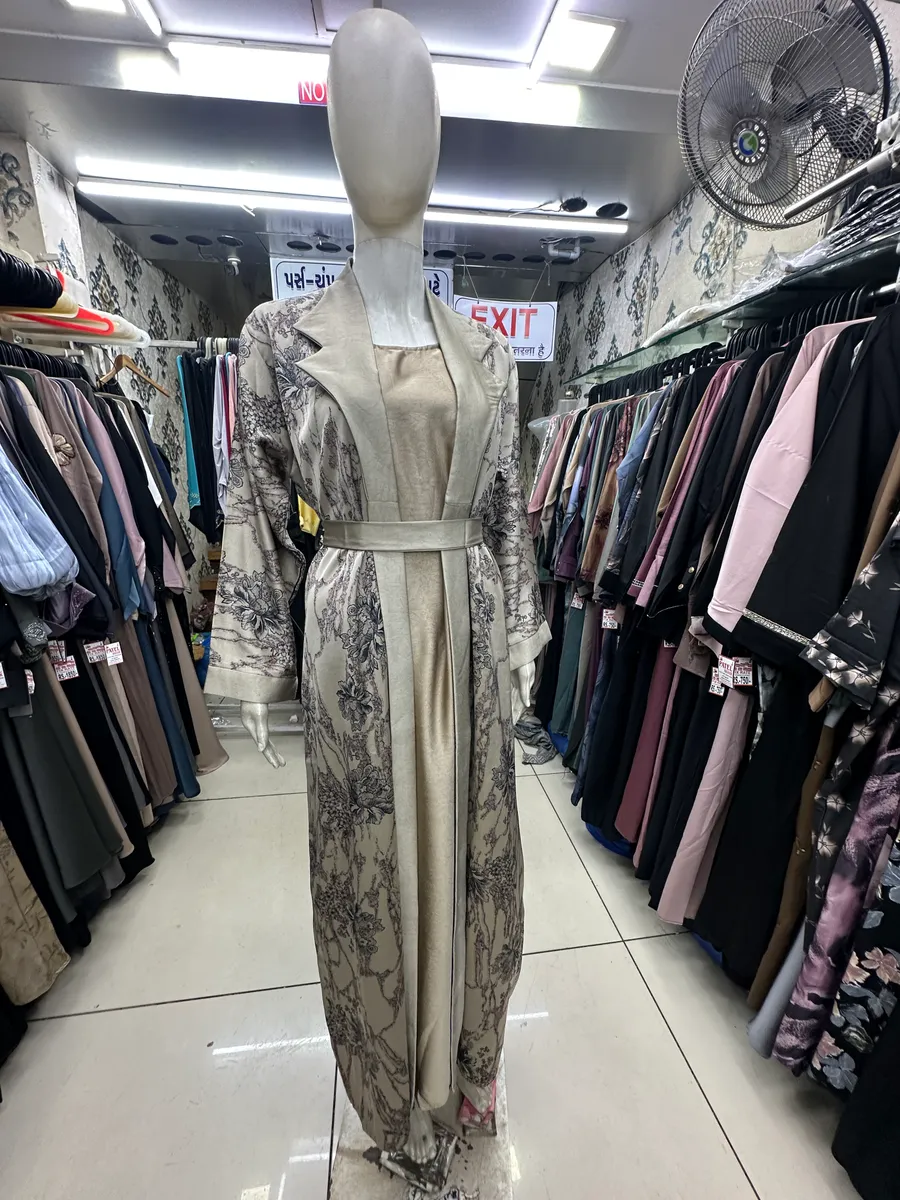 Brand's mannequin
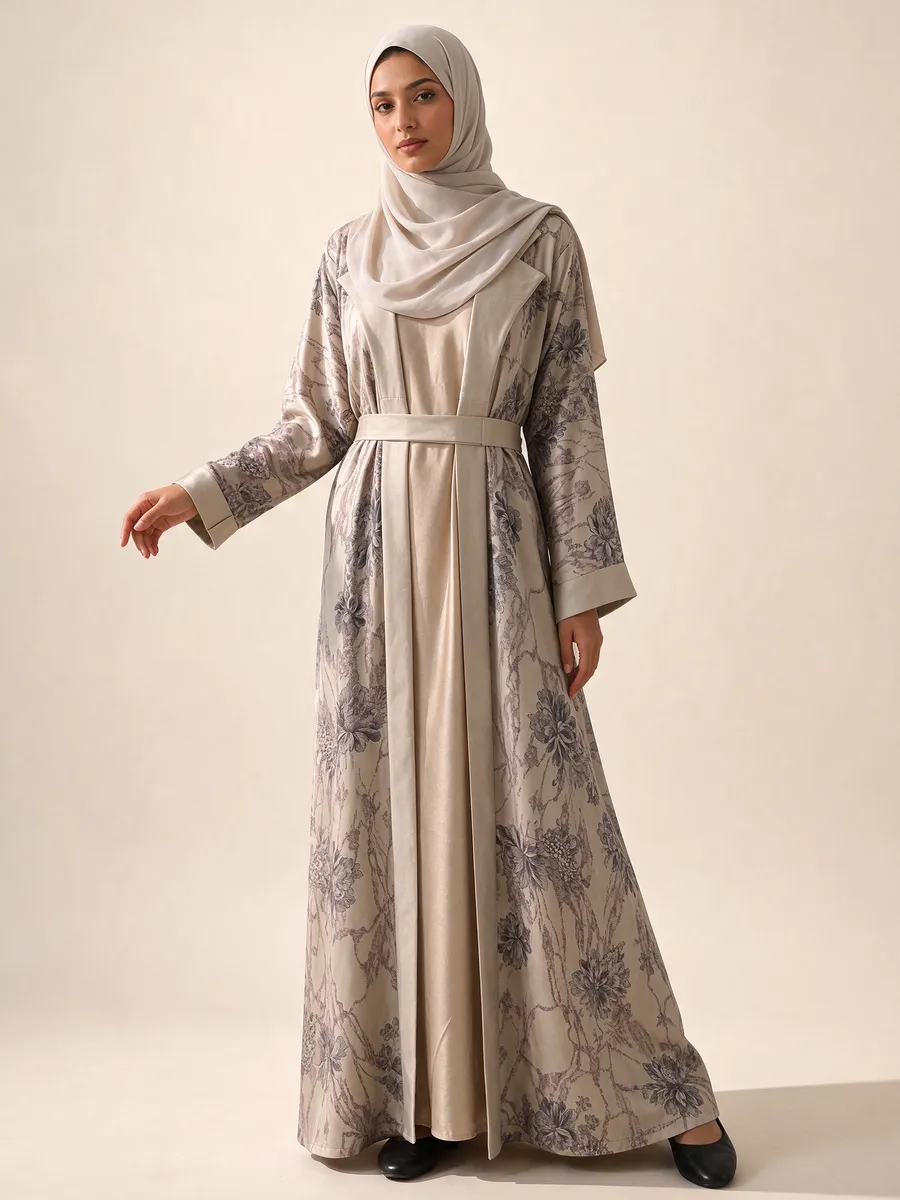 Fivo
An AI abaya photoshoot puts your abaya on a model from photos of the garment, styled with a hijab, so you can list it without booking a studio. Fivo reads the abaya once and builds every view from that reading, so the embroidery, stonework and print stay consistent from the full-length front to the close-up.
Why brands choose Fivo
Customise every shoot to your brand. Fivo keeps your garment, your models, your styling and your look the same in every image you put out.
The same garment, fabric, design and model across front, back, side and close-up, and across the whole collection.
Your photo is the reference: colour, print, embroidery and cut are carried into every image, not reinvented.
Choose the pose for each shot, from straight catalogue fronts to walking, seated and detail shots.
Pick models by the look and age group your customers relate to: women, men, kids, Indian or international.
Choose each styling article per garment: footwear, jewellery, bags, watches, belts, and the top or bottom it's paired with. Or upload your own.
What abaya buyers zoom into
Rhinestone lines, paisley embroidery and beaded bows usually run down the placket. They come from your photo and stay where they sit on the abaya.
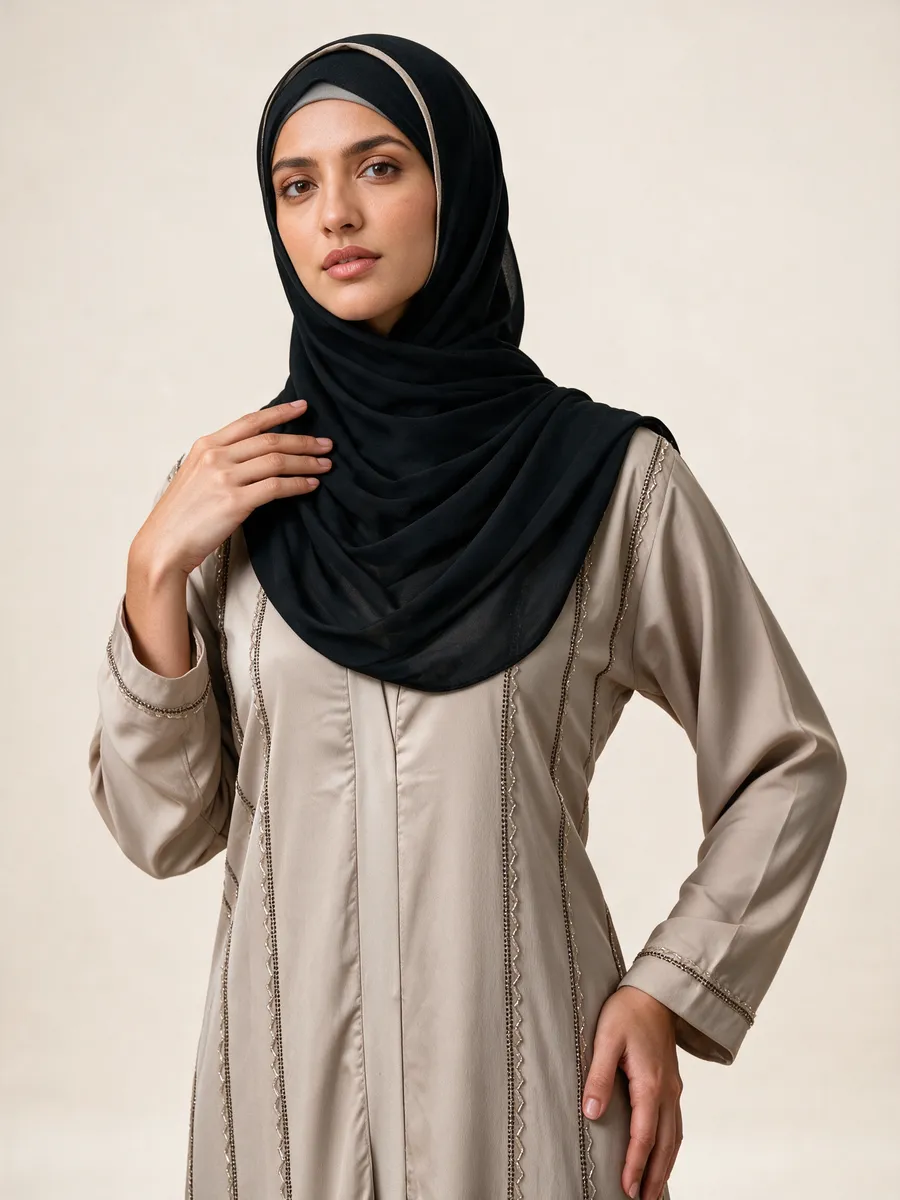
Many abayas put their finest work on the cuffs. Add a close-up of a cuff and the sleeve end keeps its beads and pattern on the model.
A satin abaya should catch light; a matte nida shouldn't. The finish is read from your photo, so shoot in even light without flash.
Dark abayas lose detail and pale ones go yellow in a bad photo. Your photo is the reference, and a colour-match step keeps each shade true to the fabric.
Each piece is styled per garment and brand: the hijab, footwear and bag from Fivo's styling catalogue, or your own uploaded. One styling set can carry across a range.
Choose a model in the look and age group your customers relate to, then a pose per shot: a straight front for the listing, a turn for the fall of the back.
One abaya, four views
A beige satin abaya with tonal rose embroidery, photographed on a mannequin in the shop and made by Fivo in a warm studio. Every frame comes from one reading of the garment, so the embroidery in the close-up is the embroidery on the full-length front.
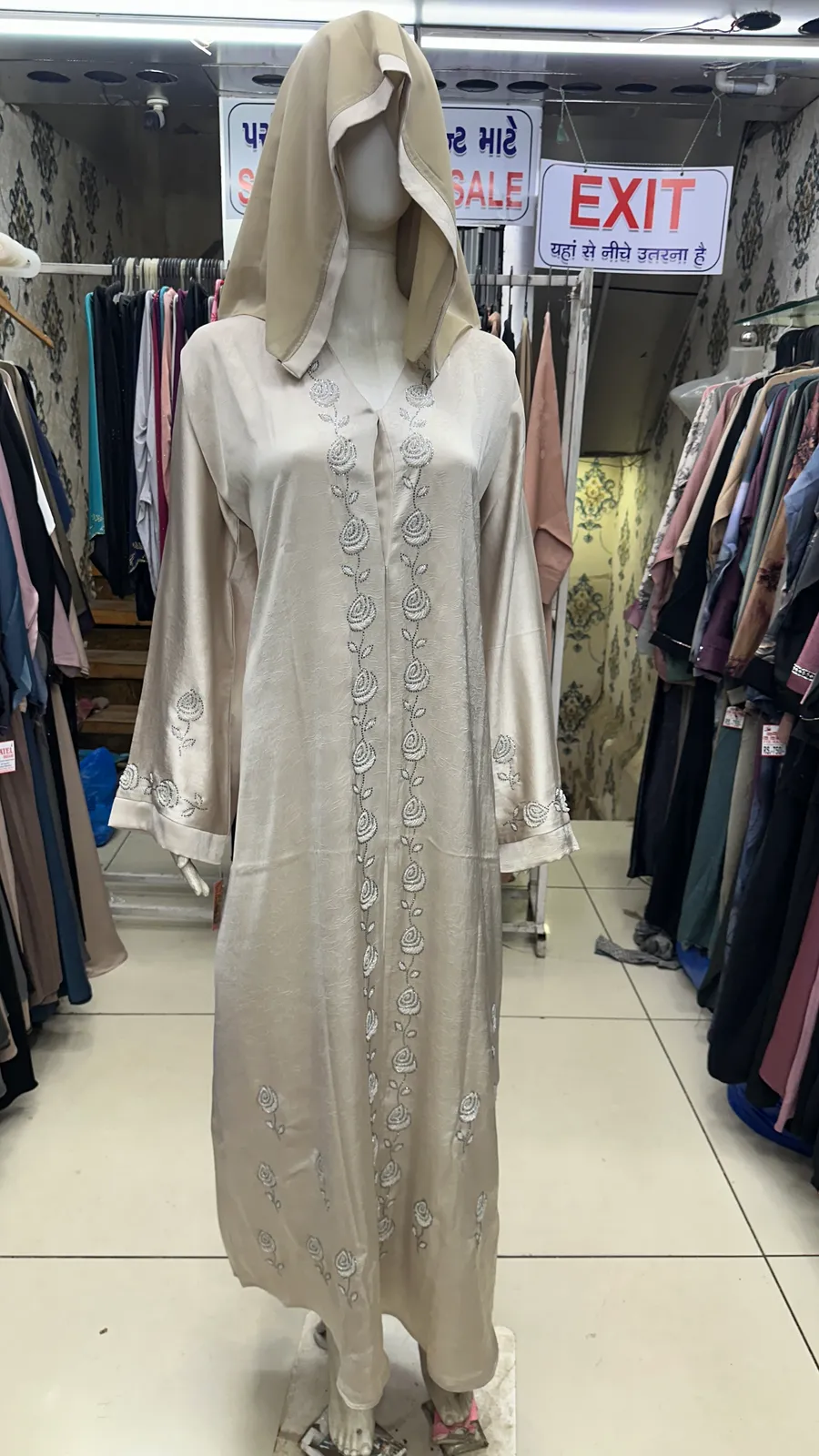
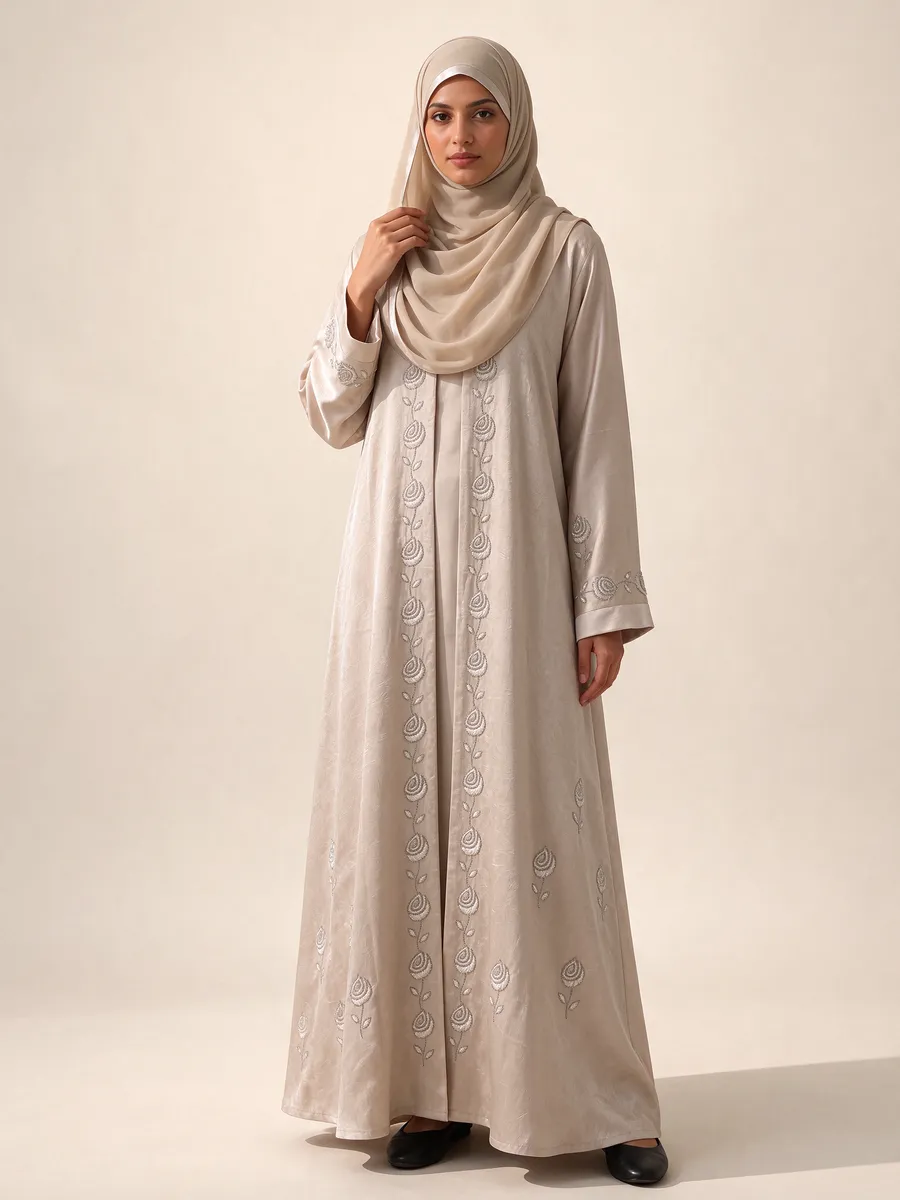
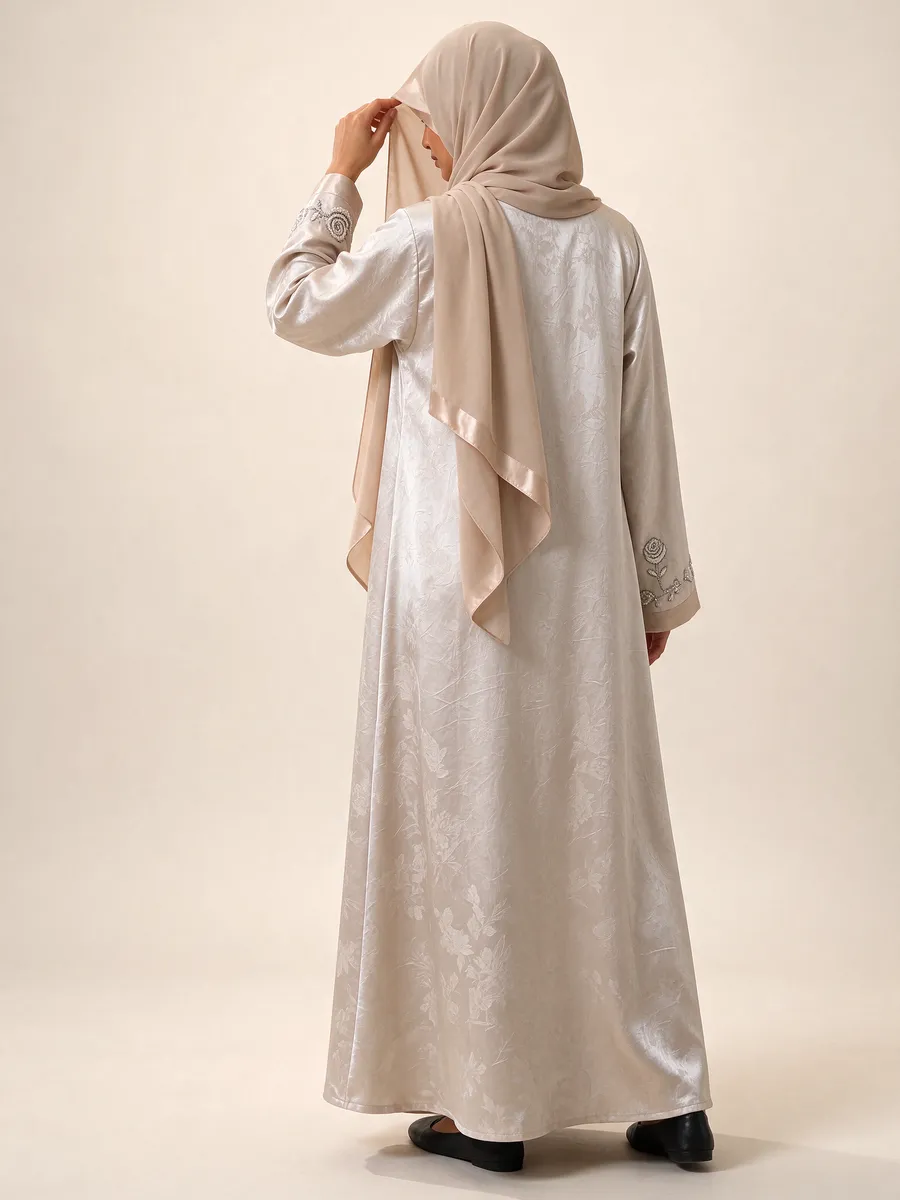
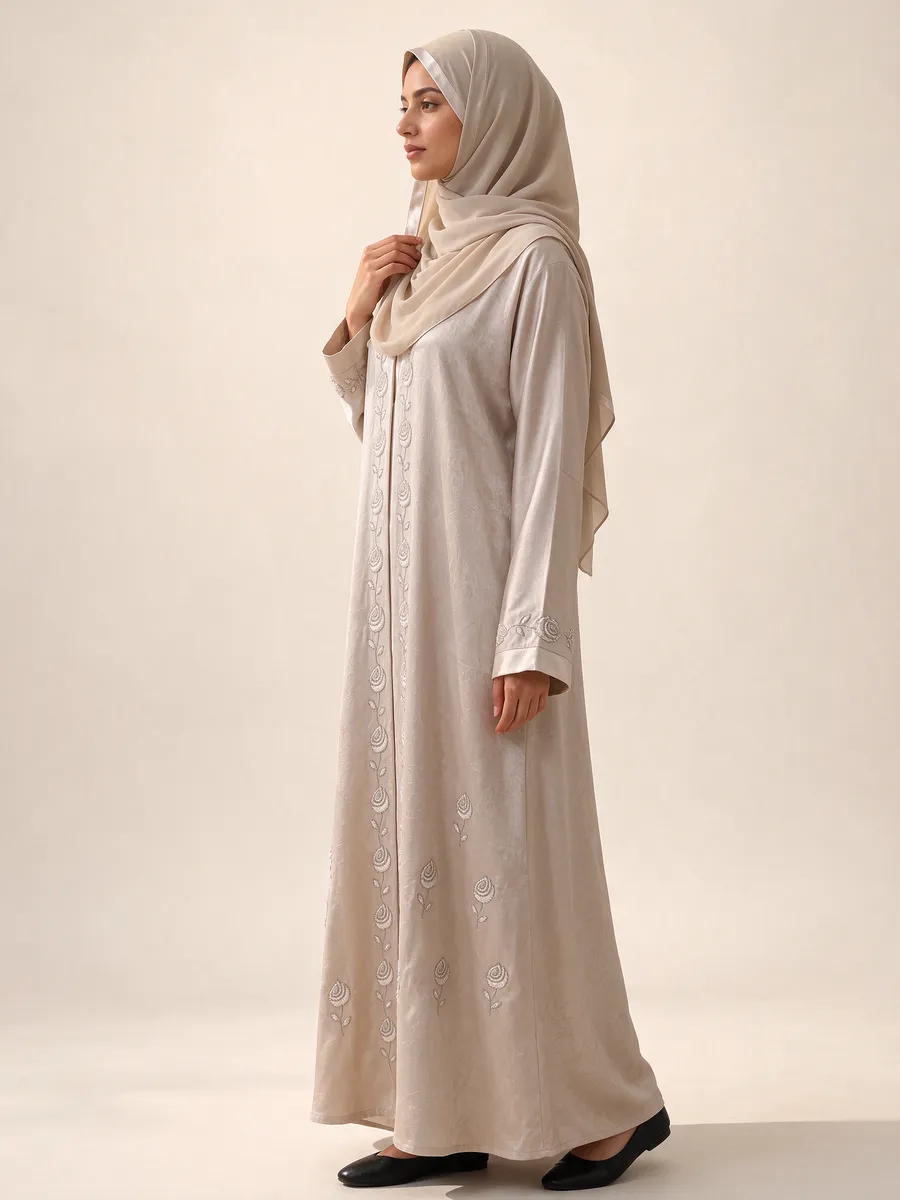
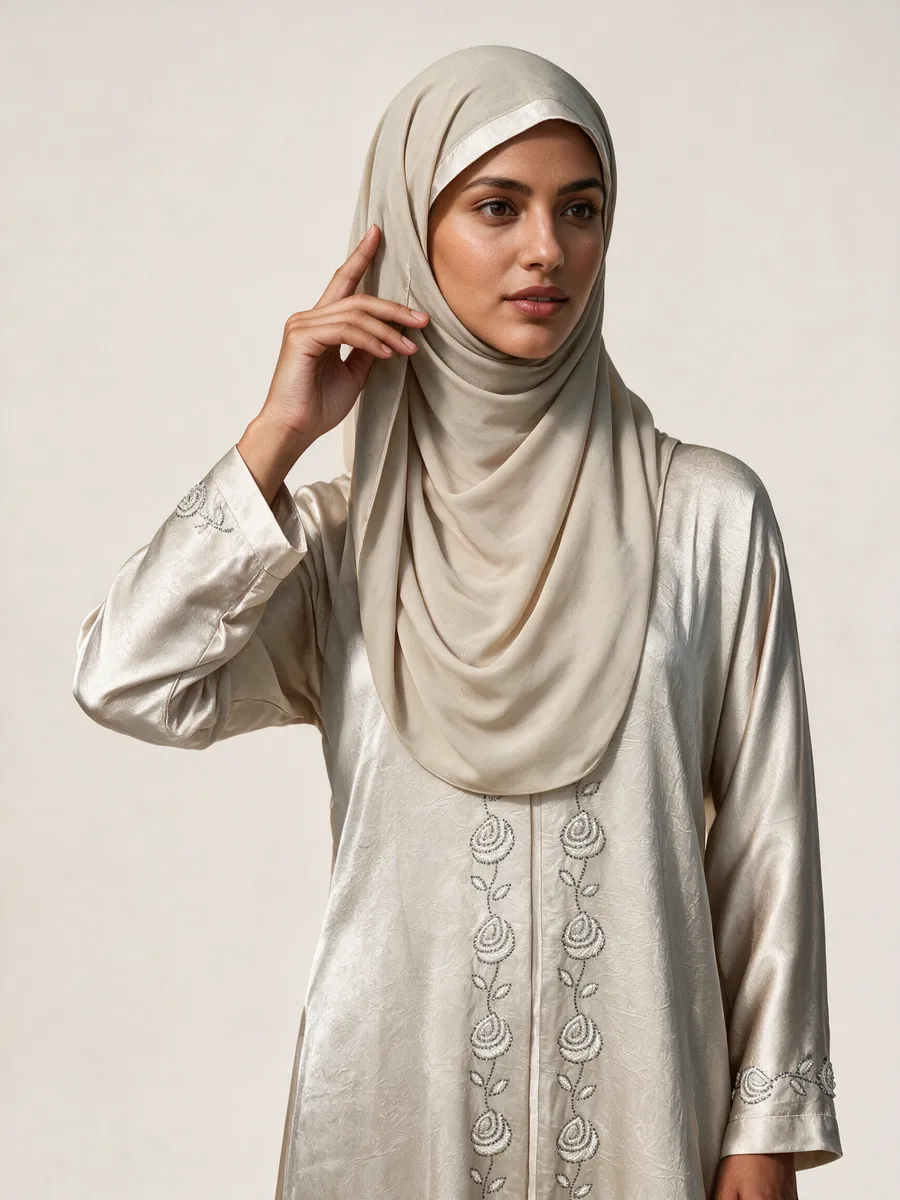
Hood or hijab
Many abayas come with an attached hood, and the shop photos here show it. On model, these abayas are styled with a hijab, which is how most shoppers picture them worn. Review each image against the abaya and keep the ones that suit your listing.
Because the abaya is read from your photo, its own details stay: the zip on the leopard print, the belt on the open floral, the bows on the black satin.
Shooting an abaya
On a mannequin, a hanger or laid flat, shoulders to hem in one frame. A phone photo in the shop is enough, as on this page.
One photo of the placket or front panel and one of a cuff, so the stonework and embroidery have detail to read from.
A model from Fivo's catalogue, the hijab and accessories, a pose per shot and a background, set once for the whole range in Studio.
The total with GST is shown before you generate. Then compare every image with the abaya and keep the ones that match.
More abayas, made by Fivo
Each started as a photo of the abaya on a shop mannequin, shown small beside the result.
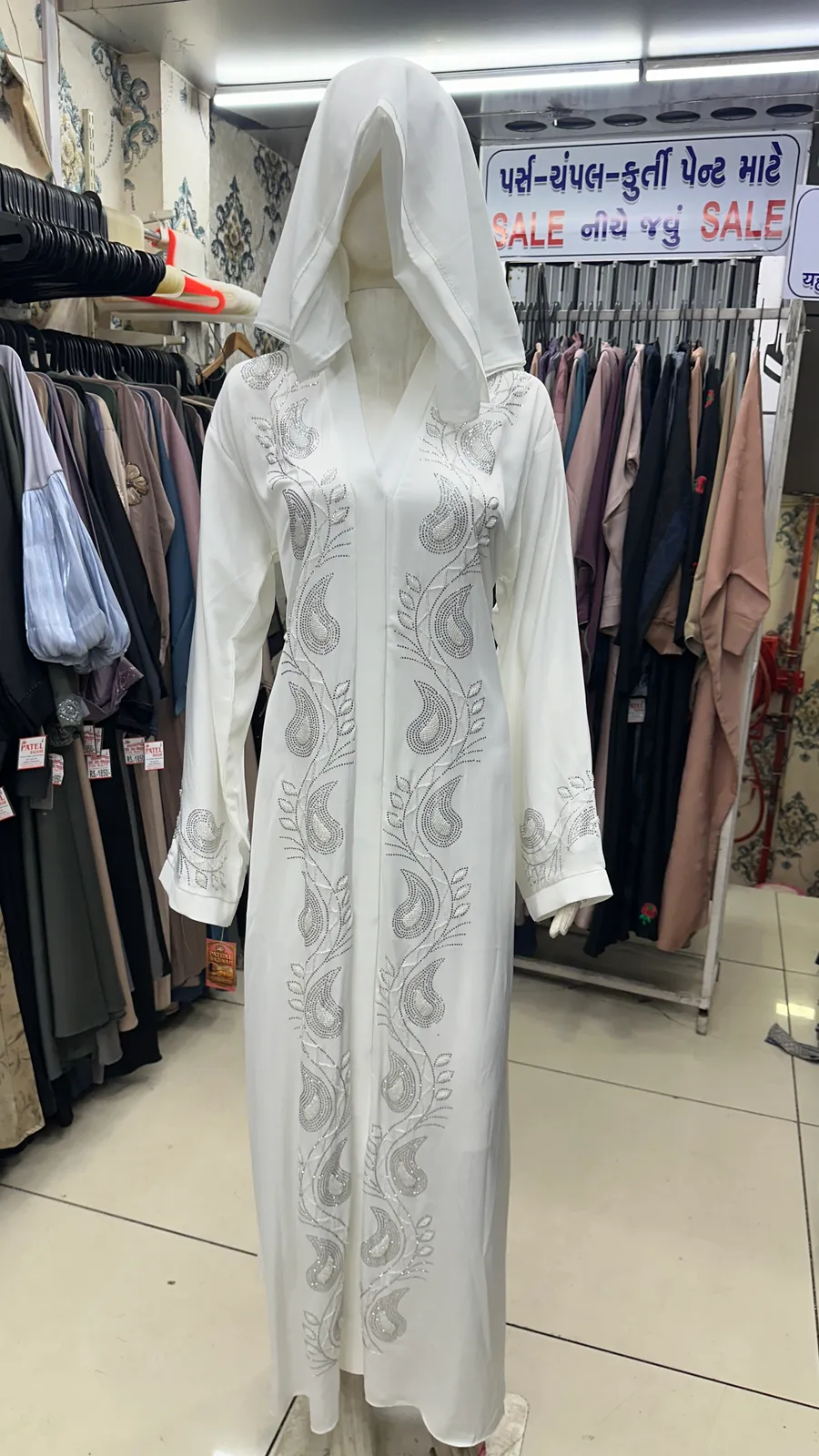 Brand's mannequin
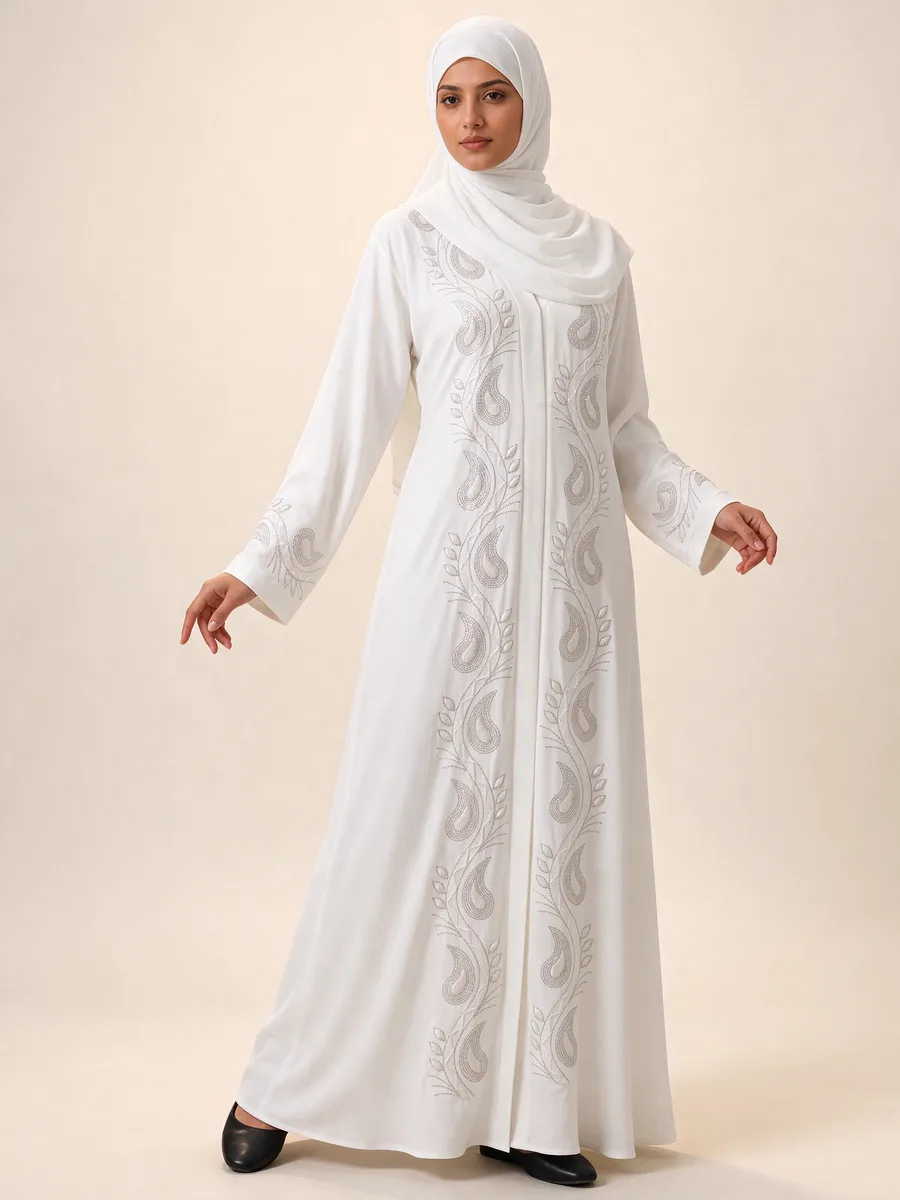 Fivo
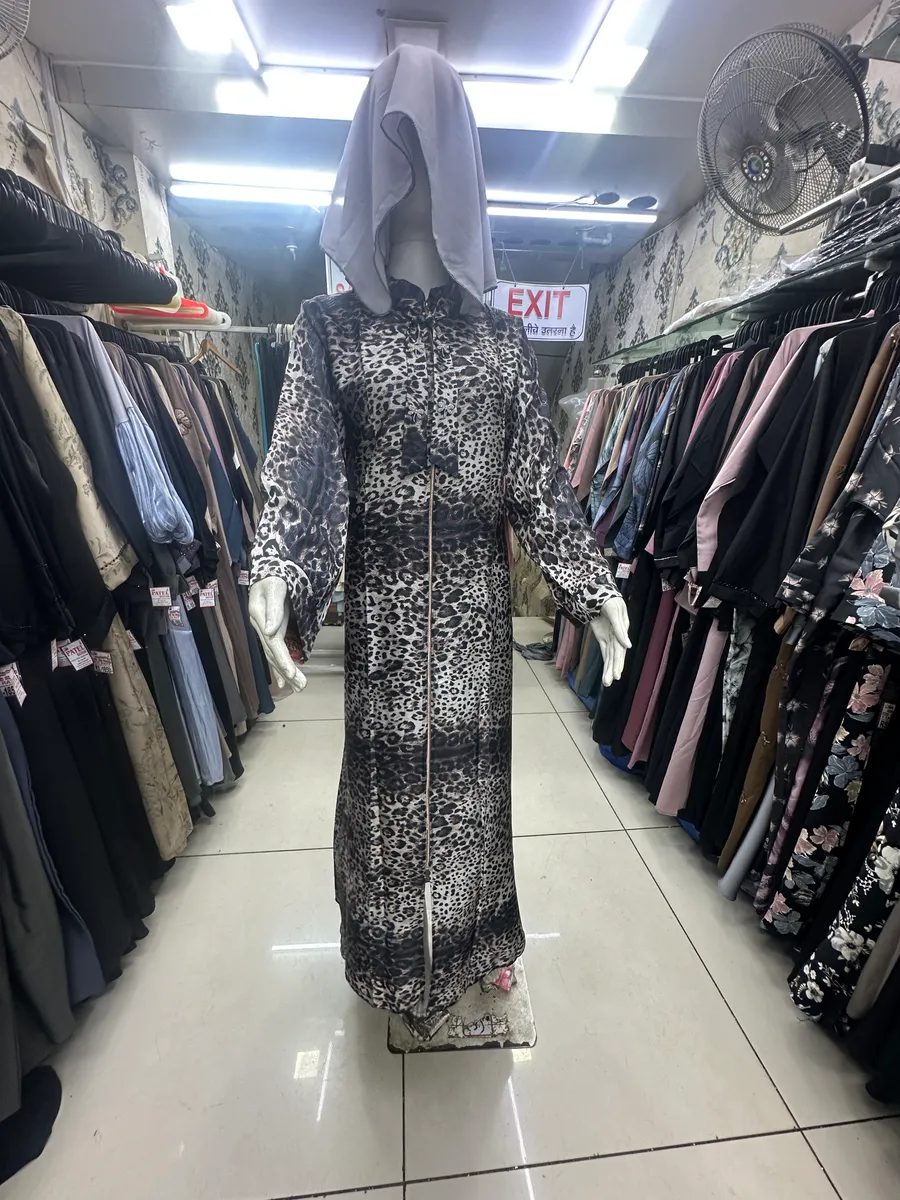 Brand's mannequin
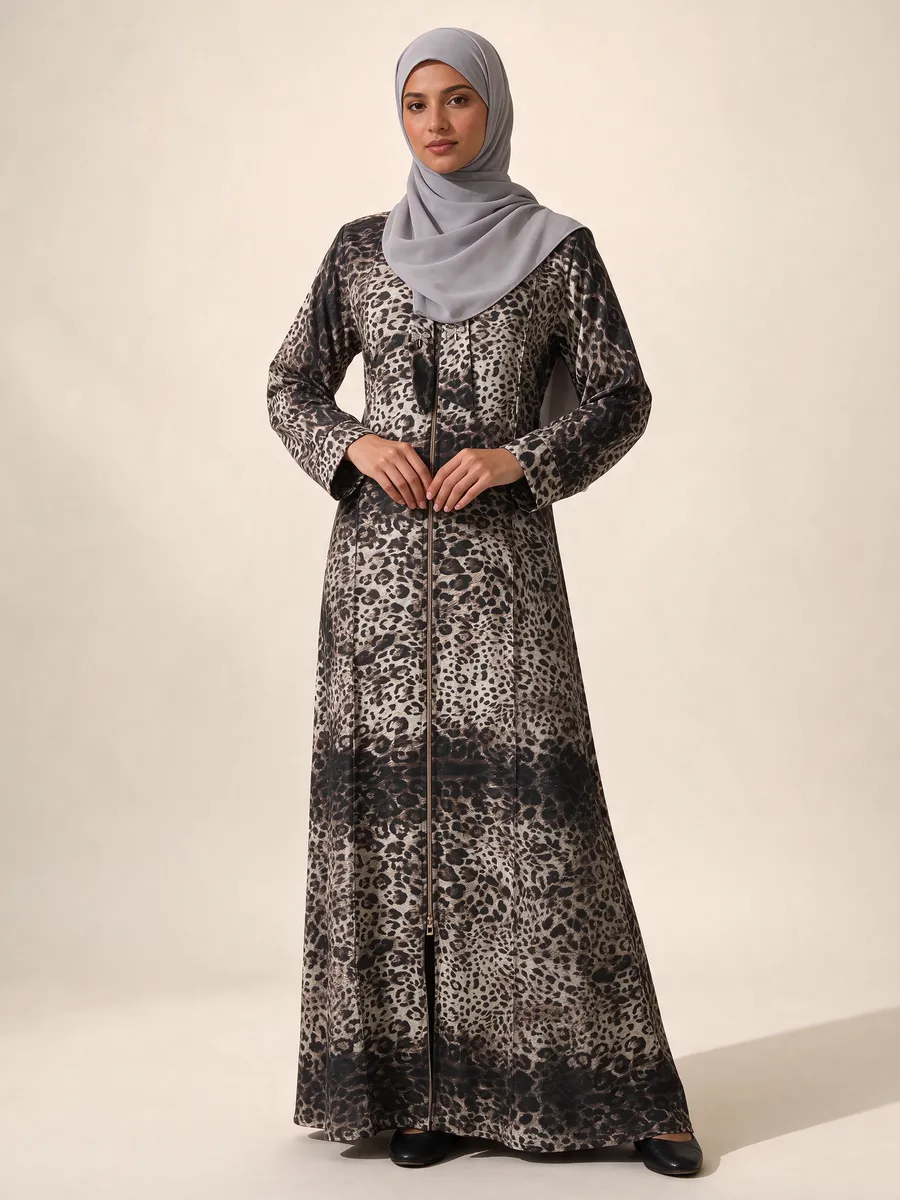 Fivo
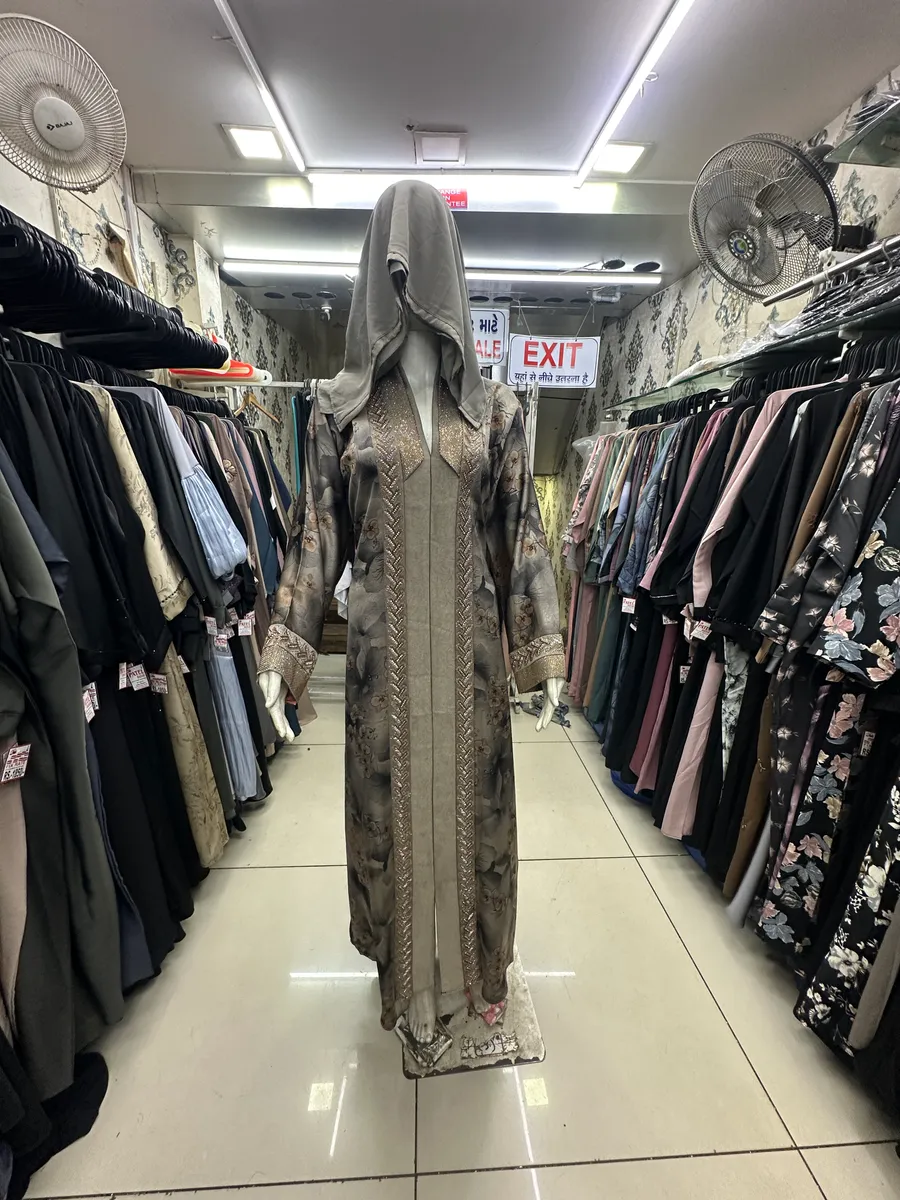 Brand's mannequin
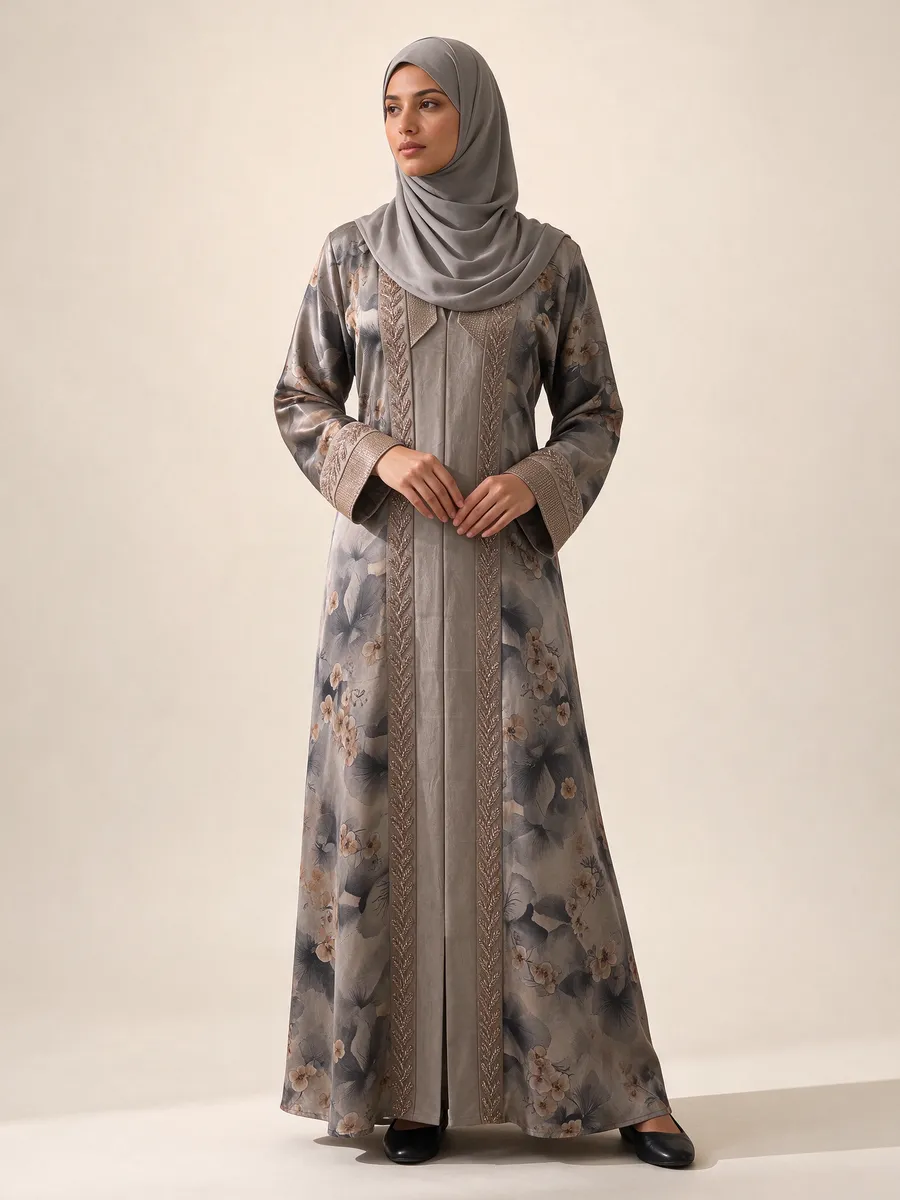 Fivo
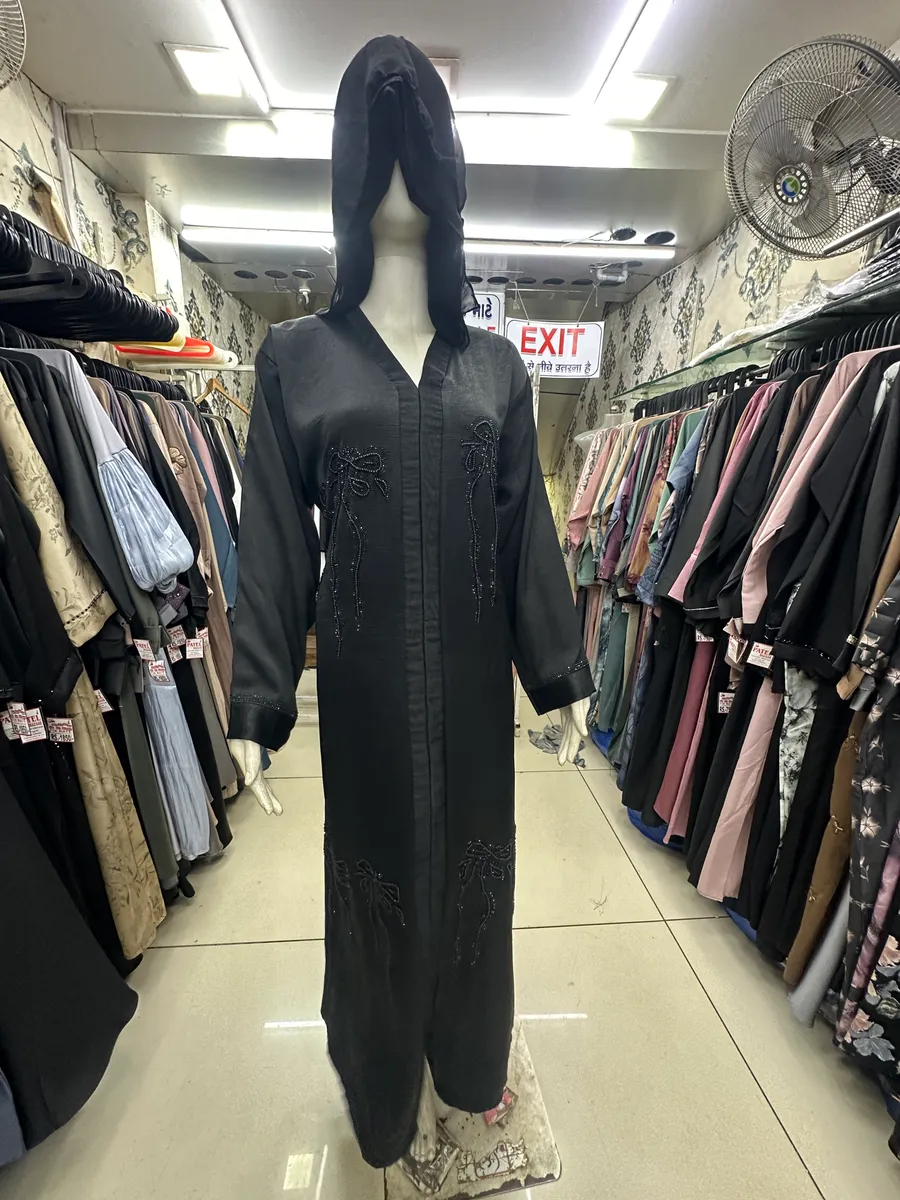 Brand's mannequin
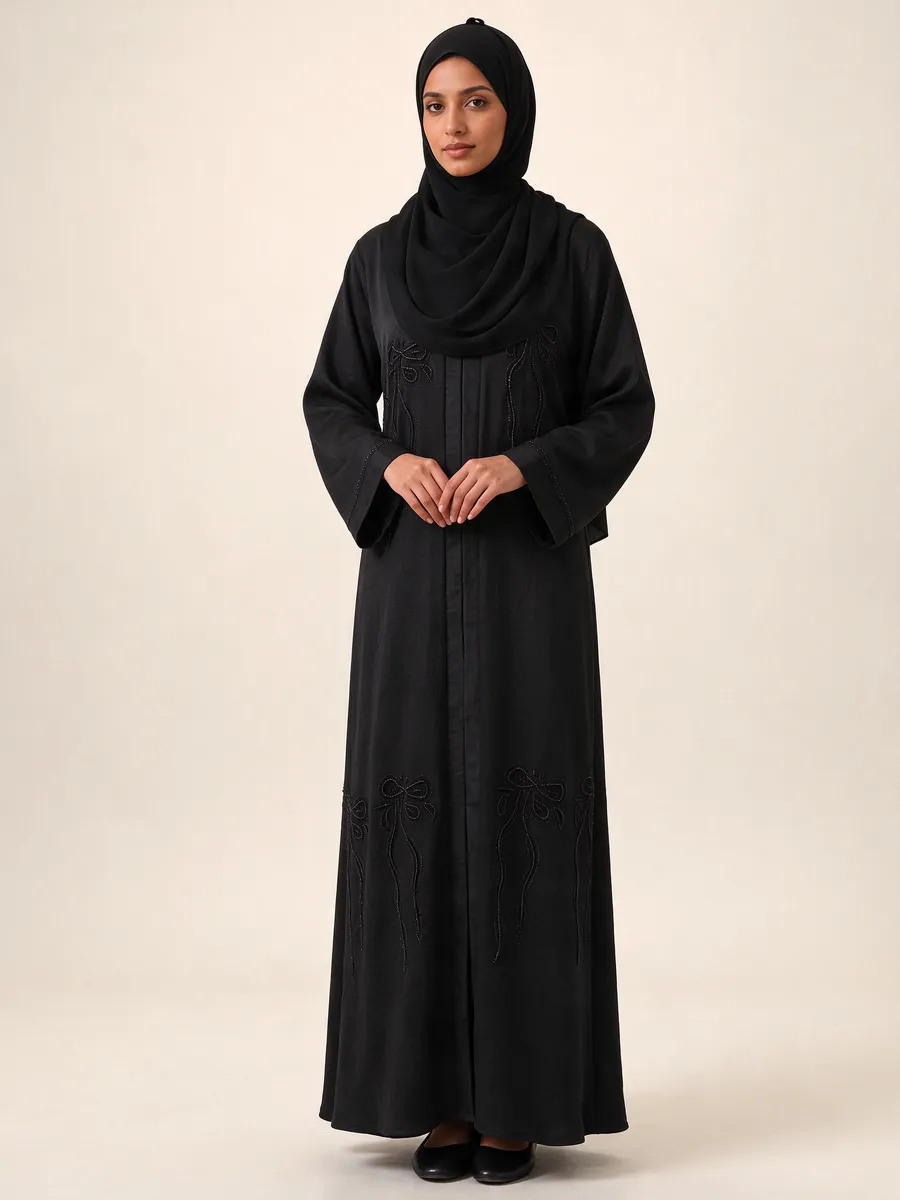 Fivo
Two more, front and back
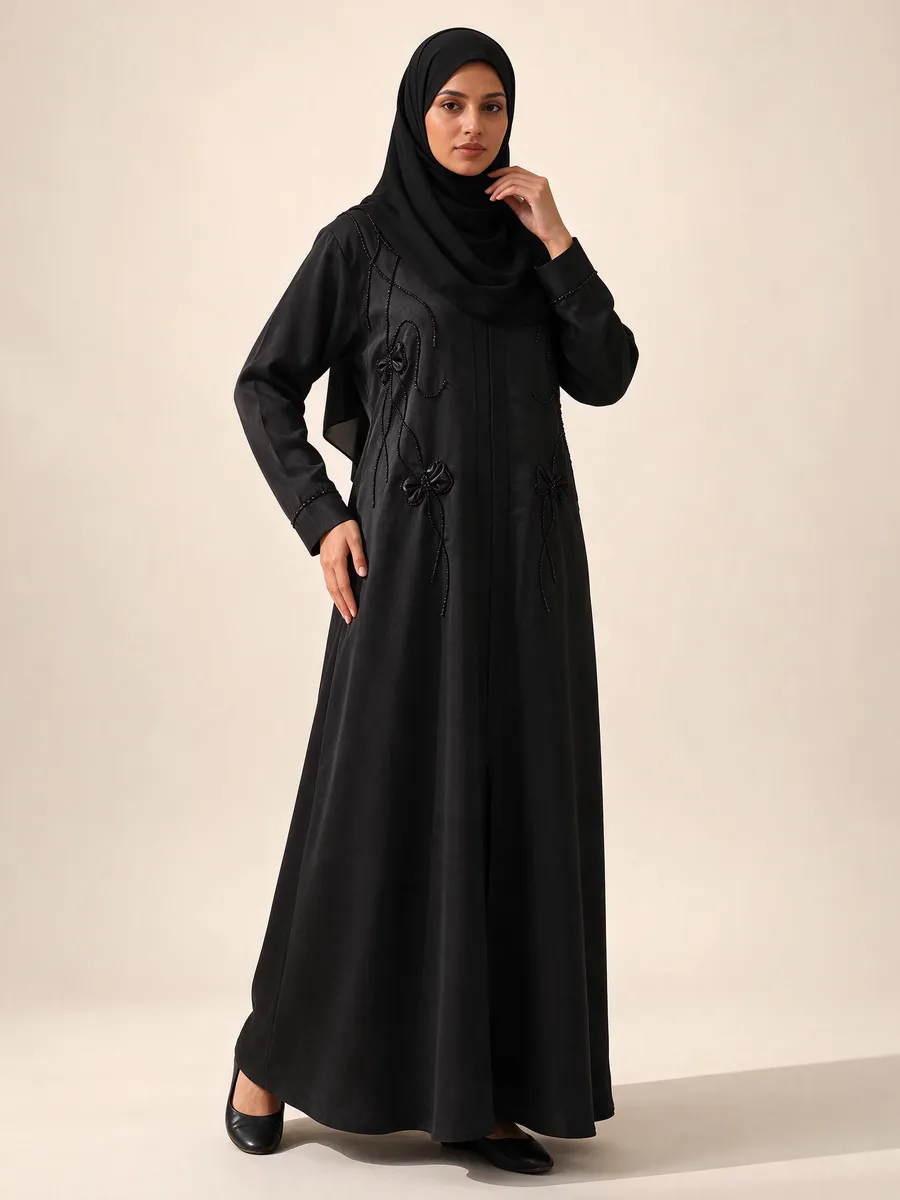
Studio day or Fivo
| Studio shoot | Fivo | |
|---|---|---|
| Getting stock to a studio | Pack, ship and steam every abaya | A phone photo in the shop |
| Styling the hijab | A stylist on set, piece by piece | Chosen once, carried across the range |
| Back and side views | Turn, relight, reshoot | From the same reading of the abaya |
| Ramadan and Eid timing | Booked weeks ahead | Usually within 24 hours for a Studio range |
| Cost | Day rate, model and studio hire | About ₹20 an image, priced before you generate |
Questions
What modest-wear sellers ask before they shoot their first abayas with Fivo.
Yes. Every abaya on this page started as a phone photo of the garment on a shop mannequin. Photograph it full length, shoulders to hem, in even light, and add a close-up of the front panel or cuff where the work is.
The results on this page style each abaya with a hijab, while the brand's photos show the abaya's own hood. You choose the styling for each piece, and you review every image before you use it.
Fivo reads the abaya once from your photos and builds every view from that reading, so rhinestone lines, paisley embroidery and beaded bows stay where they are on the garment. A close-up photo of the work gives the finest detail to read from.
Colour is taken from your photo, and a colour-match step runs on every image, so black stays black and beige stays beige. Photograph in daylight without flash, then check each image against the abaya before you list it.
Yes. Pick a model from Fivo's catalogue in the look and age group of your customers, then a pose for each shot. In Fivo Studio the same model, pose and styling carry across a whole range, so your listings look like one brand.
Yes. Front, back, side and close-up come from the same reading of the garment, as with the eight abayas on this page. Add a photo of the back if it has its own work, such as a pleat or embroidery.
One abaya takes minutes in the Fivo Android app. A whole collection in Fivo Studio is usually ready within 24 hours, so a range photographed in the shop can be listed the same week.
About ₹20 for a Standard image, with no subscription. The total with GST is shown before you generate, and credits for an image that fails are released. Full-service production of a range is quoted. See Fivo pricing.
YOUR NEXT ABAYA COLLECTION
 Fivo for AndroidShoot one garment at a time on your phone. Images and videos in your brand's look.