Every image matches
The same garment, fabric, design and model across front, back, side and close-up, and across the whole collection.

AI photoshoot sample
Before a season goes through AI, put one piece through it. Create a sample takes a single product photo and the goal you have in mind, opens it in Fivo Studio, and lets you judge your own label on model while the rest of the range waits.
From about ₹20 an image · price shown before you generate · see pricing
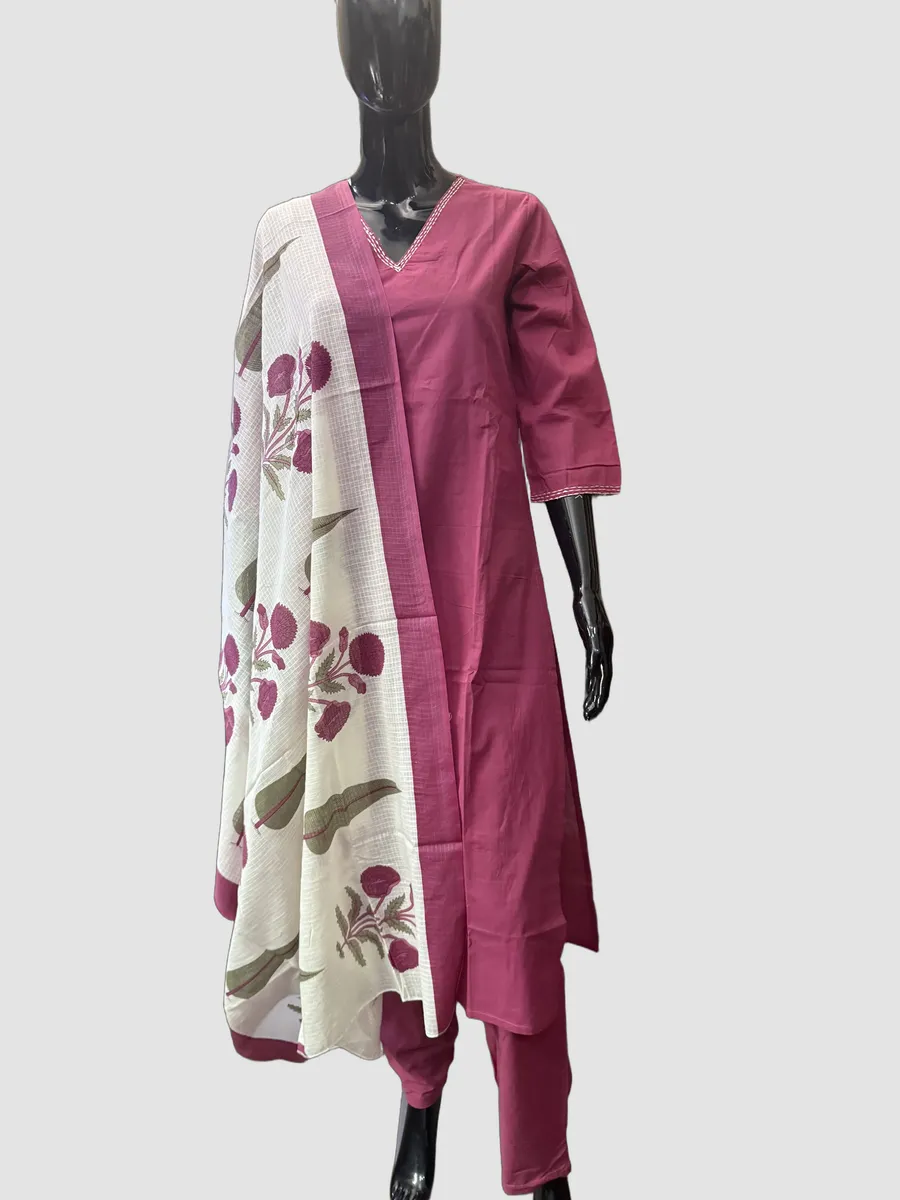 Brand's mannequin
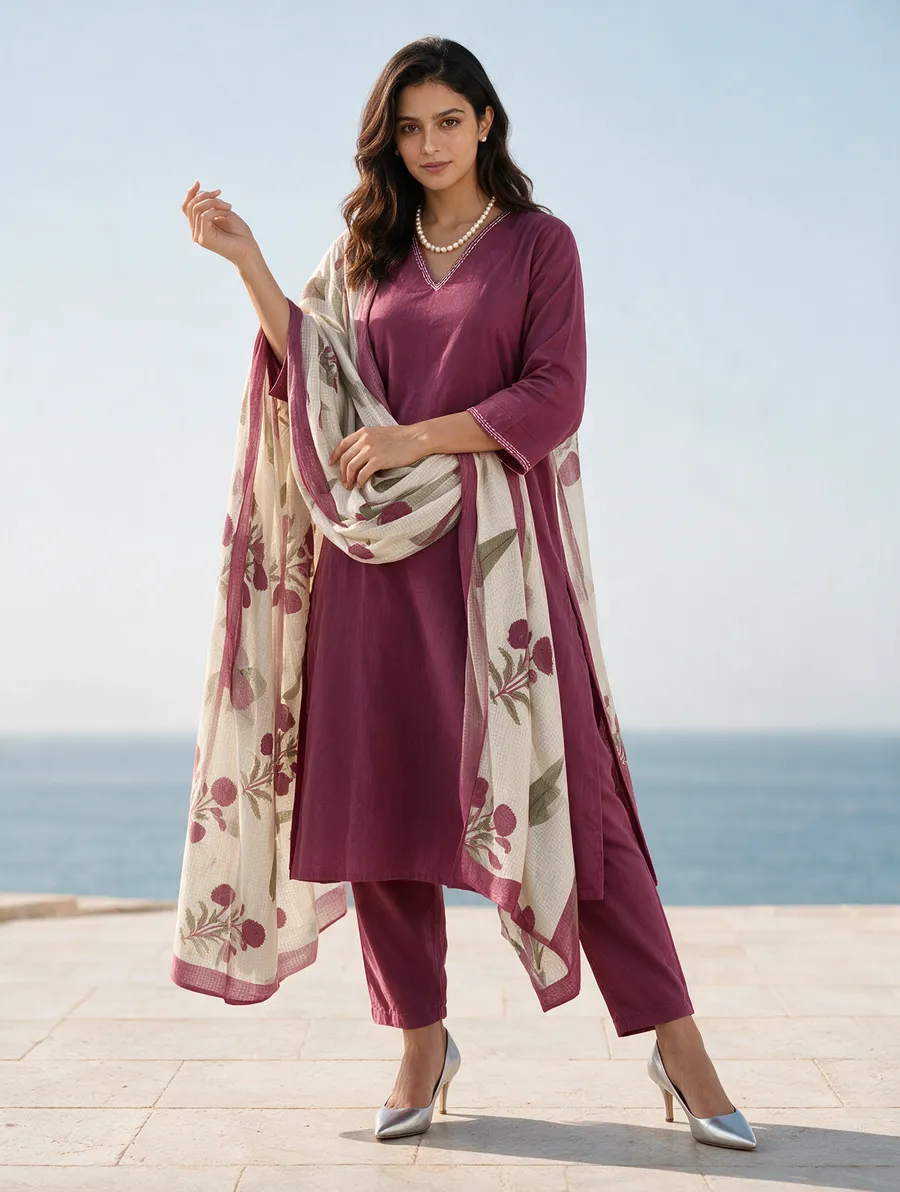 Fivo
An AI photoshoot sample is one of your garments put on model before you commit a whole collection. On Fivo, Create a sample takes one product photo and a goal, then opens Fivo Studio, where you choose the model, pose and background and compare the result with the real piece for true colour and consistent views.
Why brands choose Fivo
Customise every shoot to your brand. Fivo keeps your garment, your models, your styling and your look the same in every image you put out.
The same garment, fabric, design and model across front, back, side and close-up, and across the whole collection.
Your photo is the reference: colour, print, embroidery and cut are carried into every image, not reinvented.
Choose the pose for each shot, from straight catalogue fronts to walking, seated and detail shots.
Pick models by the look and age group your customers relate to: women, men, kids, Indian or international.
Choose each styling article per garment: footwear, jewellery, bags, watches, belts, and the top or bottom it's paired with. Or upload your own.
Three doubts, one garment
Print repeat, embroidery, yoke, neckline and hem length, judged on your own piece instead of someone else's showcase. If the busiest kurta in the range holds, the plain ones will too.
Pick a woman, man, girl, boy or someone from the older age group in Fivo's catalogue, Indian or international, and ask one question: does this look like the person who already buys from you?
Set the pose and background, and style it your way: Fivo's footwear and jewellery, your own accessories, or none. Beside last season's photos, it should read on-brand.
Fivo reads the garment once and builds front, back, side and close-up from that reading. A sample shows whether the motif and model stay the same across them before a range depends on it.
One set, two looks
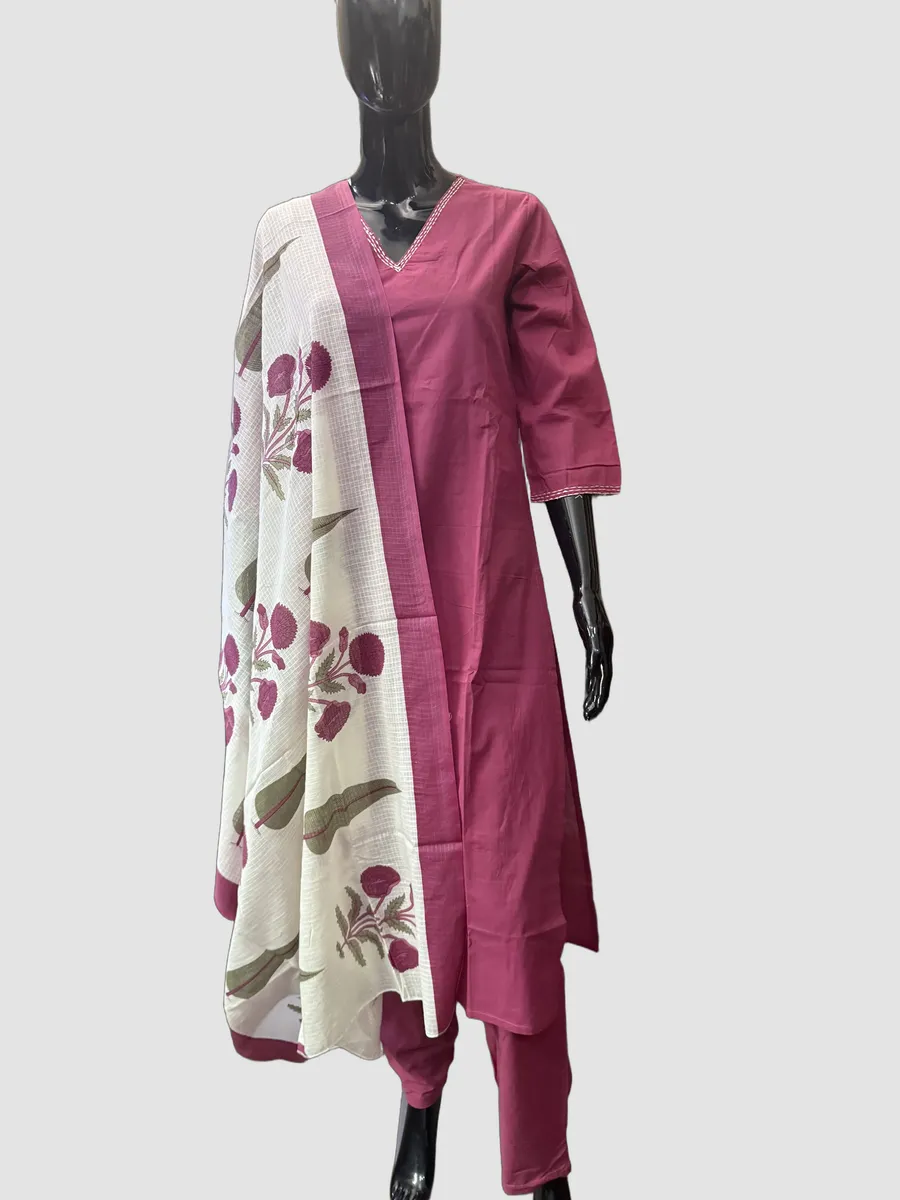
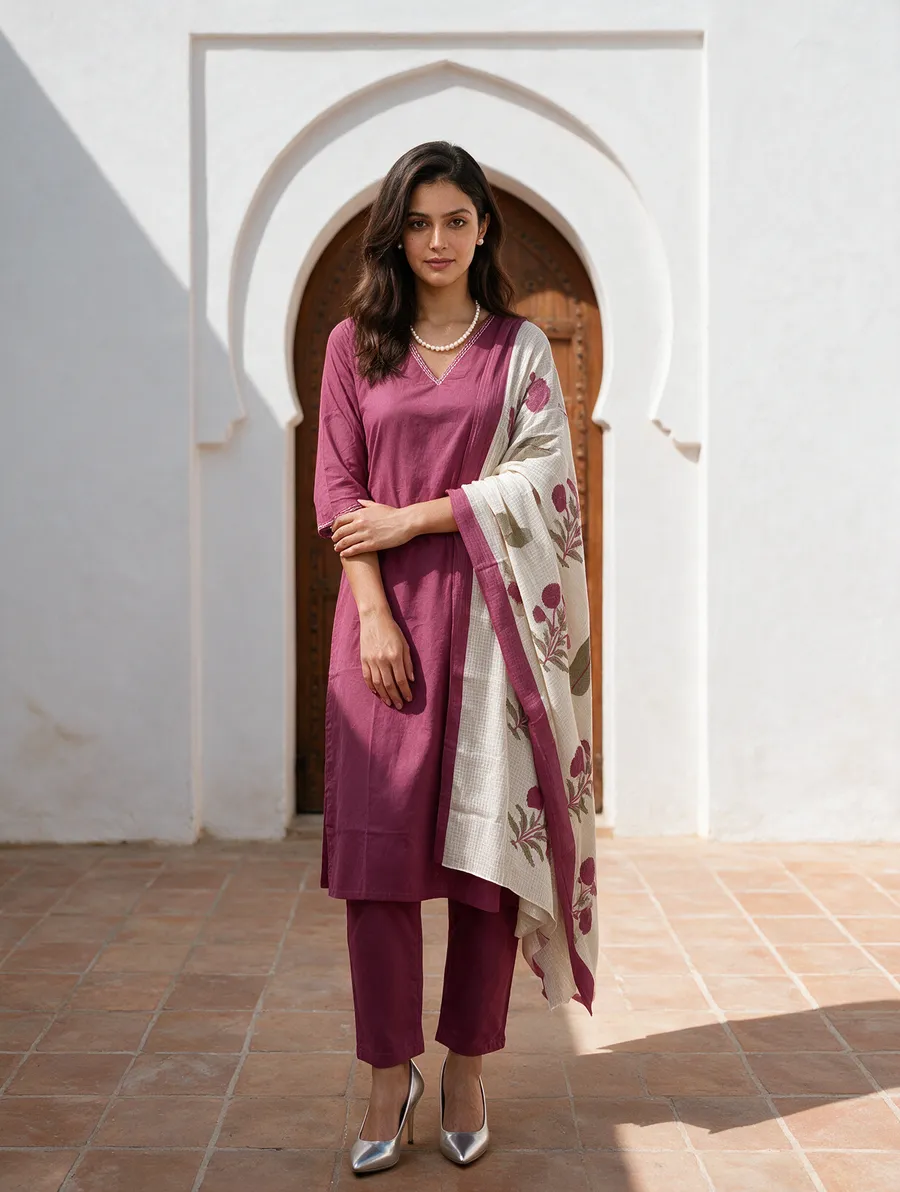
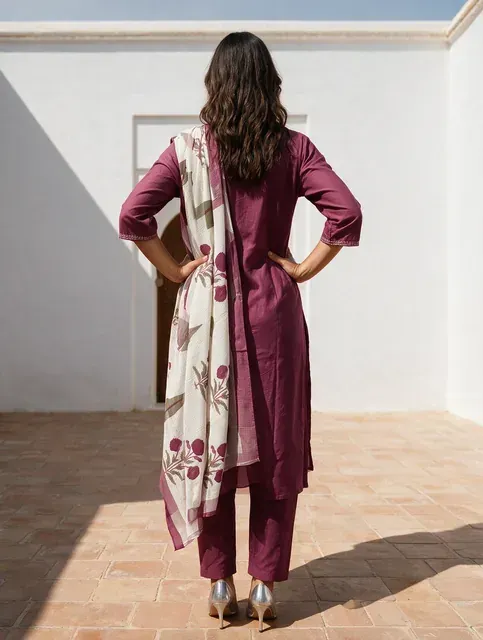
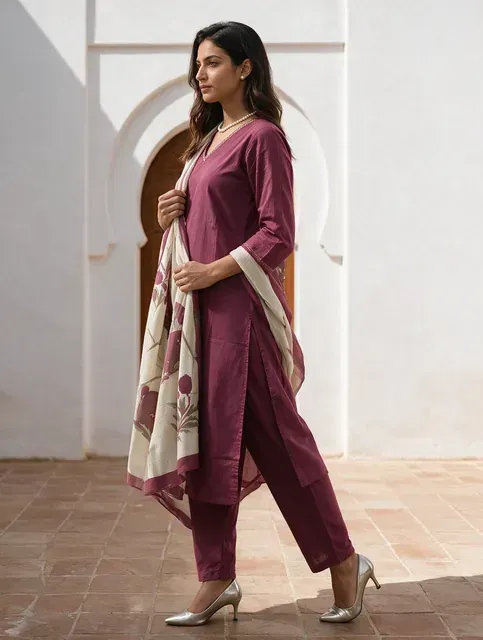
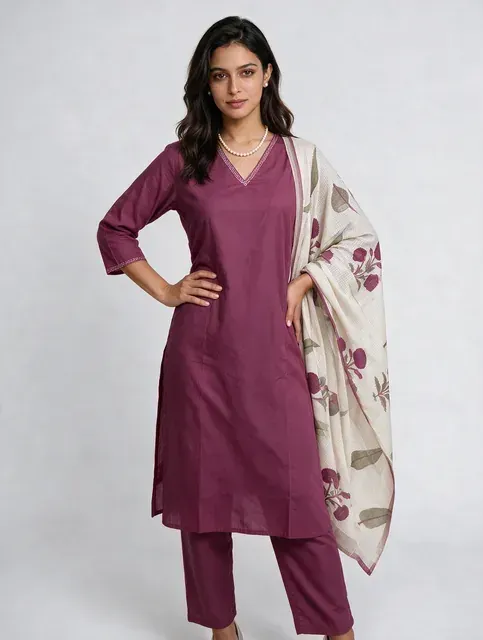
The hero shows this kurta, pant and dupatta on a seaside terrace. Here it is in a whitewashed courtyard, in every view, from the brand's mannequin photo. Trying two looks on one garment before choosing is exactly what a sample is for.
Which piece to sample
A dense block print, a check, or a buta that has to land in one exact spot on the front panel. Easy prints prove very little.
Mirror work on a placket, thread-work on a yoke, gota on a hem. Upload a close-up of the work beside the main photo.
You already know how it looks on a person, so a wrong sleeve length or a shifted motif shows up at a glance.
Shot as one outfit, a set shows whether the bottoms and the dupatta are styled the way your customers expect.
Good test garments
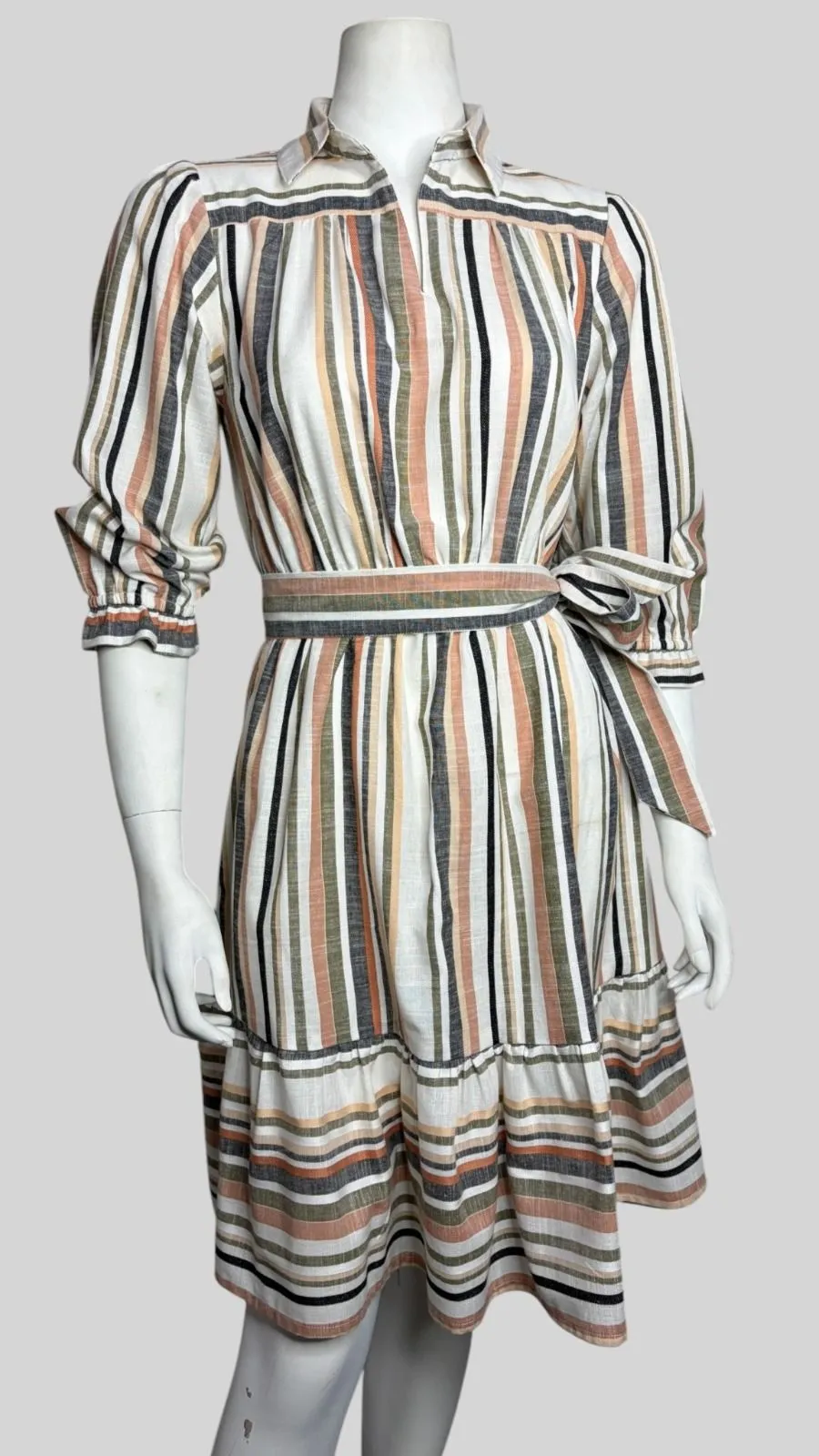
Both started as mannequin photos. The shirt's stripes must run straight down the placket; the dress's tiered hem must stop at the knee. When a sample like these is right, the simpler pieces follow.
 Brand's mannequin
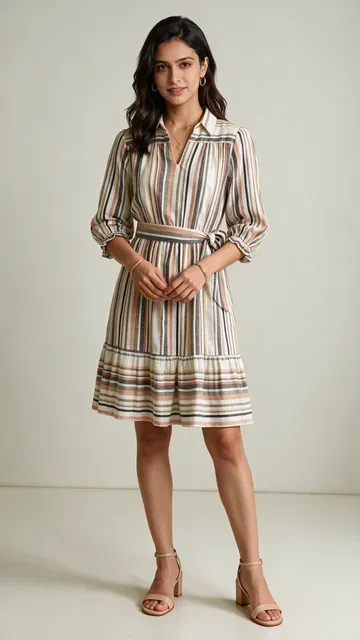 Fivo
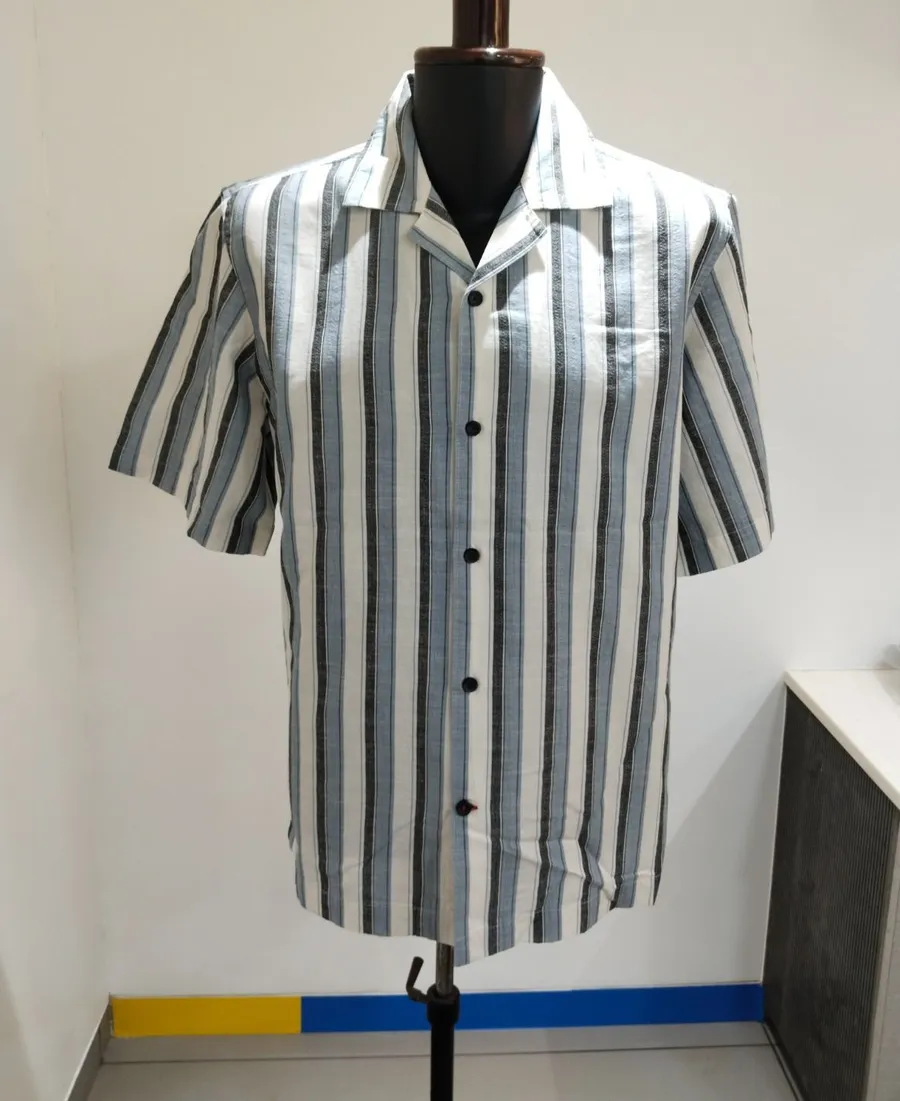 Brand's mannequin
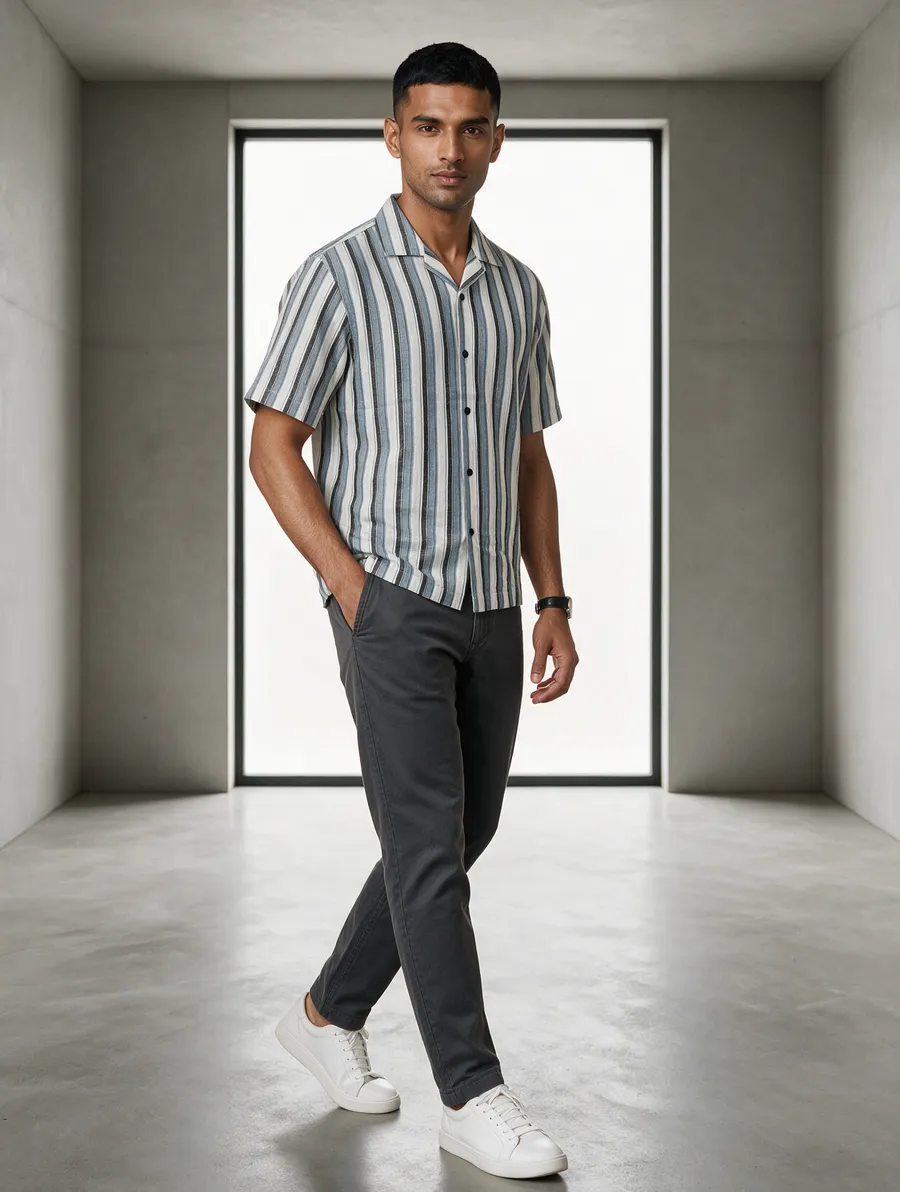 Fivo
How Create a sample works
A flat-lay, a mannequin shot, an on-model picture or a packshot, as JPG, PNG or WEBP. One clear photo of the whole garment is enough.
Catalogue / PDP, Marketplace, Campaign, Social / ads or Product video. Unsure? Choose Let Fivo recommend.
Use your mobile number. The photo you chose is waiting in Studio, so nothing is uploaded twice.
Choose the model, pose, background and format. The full price, GST included, appears before anything is made.
Judging the result
Look at it the way a shopper zooms into a listing, with the actual piece beside you in daylight. Colour and print placement first, because those are what returns are made of. Then shape and fit, then the brand questions. Fivo reads the garment once and makes every view from that reading, so check the back, side and close-up against the front too.
Once the sample works
Keep the model, pose and background the sample settled and apply them to every garment in the collection, usually ready within 24 hours.
Open Fivo StudioFor pieces that arrive one by one after the launch: photograph each on your phone and have it on model in minutes.
Get the Android appThe sample convinced you but nobody has time to run the shoot? Fivo's team produces the collection end to end.
Questions
What brands ask before they test Fivo on one garment.
On getfivo.com, choose Create a sample and pick one product photo: a flat-lay, a mannequin shot, an on-model picture or a packshot. Choose what the images are for, such as a catalogue, a marketplace, a campaign, social or a product video. You then sign in to Fivo Studio with your mobile number, and the photo opens there ready to set up.
Before anything is generated. In Fivo Studio and the Android app the full price, GST included, appears once you have chosen the look, and you decide then whether to go ahead. Uploading costs nothing, and credits for an image that fails are released. Standard images are about ₹20 each; see Fivo pricing.
Compare it with the real garment in daylight: the colour, where the print and embroidery fall, the neckline, the hem length and the fit. Then judge whether the model suits your customer and the background suits your site. If you made several views, check that they agree with each other.
Yes. You choose the model from Fivo's catalogue, along with the pose, styling and background, so one garment can be set up in more than one look and compared, as the plum set on this page was. Each set of images is priced on screen before it is generated.
Upload the rest of the collection to Fivo Studio and keep the model, pose and background that worked. Studio applies that look to every garment, so the range matches, and a full collection is usually ready within 24 hours.
The one most likely to go wrong: a dense print, heavy embroidery, a stripe or check that must stay straight, or a set with a dupatta. A bestseller works too, because you already know exactly how it should look. An easy garment tells you very little.
A straight-on photo with the whole garment in frame and even light. It can be on a hanger, a mannequin, laid flat, on a person, or a plain phone photo. If the design depends on embroidery or a back detail, add a close-up and a back view. Shooting from a dress form? See mannequin to model.
Yes. You may use the images Fivo generates for any lawful purpose, including product listings, advertising and social media. Each marketplace still reviews listings against its own image rules.
START WITH ONE PIECE
 Fivo for AndroidShoot one garment at a time on your phone. Images and videos in your brand's look.